About
A private place to keep a lifetime of data
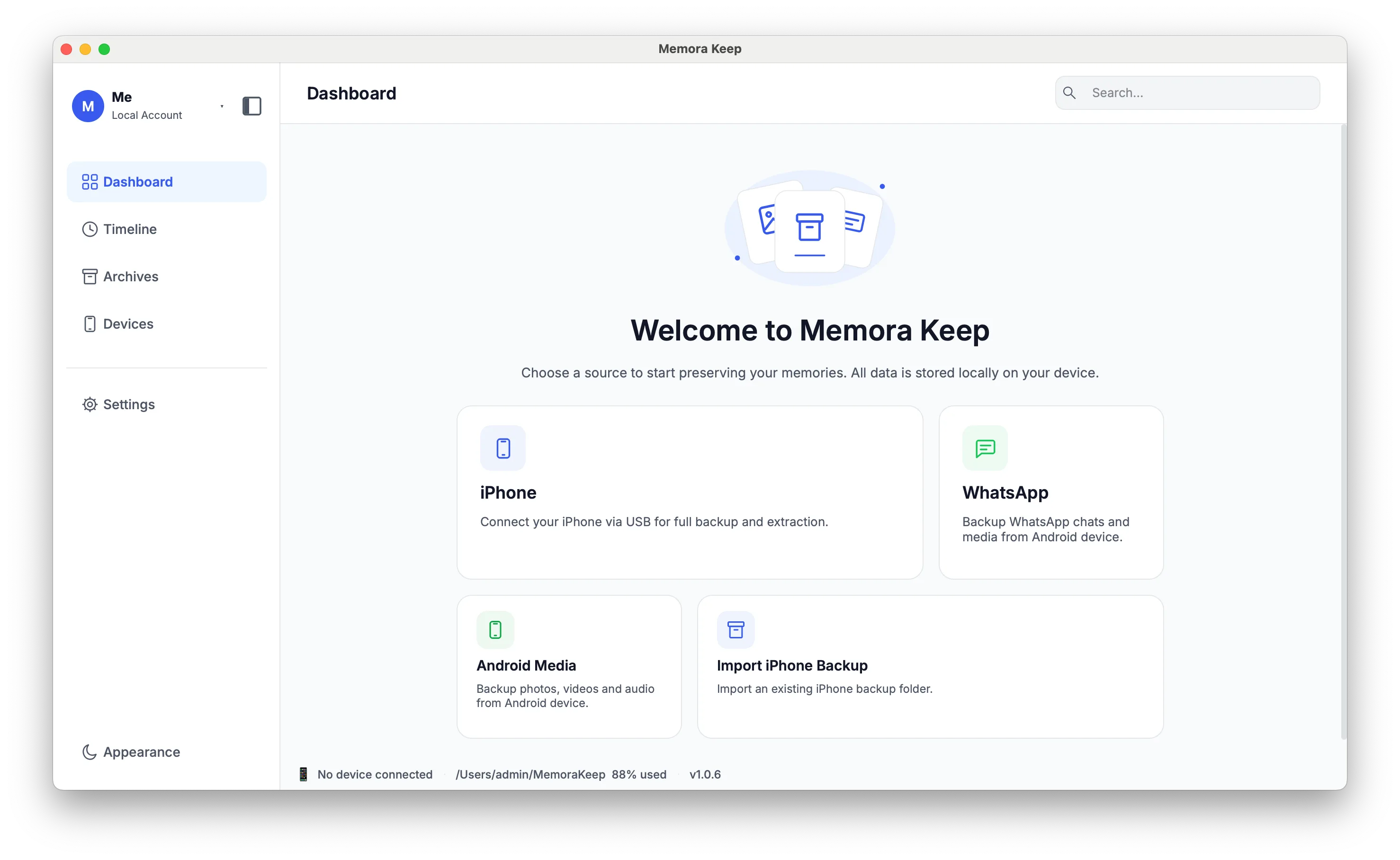
Memora Keep helps you keep phone backups and digital memories on your own computer, browse them and export files you can open in other apps.
Windows & macOS · Free · No account required
Mission
Keep what matters, on your own terms
Our lives are scattered across phones, computers, backup files, external drives and cloud accounts. The photos, the conversations, the messages and the small records of a life end up in a dozen places, each with its own rules about how long it will last and who can see it.
Memora Keep brings supported phone backups and media into one place on your computer, where you can browse them and export the items you need. The goal is not another subscription to maintain. It is an archive that stays readable and controllable, in files you can still open years from now. Handing an archive on to somebody else is a direction the product is being built towards, and it is not a feature that works today.
That purpose shapes every decision. It is why there is no account, why the data is written to your disk rather than our servers, and why exports use open formats instead of a container only this app can read.
How we build
Four principles we design against
These are the constraints the product is held to, not aspirations added afterwards.
- Stored on your computer Backups, media and the parsed archive are written to a folder you choose. The app is not a front end for a service, and it keeps working with the network turned off.
- Plain files, no lock-in Export WhatsApp chats to HTML, CSV or PDF, contacts to VCF and media as original files. These exports can be opened without Memora Keep.
- No account, no ads There is no sign-in and no server-side profile, and the app has no ads and no third-party tracking. Diagnostics stay on your computer unless you choose to send them.
- Built to be kept Keep readable exports that you can share with family when you choose. Tools for deciding who receives archive data and when are a future goal, not an available feature.
Privacy is the product, not a policy page
The archive is local by design, so there is very little for us to protect and almost nothing to hand over. That is a property of how the app is built, not a promise that can be changed by an update to a policy page.
- No account and no sign-in required
- Backups, chats and media are never uploaded
- Diagnostics stay local unless you choose to send them
- Backups and the archive stay readable offline
The exact wording, including what the crash reporter and the log contain, is in the Privacy Policy. Vulnerability reports are covered on the security page.
Elsewhere
Where to go next
There is no published company history or team page here, because none of that is documented yet. These are the routes that do exist.
Related
Keep reading
- Page Why Memora Keep The local-first argument in full: ownership, open formats and long-term readability. Read
- Page Roadmap What version 1 does, what is being built next, and what this phase leaves out. Read
- Policy Privacy Policy What stays on your computer, and the diagnostics that never leave it unless you send them. Read
Start your own local archive
Free, with no account or subscription. Your archive stays on your computer.
Windows & macOS · Free