How to Back Up WhatsApp Before Switching Phones
Before changing phones, prepare a supported WhatsApp transfer or restore source and verify a separate readable copy of important chats.
2 min read
On this page
Before switching phones, prepare the backup or transfer route supported for your device pair. If you also want to read important chats on a computer, save a separate archive or export while the old phone is available.
Check both results before erasing or handing over the old phone.
What you need
- The old phone and access to its WhatsApp account.
- The source required by your chosen restore or transfer method.
- For computer reading copies: free Memora Keep on Windows or macOS, a supported source and enough space.
Choose the transfer route first
Check WhatsApp’s current backup and restore guidance for the old and new platforms. Same-platform recovery and cross-platform transfer have different requirements.
A PDF, HTML or CSV export is not an input to WhatsApp’s official restore process. Memora Keep’s separate Android-to-iPhone transfer workflow has its own requirements and uses a full-device restore that may replace target data.
Save a current source
Create the required backup while the old phone still contains the chats. Note the account and backup date, and check completion rather than relying on a scheduled backup having run.
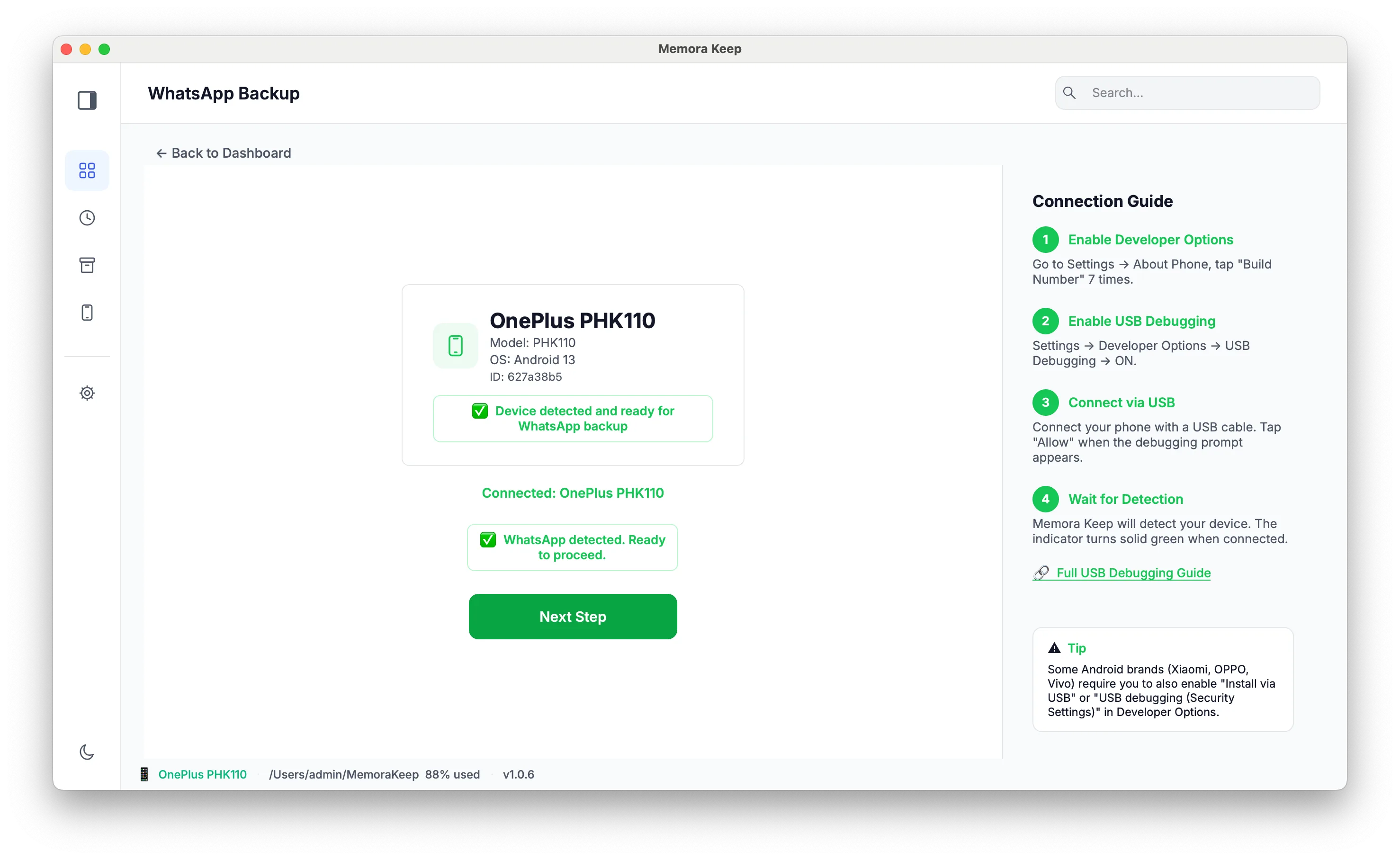
For a local archive, use the Android WhatsApp workflow or import a local iPhone backup.
Keep important chats readable
In Memora Keep, open Archives → WhatsApp and check key conversations. Export them as PDF or HTML + Media, extract the output and open important attachments.
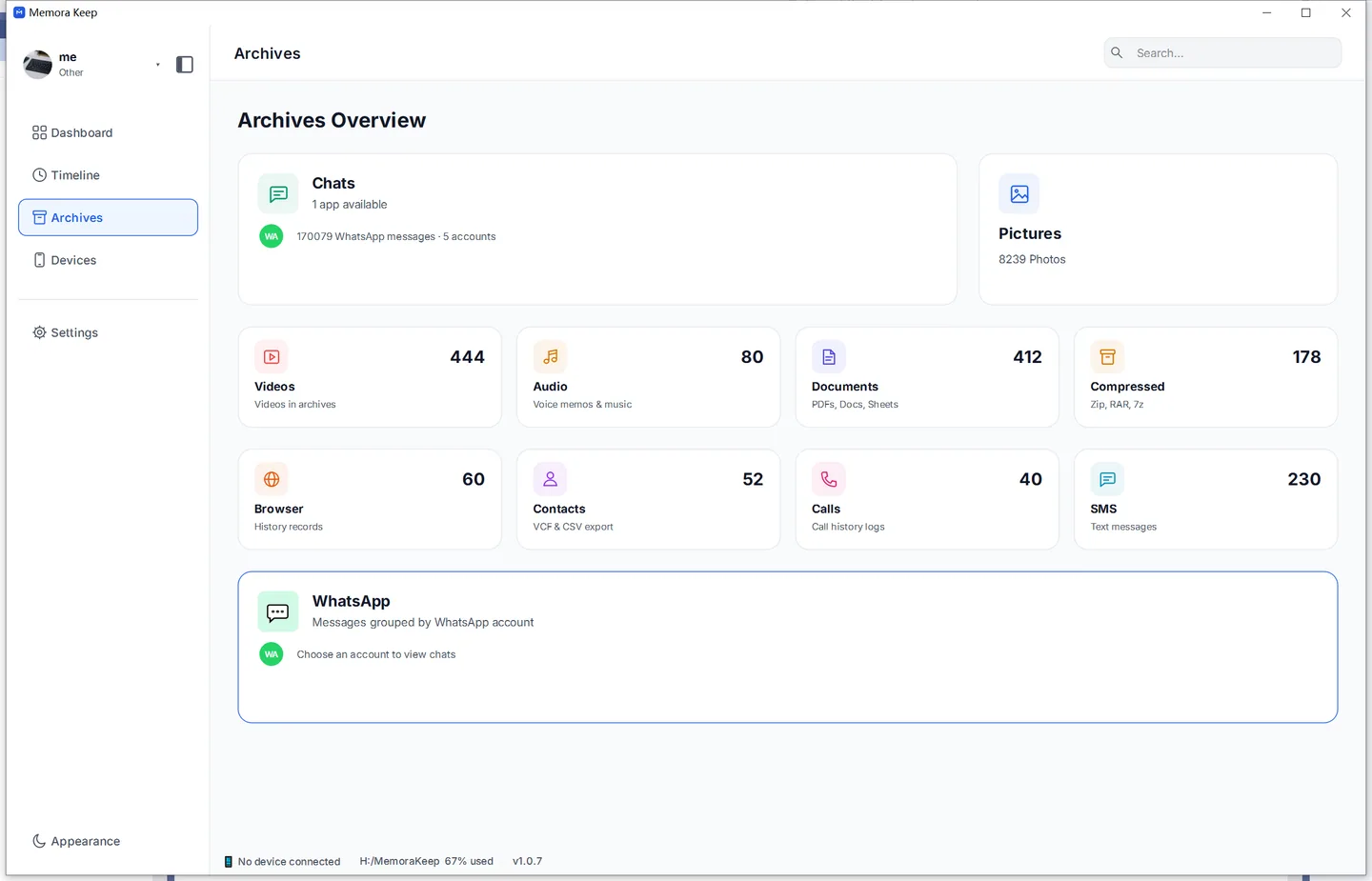
Keep these files as a separate reading copy. They are useful for reference even when you do not want to restore a phone.
Verify before letting the old phone go
On the new phone, check important chats, older dates, groups and media. On the computer, open both an archived conversation and an exported file.
If either check fails, keep the original source while investigating. Do not treat a successful transfer screen as proof of complete historical coverage.
See backup vs export for the different purposes of these copies.
- switch phones
- backup
- checklist