How to Back Up WhatsApp Business from Android to a PC
Save WhatsApp Business chats from Android to a PC. Check app detection, complete the USB backup and verify customer messages and media.
2 min read
On this page
Memora Keep can save WhatsApp Business conversations from an Android phone into a readable archive on your PC. Check the app detection before starting: when regular WhatsApp and WhatsApp Business are both installed, the current backup workflow selects regular WhatsApp and has no Business selector.
What you need
- Memora Keep on your Windows computer. It’s free.
- Your Android phone with WhatsApp Business and a USB data cable.
- Enough disk space for the backup, including media.
This guide covers the WhatsApp Business phone app, rather than Business Platform/API records.
1. Check the phone setup
Business is selected when the phone has WhatsApp Business installed and regular WhatsApp is absent. If both apps are installed, do not uninstall or clear either app to force a backup. Use WhatsApp Business’s built-in Export Chat option for important conversations instead.
Before starting, open Business on the phone and check that the conversations and attachments you need are available.
2. Run the WhatsApp backup
Connect and unlock the phone, then open the WhatsApp backup workflow in Memora Keep. Follow the connection and permission prompts, keeping the cable connected until the process finishes.
Review the completion message. If the process stops or reports missing data, resolve the reported issue before treating the copy as complete.
3. Check the saved account and chats
Open Archives → WhatsApp and confirm that the saved account matches your business number.
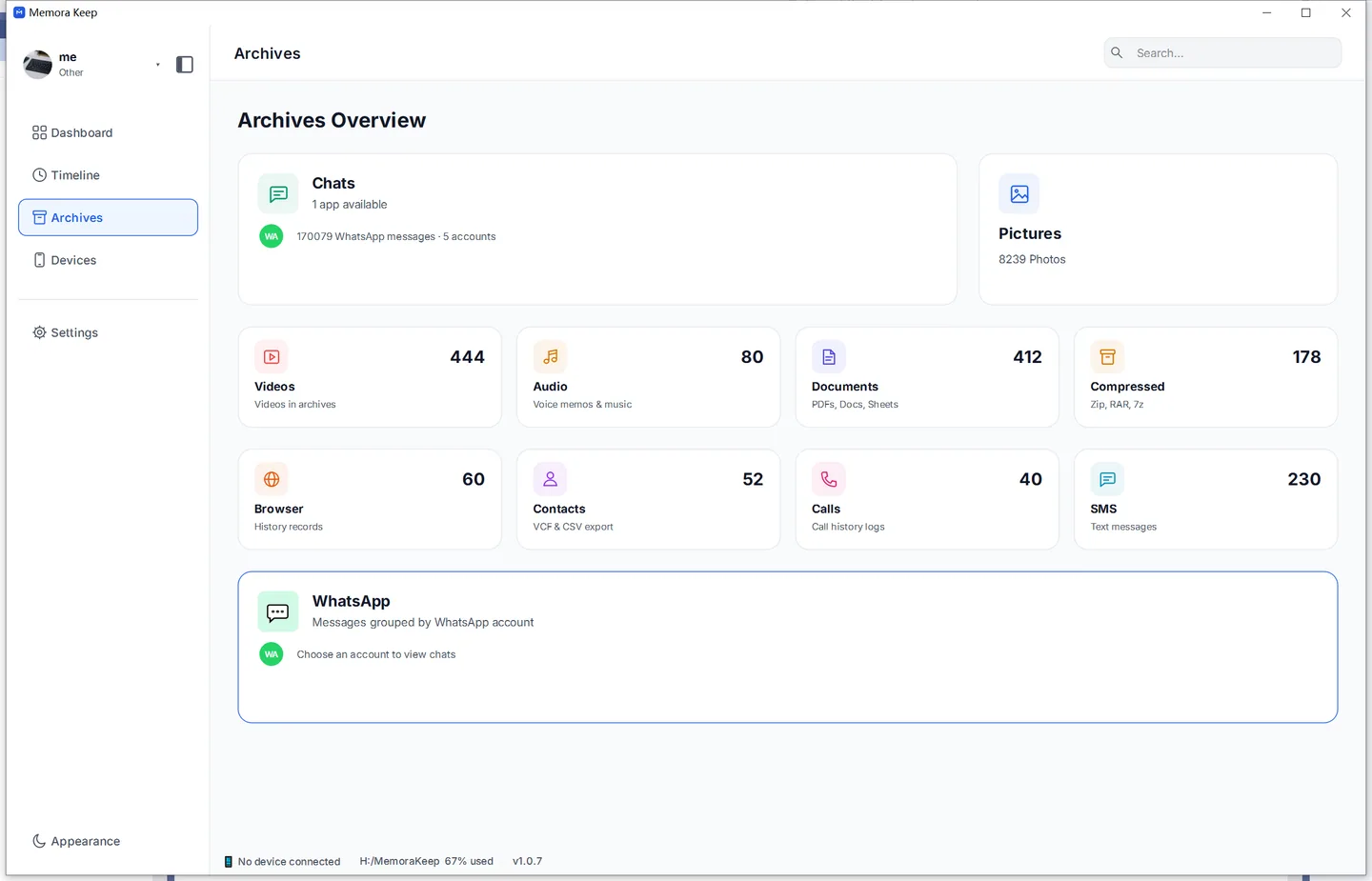
Open a customer conversation you know well. Check an older exchange and a recent message, then try a photo, document or voice message. A successful backup message alone does not confirm that every attachment you need is readable.
This workflow focuses on conversations and media. Do not rely on it to preserve structured Business settings such as catalogs, labels or automatic replies.
4. Save a useful reading copy
Export a customer conversation to PDF for reading, or messages to CSV for spreadsheet review.
Keep the backup date with your records. Repeat the backup when you need newer messages, and check the new copy before replacing an older one.
- whatsapp business
- android
- backup
- pc