How to Back Up WhatsApp Chats and Media Locally
Save WhatsApp messages and available media in a local archive. Check text, photos, videos, voice notes and documents separately.
2 min read
On this page
A useful local WhatsApp copy includes both readable messages and the attachments you want to keep. Memora Keep can build that archive from supported Android WhatsApp data or a local iPhone device backup.
Check text and media separately: a conversation can load even when some files are unavailable.
What you need
- Free Memora Keep on Windows or macOS.
- An Android phone for the dedicated WhatsApp workflow, or a complete local iPhone backup.
- The iPhone backup password if encrypted and space for the data and exports.
Choose a few items to verify
Write down the conversations and dates that matter. Include a photo, video, voice note and document where available.
Open those items on the phone or in an existing source before backing up. This gives you a useful comparison if something is missing later.
Create the archive
For Android, connect and unlock the phone, then follow the dedicated WhatsApp backup wizard. A general media copy does not replace this process.
For iPhone, choose Import iPhone Backup and select the complete folder. Check the device and date, then enter the backup password if asked.
Memora Keep does not directly import Google Drive or iCloud chat backups.
Check the result
Read the completion message and warnings. Open Archives → WhatsApp and check the account, conversations and sample dates.
Try opening each important attachment. If text appears but media does not, inspect the source file, copy warnings and format support. It does not automatically mean the source lacked the file.
Preserve the source and a reading copy
Keep the complete source backup. Export important conversations as HTML + Media or PDF, then extract the package and test the actual files.
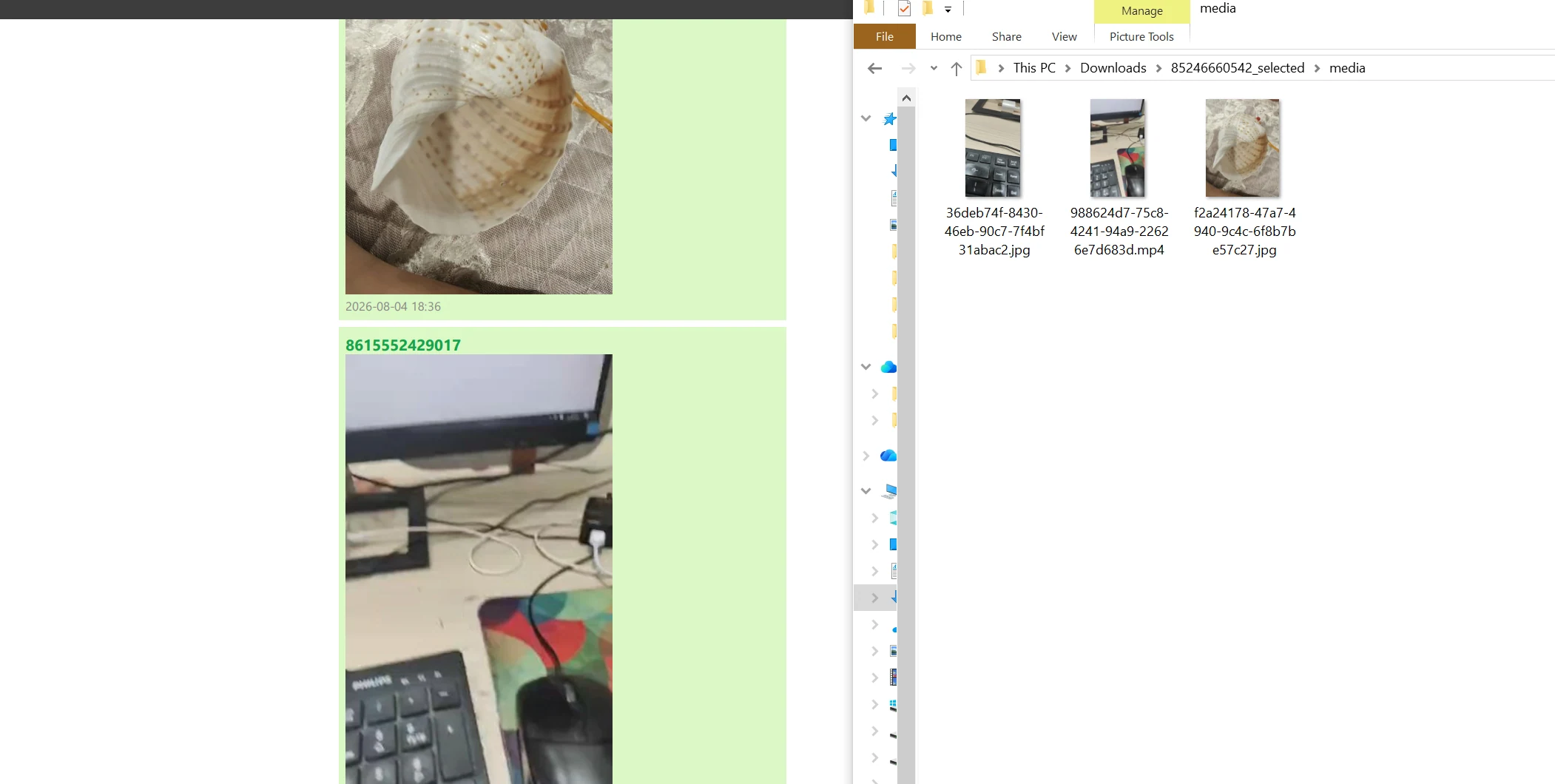
A second copy on another drive can help if the computer’s storage fails. Maintain it deliberately; this workflow does not provide automatic synchronization or version retention.
For the distinction between restore sources and reading files, see WhatsApp backup vs export.
- local backup
- media
- archive