How to Download Your WhatsApp Chat History
Find the right way to save WhatsApp history: export readable chats, use a supported restore backup, or request an account information report.
2 min read
On this page
“Download WhatsApp history” can mean saving readable chats, restoring messages to a phone, or requesting account information. Each produces a different result.
For a reading copy, start with conversations on your phone or in a supported local backup.
What you need
- For a phone export: access to the conversation in WhatsApp.
- For a local archive: free Memora Keep on Windows or macOS and a supported source containing the chats.
- Enough space for the archive and any exports.
Choose the result you want
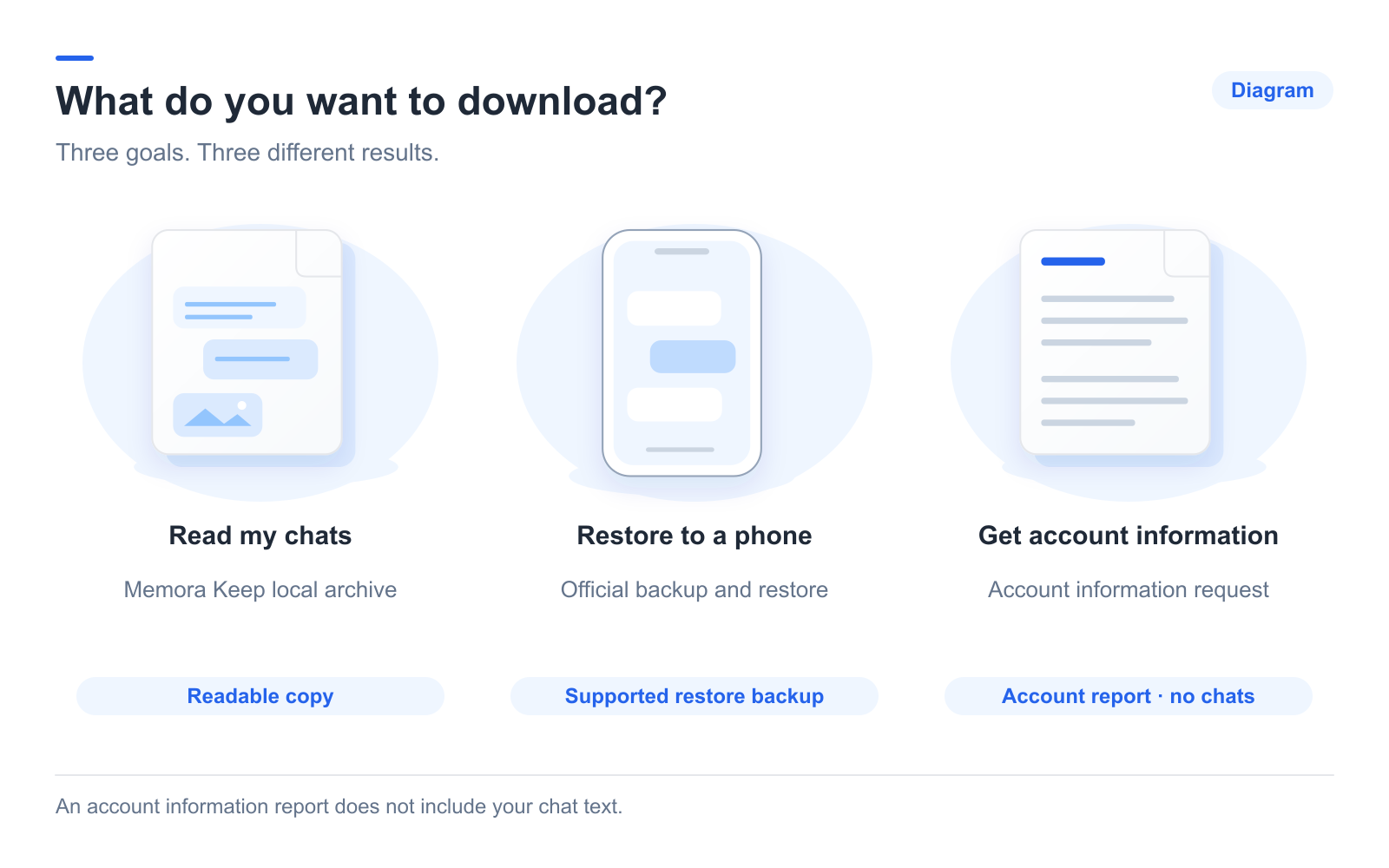
- Read or share messages: use a chat export or readable archive.
- Restore chats to a phone: follow WhatsApp’s supported backup or transfer process.
- Get account information: request an account report. WhatsApp explains that this report excludes messages.
An account report cannot supply the text of a conversation.
Save a conversation from the phone
Use WhatsApp’s Export Chat option, choose whether to include media, and select a saving or sharing destination. Keep the text and attachments together.
Follow the Android instructions or iPhone instructions. Check the saved date range; a built-in export should not be assumed to contain unlimited history.
Export from a local archive
In Memora Keep, back up Android WhatsApp over USB or import a local iPhone backup. When finished, open Archives → WhatsApp and choose the account.
Click Export to select conversations, dates and PDF, HTML + Media or CSV. Multiple conversations can be exported in one operation, with separate outputs.
This workflow does not download chat backups directly from Google Drive or iCloud.
Check what you saved
Open the reading file and compare older and newer messages with the archive. Test important attachments and note the destination folder.

If you no longer have the phone, an existing readable backup or archive may still help. A cloud backup requires its supported recovery route. A phone number alone does not retrieve message history.
- chat history
- download
- export