How to Export a WhatsApp Business Group Chat
Export a WhatsApp Business group conversation to PDF, HTML or CSV. Check the account, sender labels, date range and shared attachments.
2 min read
On this page
To save a WhatsApp Business group conversation, choose the group in your local Memora Keep archive and export it as PDF, HTML + Media or CSV. Check the account and date range so the saved copy covers the work you need.
What you need
- Memora Keep on Windows or macOS. It’s free.
- A readable Business archive containing the group. If needed, follow the Android Business backup guide.
- Space for the export and any media.
1. Confirm the group
Open Archives → WhatsApp, select your business account and find the group. Check its name and a familiar exchange; similar group names can be easy to confuse.
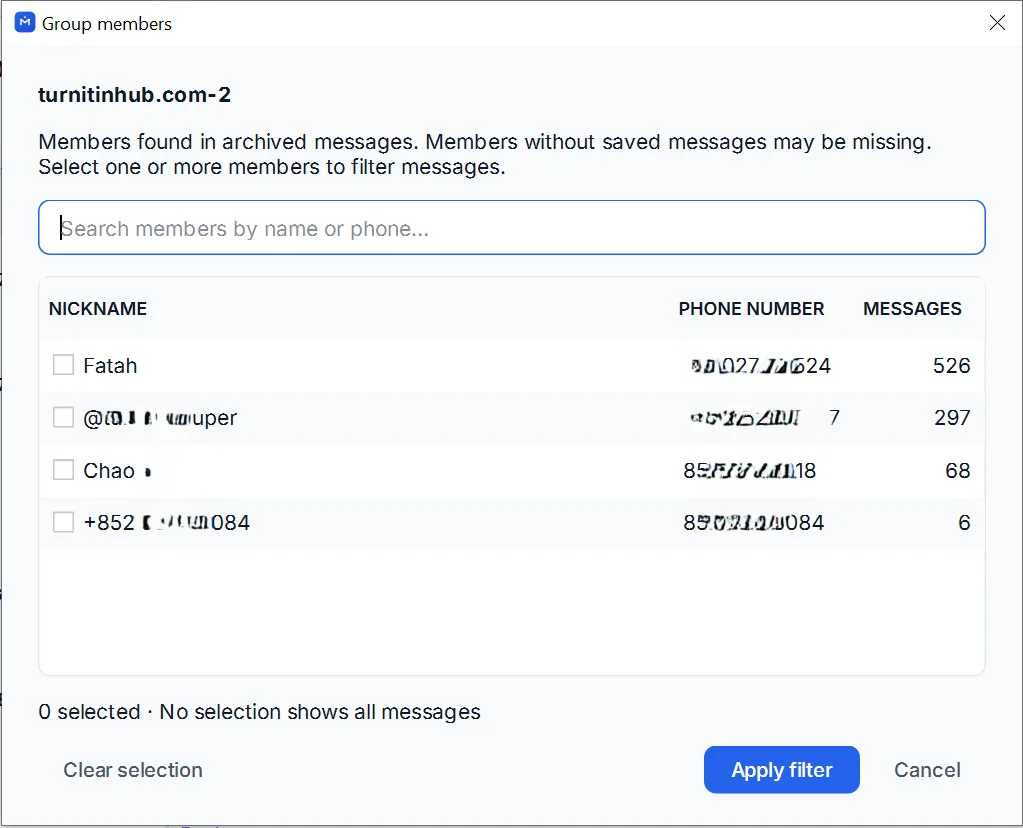
The export can only use messages present in the archive. Check the beginning and end of the required period instead of assuming that the group’s full history is available.
2. Choose the range and format
Clear any selected messages to use the chat export dialog. Click Export, choose the group and set the date range.
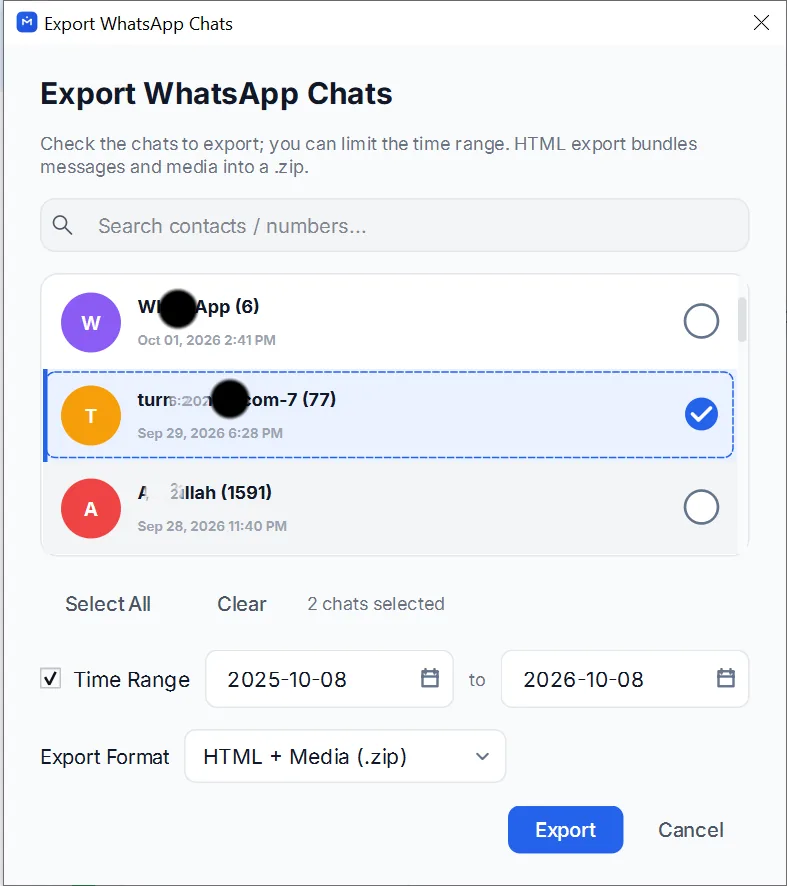
- PDF: a document for reading or printing, with separate media files when available.
- HTML + Media: a browser-readable conversation and accompanying attachments.
- CSV: message rows and media references, without attachment files.
For a project handover, include enough surrounding conversation to make decisions understandable. Review unrelated customer details before sharing.
3. Export and inspect the result
Save the export, read the completion message and extract any ZIP package. Open the document and check messages from several participants.
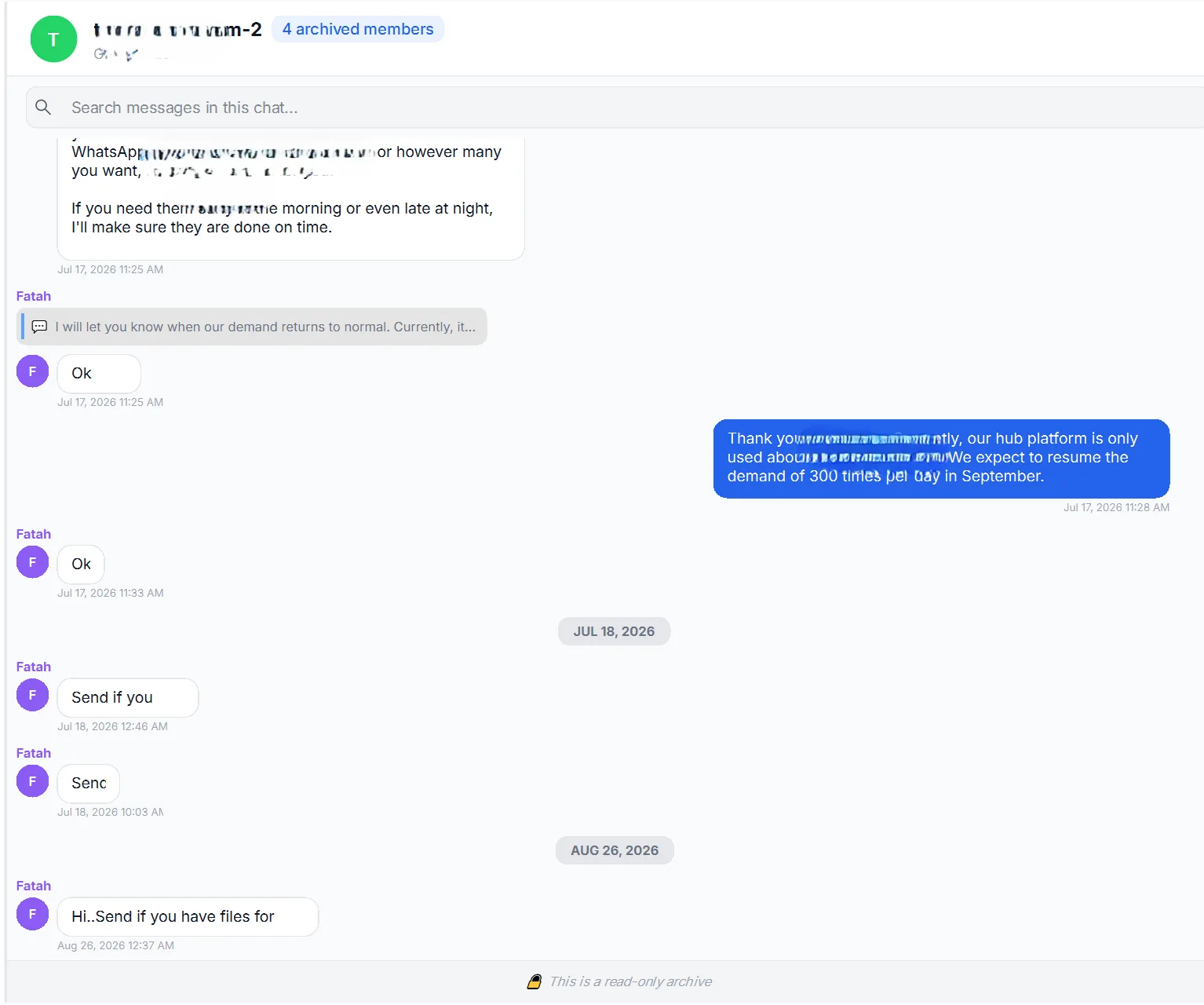
Sender labels depend on the source. If two people have the same display name, compare their messages with the archive and member details before attributing a statement. Do not assume every exported label includes a phone number.
Open important documents, photos and voice messages from the exported media folder. An attachment that opens in the archive still needs to be checked in the saved package.
For a single customer thread, follow the Business PDF guide.
- whatsapp business
- group chat
- export