How to Export an Entire WhatsApp Conversation
Export a full WhatsApp conversation from your local archive. Check message selection, date limits, older messages and media coverage.
2 min read
On this page
To export a whole WhatsApp conversation, choose the chat rather than individual messages and turn off the export’s date restriction. Then check the result against the history saved in your archive.
“Whole” means the messages available in that source. An export cannot recreate history absent from it.
What you need
- Memora Keep on Windows or macOS. It’s free.
- A readable WhatsApp archive from a supported phone backup or local iPhone backup.
- Space for the export and any media files.
Check which period the source covers
A backup can contain messages much older than its creation date. Messages sent after that date will not be in that backup, and messages deleted before it was made may also be absent.
Note the oldest and newest messages you expect, plus a few recognizable exchanges in between. If you still have the phone, compare those points with the archive. A difference needs investigation; dates alone do not prove why something is missing.
Export the conversation rather than selected messages
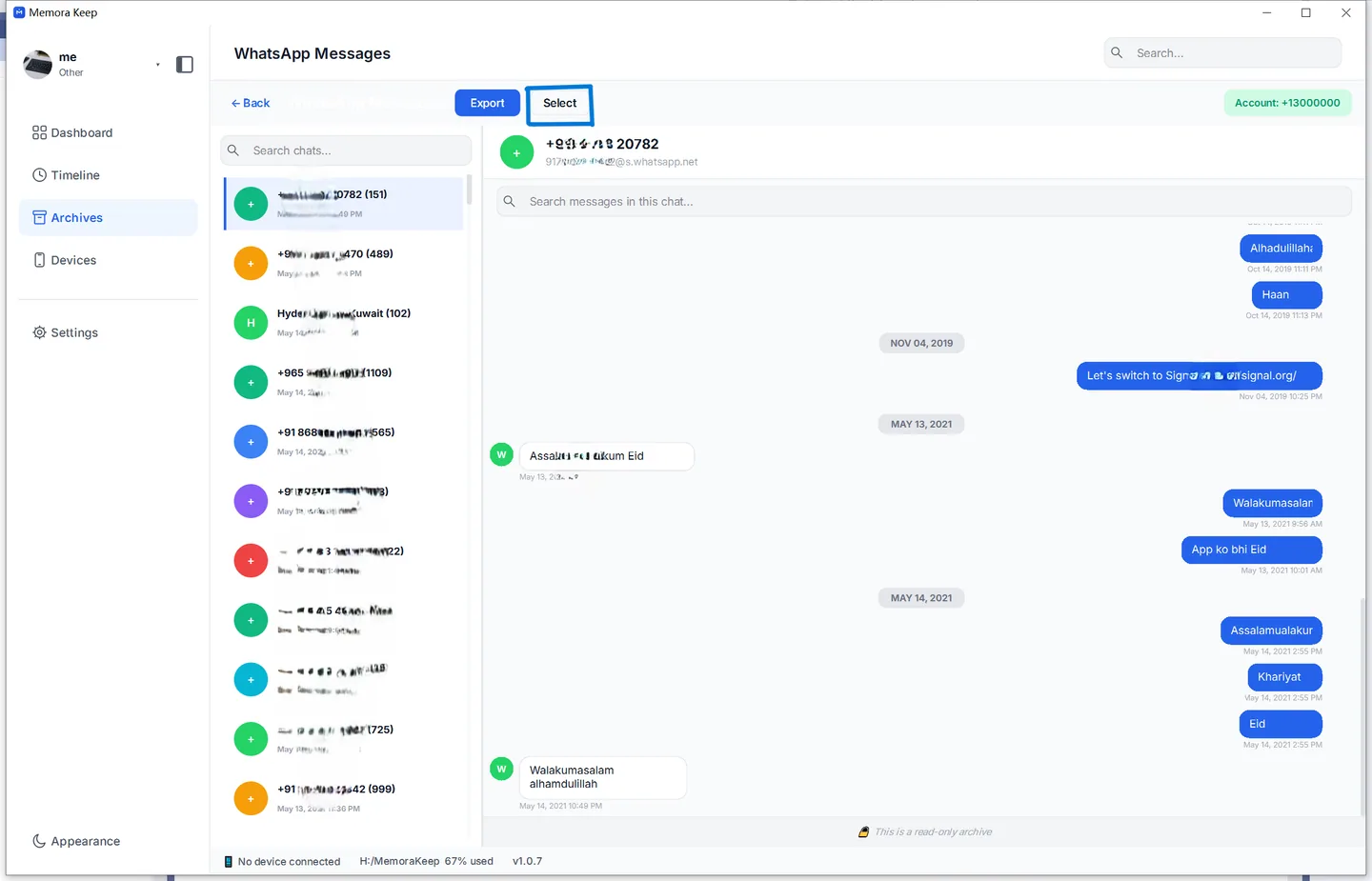
- Open Archives → WhatsApp and choose the correct account and chat.
- Clear any checked messages. If messages remain selected, Export uses that selection.
- Click Export and select the conversation in the chat export dialog.
- Turn off Time Range for all available dates.
- Choose the format and save location.
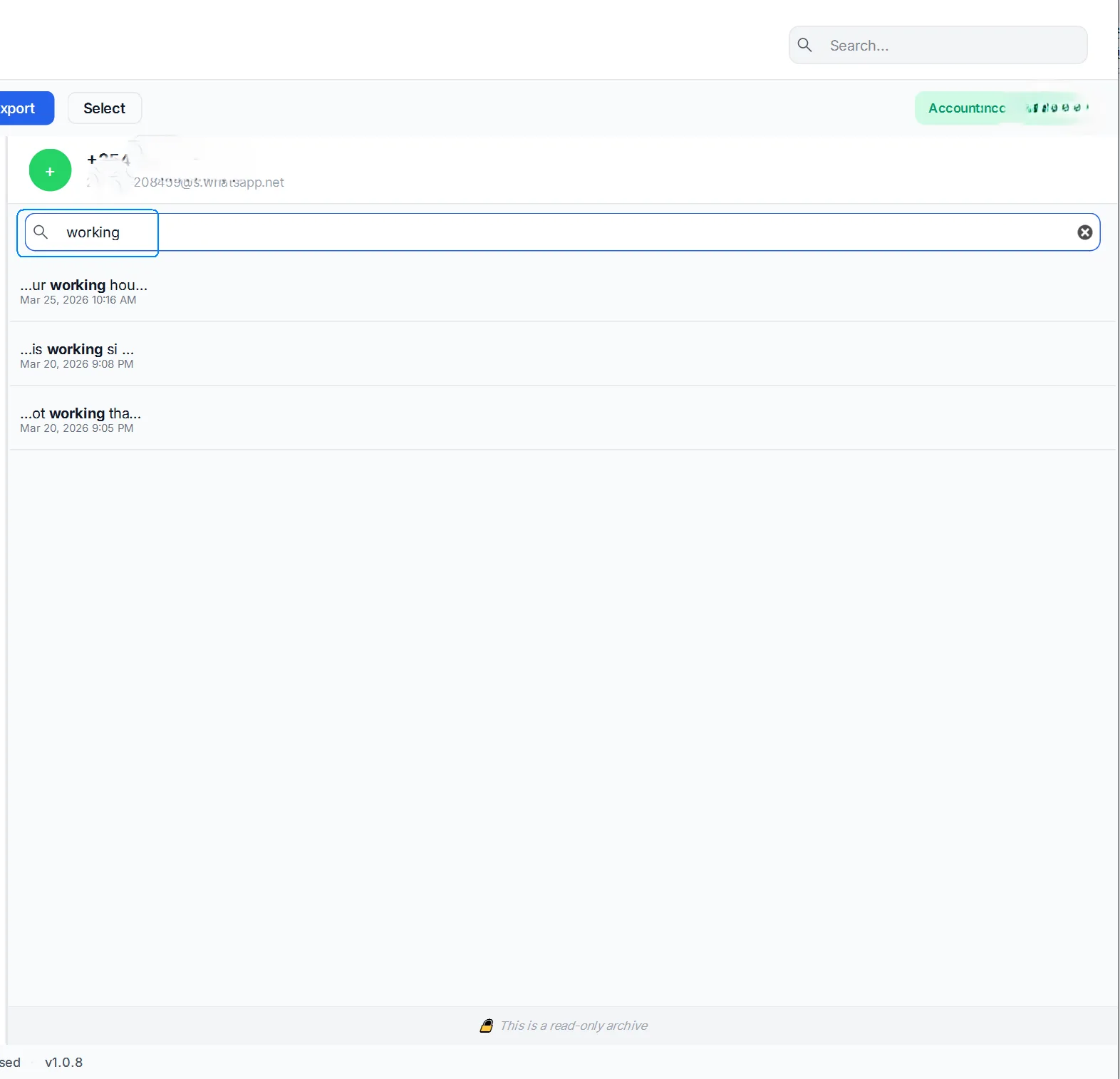
Searching within a chat helps you find messages; it does not itself define the full-chat export range. Check the actual export dialog and message selection.
Choose whether to include media
Use HTML + Media for browser reading or PDF for printing. PDF exports with available media produce a ZIP containing the document and separate files. CSV exports message rows but does not package attachments.
See exporting a chat with media for format details.
Verify more than the endpoints
Open the exported file and compare the first and last messages, several middle dates, long messages and important attachments. Review the reported message count and any warnings.
Matching start and end dates is a useful check, but a gap can still exist between them. If content differs, compare the phone, source backup, archive and export to find where it disappears. Keep the original source while you investigate.
- export
- conversation
- completeness