How to Export Multiple WhatsApp Chats to PDF at Once
Export multiple WhatsApp chats to PDF at once with Memora Keep. Get a separate PDF for each chat, with photos and timestamps. Free and local.
3 min read
On this page
Need to save several WhatsApp conversations before switching phones, finishing a project or archiving the year’s messages? Export them together to save time.
Here’s how to export multiple WhatsApp chats to PDF at once with Memora Keep, with a separate file for each conversation.
What you need
- Memora Keep on a Windows or macOS computer. It’s free.
- Your chats saved in a local archive (step 1 shows how).
Step 1: Back up your WhatsApp chats to your computer
Memora Keep exports chats from your local archive, so back them up first.
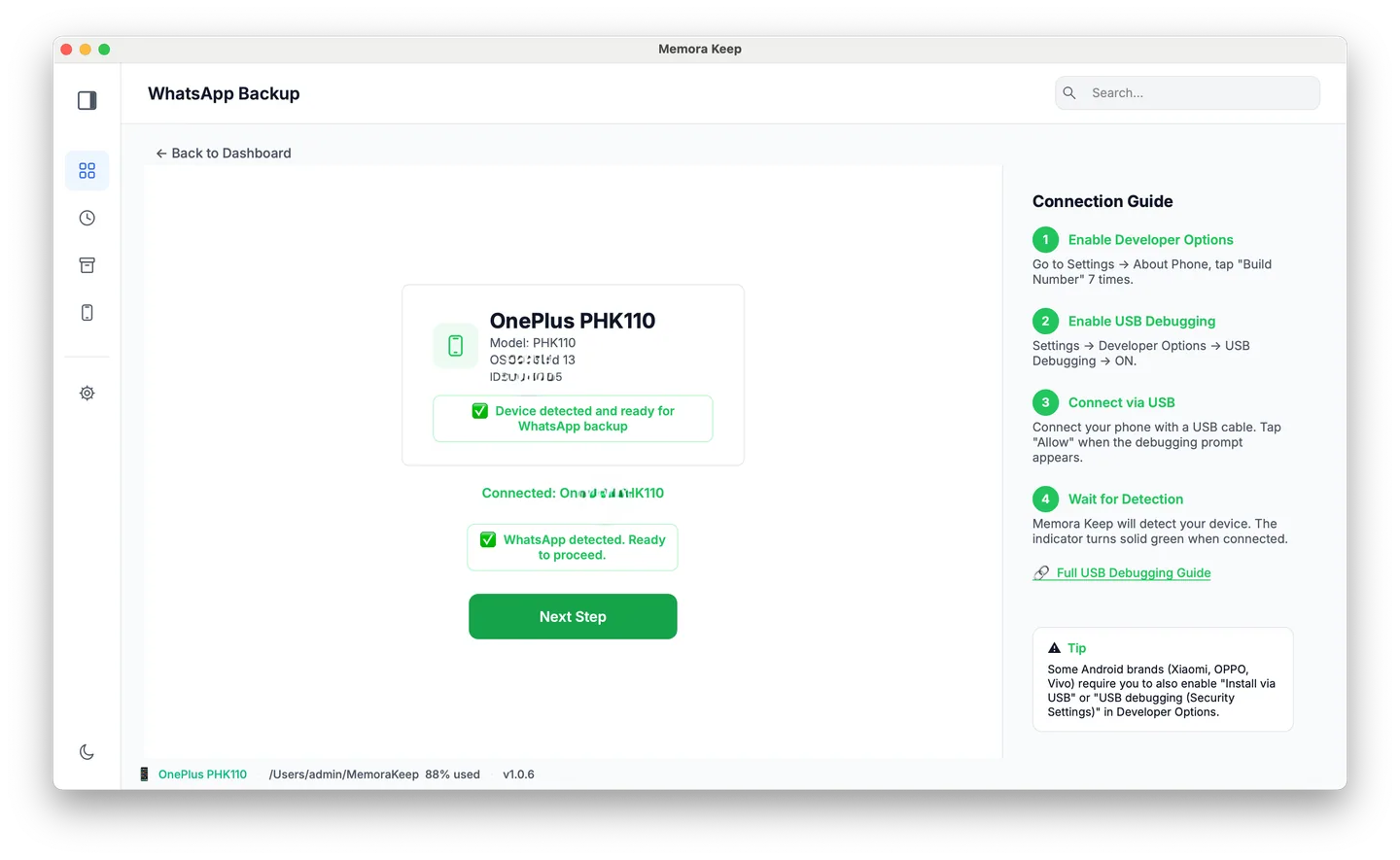
From Android. Connect the phone over USB and back up WhatsApp. Follow the illustrated Android steps, stopping after the backup finishes.
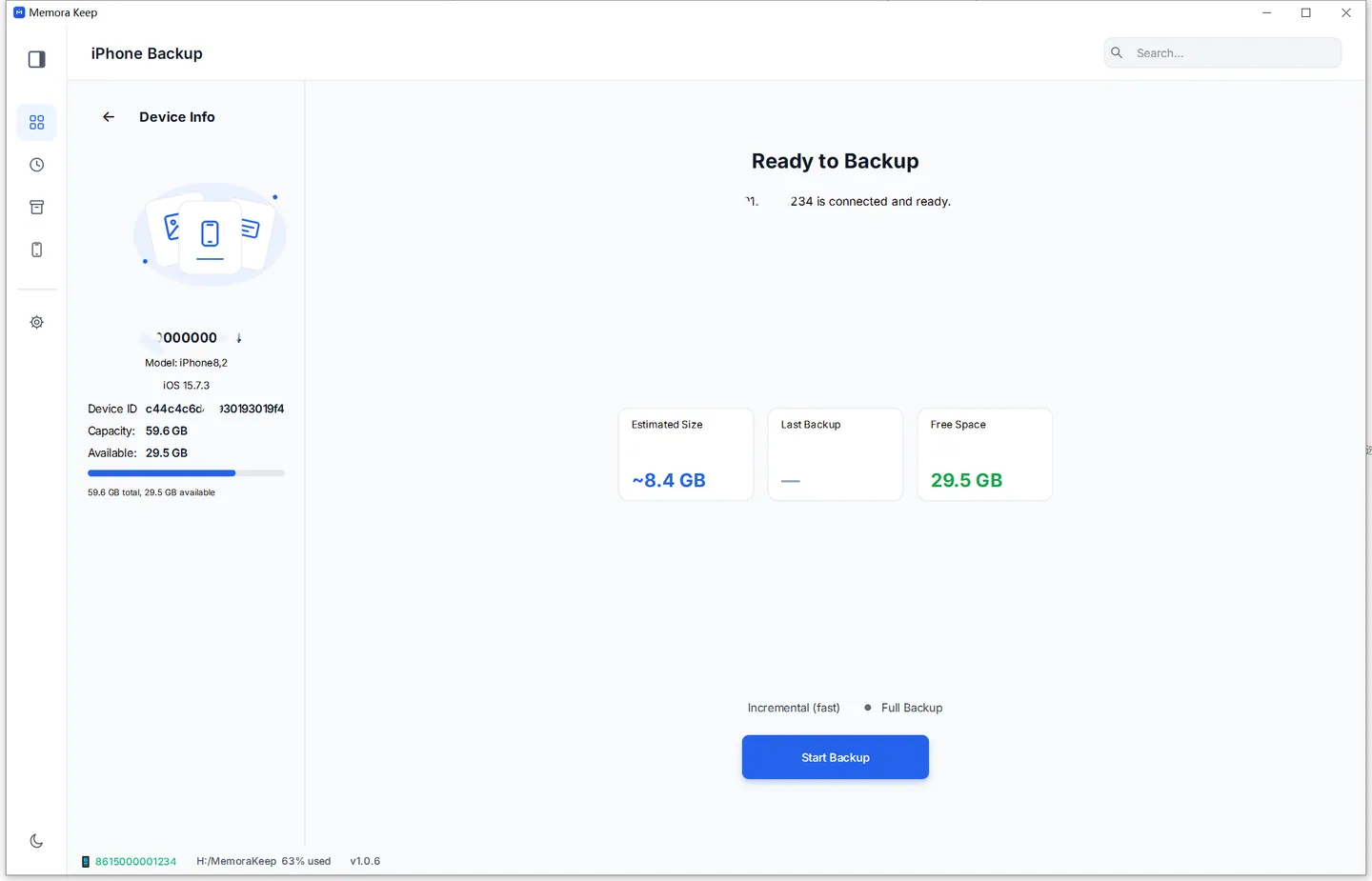
From iPhone. Memora Keep reads WhatsApp from an iPhone device backup. Back up your iPhone first, or import a backup you already have.
Your data stays on your computer. You don’t need an account, and nothing is uploaded.
Step 2: Open the WhatsApp section
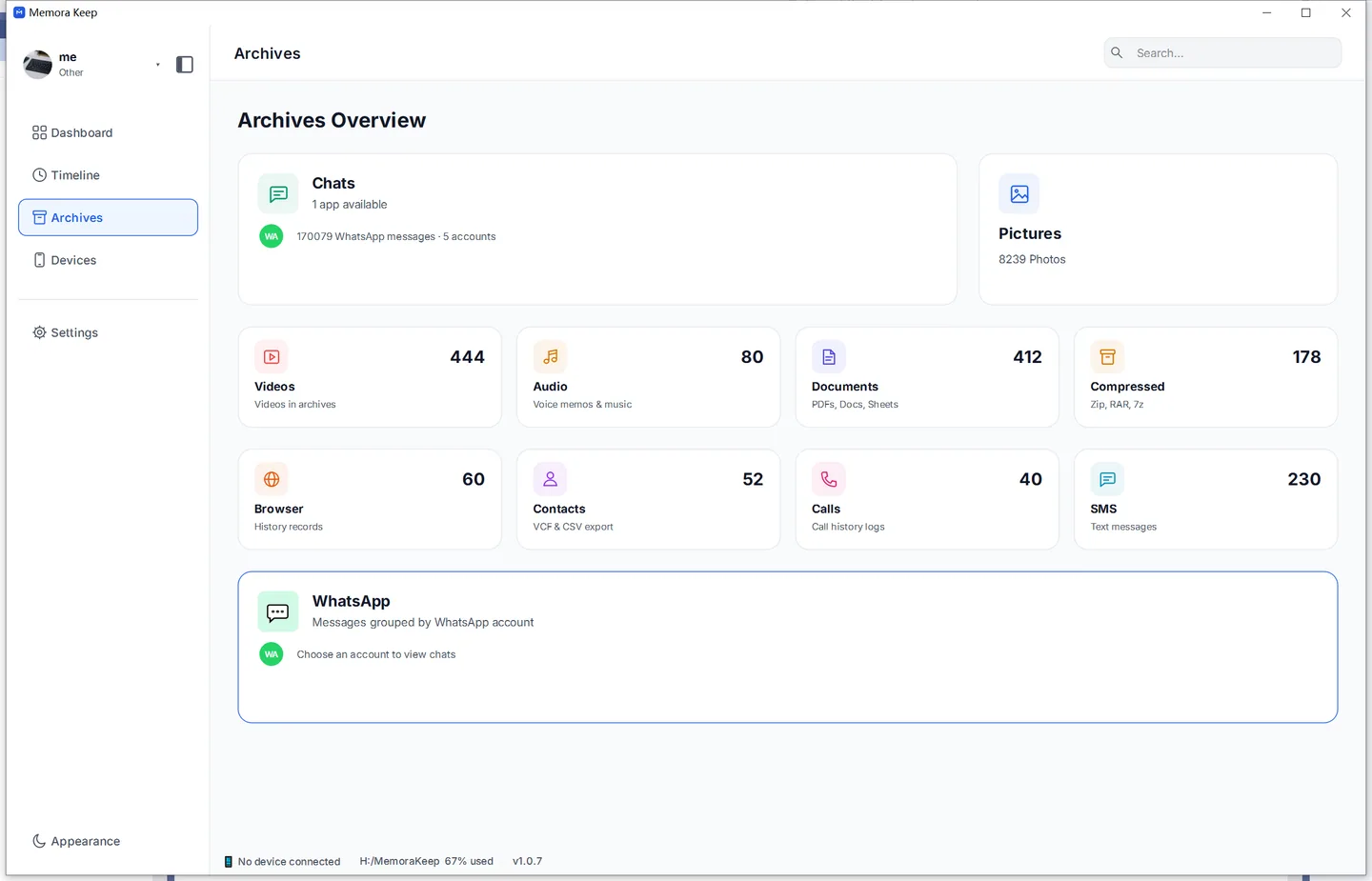
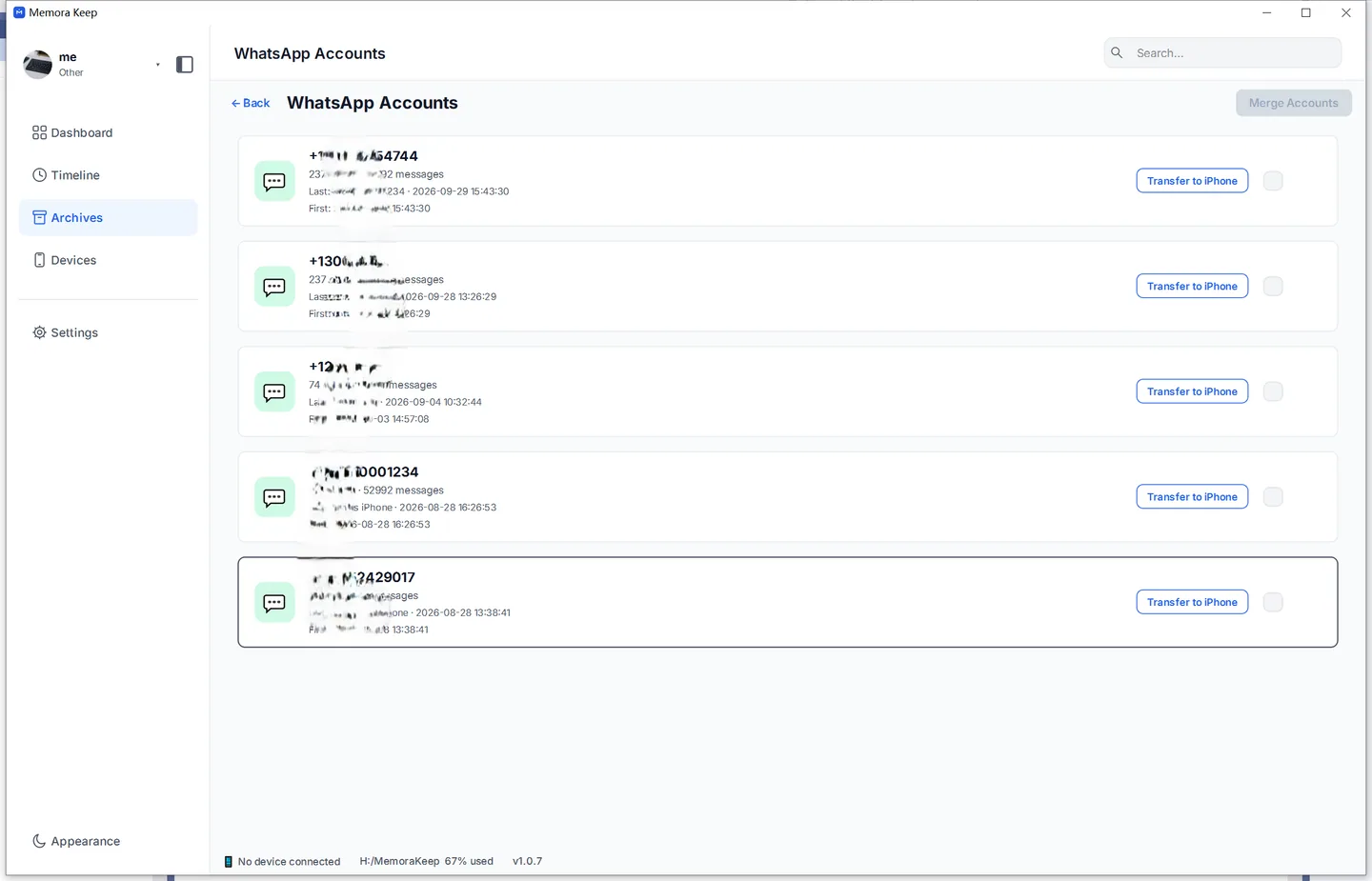
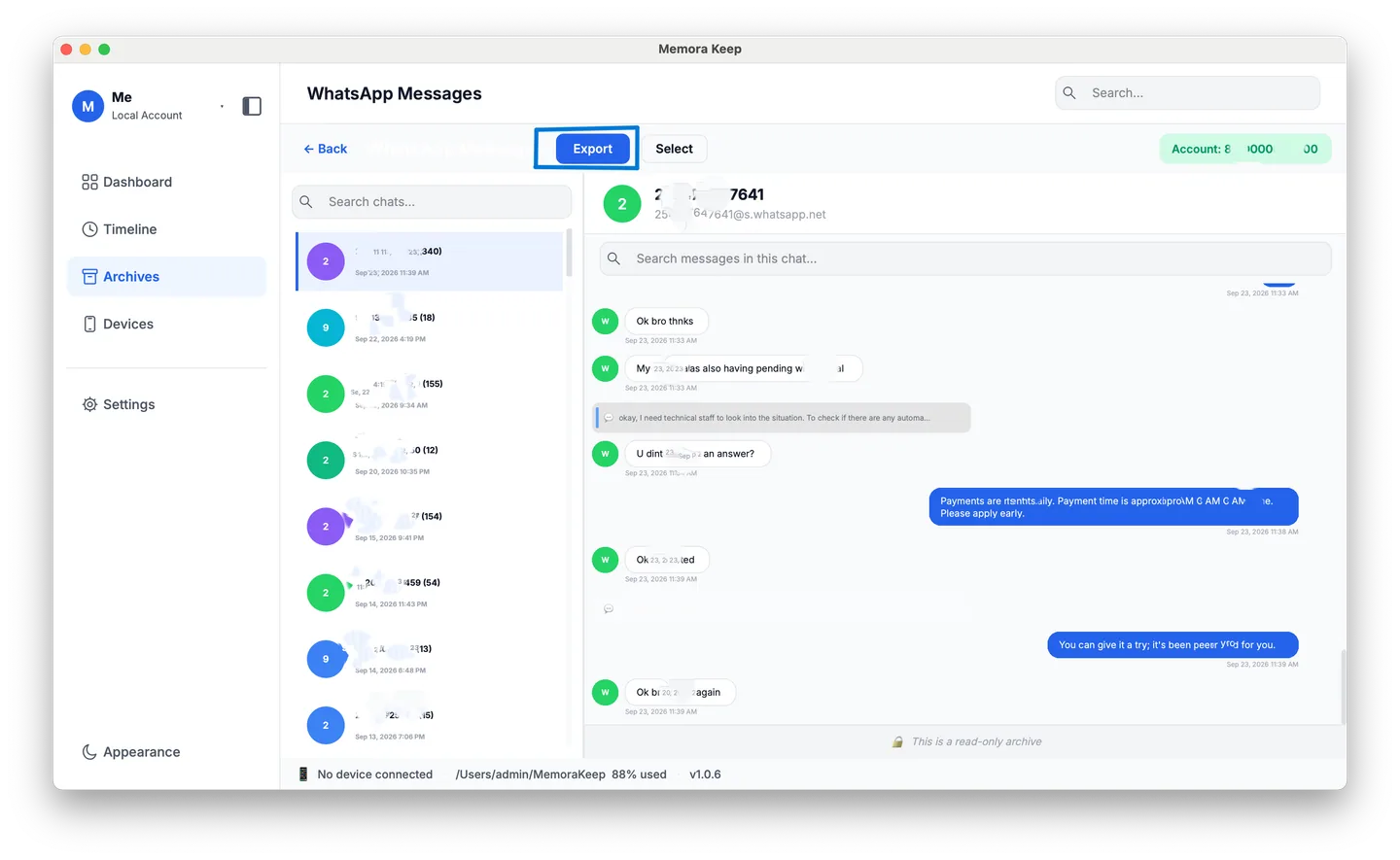
In Archives, open WhatsApp and pick the account if you have more than one. You don’t need to open any individual chat.
Step 3: Select the WhatsApp chats to export
Click Export at the top of the WhatsApp view. The dialog lists all the account’s chats and the number of messages in each.
Tick the conversations you want, or click Select All to select every chat. The bar shows how many chats you’ve selected.
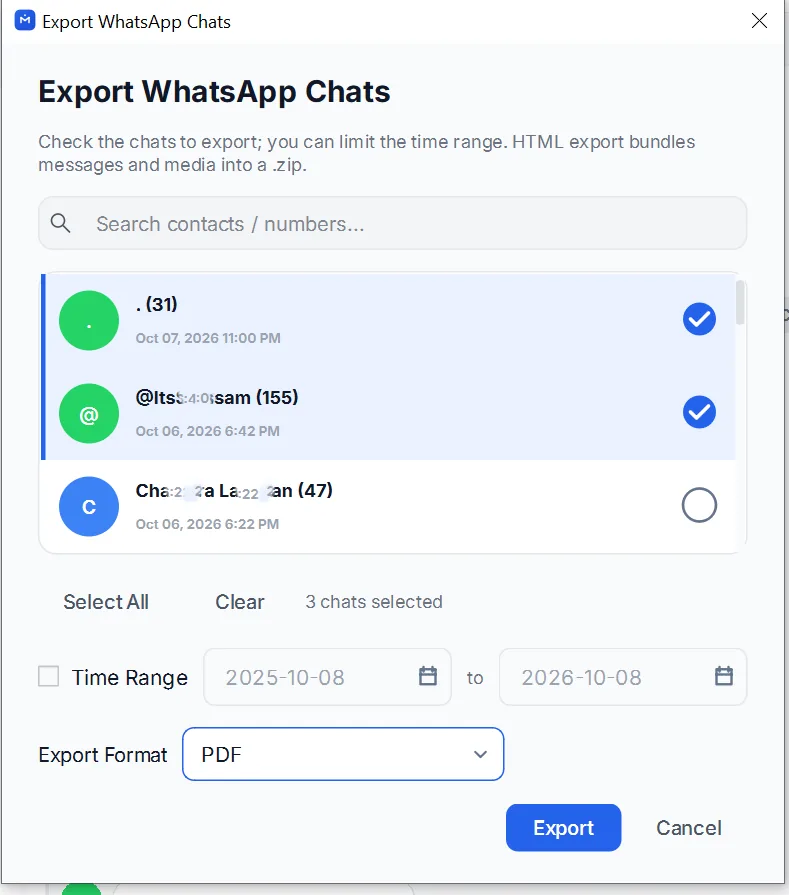
You can also tick Time Range to limit every selected chat to the same dates. Leave it off to export each chat in full.
Set Export Format to PDF, then click Export.
Step 4: Save the chats as separate PDFs
Choose where to save the files. Memora Keep creates one PDF per chat: selecting 12 chats gives you 12 files, each named after its conversation.
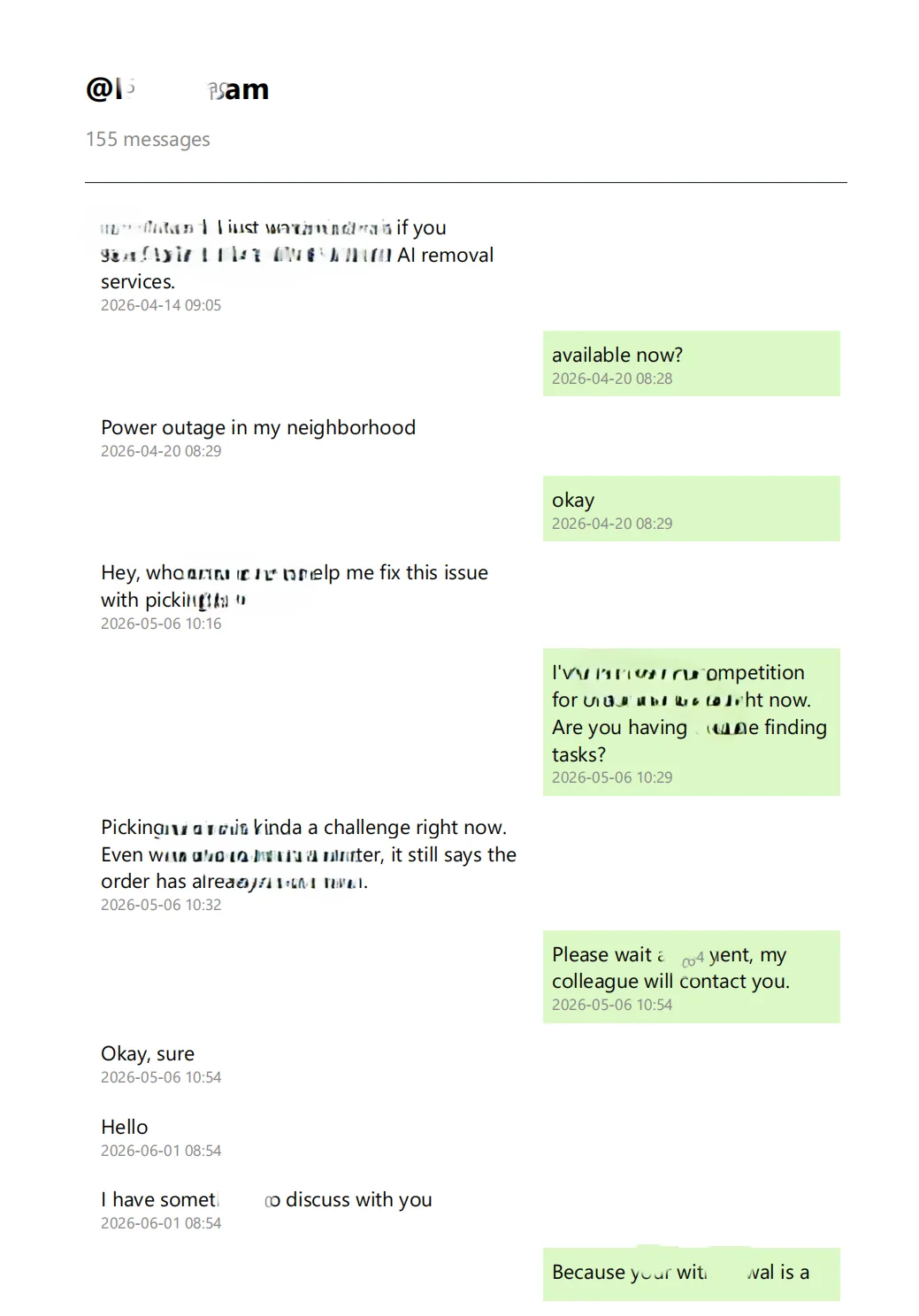
Each PDF uses a chat layout, with the sender, message, timestamp and photos shown together.
Can WhatsApp export multiple chats at once?
No. WhatsApp exports one chat at a time as a .txt file, with media in a ZIP. To save several chats as PDFs, you’d need to export each conversation separately, then convert each text file yourself.
With Memora Keep, you can select all the chats you need and export them together. For just a few messages from one chat, see how to export selected messages to PDF.
Good to know
- Exporting creates copies and leaves your archive and phone unchanged.
- Each chat has its own PDF, making conversations easier to find.
- To save chats as HTML with clickable media, see how to export a chat to HTML. That guide covers one chat at a time.
- multiple chats
- batch export