How to Export WhatsApp Chats on a Mac
Export saved WhatsApp chats on a Mac as PDF, HTML or CSV. Extract the package in Finder and check the reading copy and media files.
2 min read
On this page
On a Mac, Memora Keep can export the WhatsApp conversations available in your local archive. Choose PDF for printing, HTML for browser reading or CSV for a spreadsheet.
What you need
- Free Memora Keep on macOS.
- A local iPhone backup containing the chats, an Android phone for the WhatsApp backup workflow, or an existing archive.
- The iPhone backup password if encrypted, and space for the output.
Get the chats into the archive
For iPhone, create a local backup in Finder or use the iPhone backup workflow. Then import the backup folder into Memora Keep and check the device and date.
For Android, follow backing up WhatsApp to a Mac. Google Drive and iCloud chat backups cannot be imported directly.
Choose the conversation and range
Open Archives → WhatsApp and select the account and chat. Clear checked messages if you want the whole-chat export dialog, then click Export.
Choose the chats, set or disable Time Range, and select the format. Save to a folder you can locate in Finder.
The screenshots below illustrate the export format and output; they are not macOS save-dialog screenshots.
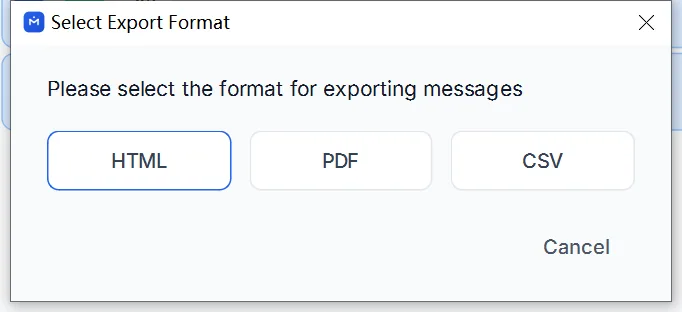
Extract the package in Finder
Open the destination shown when export finishes. HTML + Media is a ZIP. PDF exports with available media also produce a ZIP containing the PDF and separate files; without media, the output may be a standalone PDF.
Extract the ZIP before opening the PDF in Preview or HTML in a browser.
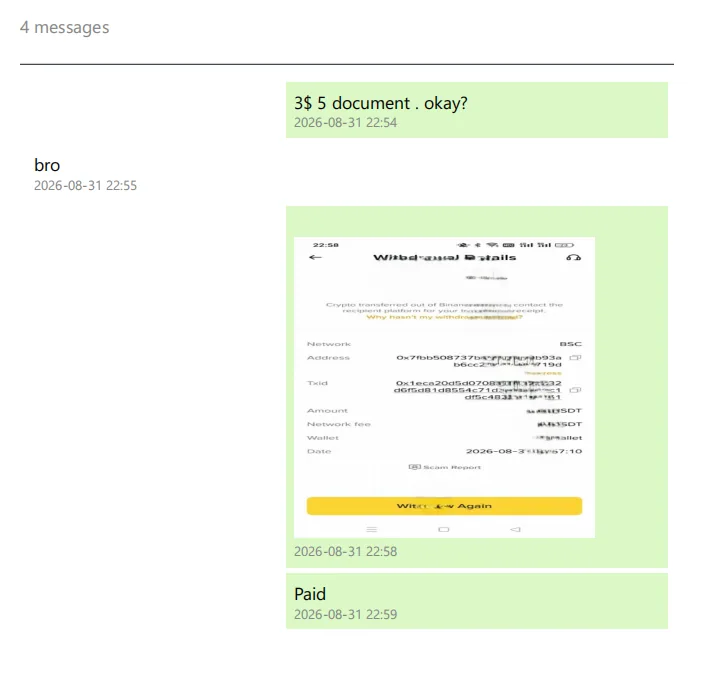
Keep the media folder with the reading file. Copying a PDF alone preserves its rendered pages, but does not include separate audio, video or documents.
Check the result
Compare dates, sender labels and a long message with the archive. Open important media directly from the extracted folder.
If a browser cannot play a file, try a local player before deciding whether the file is damaged. For other gaps, follow the missing-media checks.
- mac
- export
- finder