How to Export WhatsApp Photos and Messages Together
Keep WhatsApp photos beside their messages in an HTML or PDF export. Check captions, dates and the separate image files.
2 min read
On this page
Memora Keep can export saved WhatsApp photos with the messages around them. HTML lets you browse the conversation in a browser; PDF gives you a document for reading or printing.
Check the actual photo files as well as the images displayed on the page.
What you need
- Free Memora Keep on Windows or macOS.
- A local WhatsApp archive containing the conversation and photos.
- Enough space for the export and its extracted files.
Open the photos before exporting
Go to Archives → WhatsApp and choose the account and conversation. Open a photo you care about, rather than relying on its thumbnail.
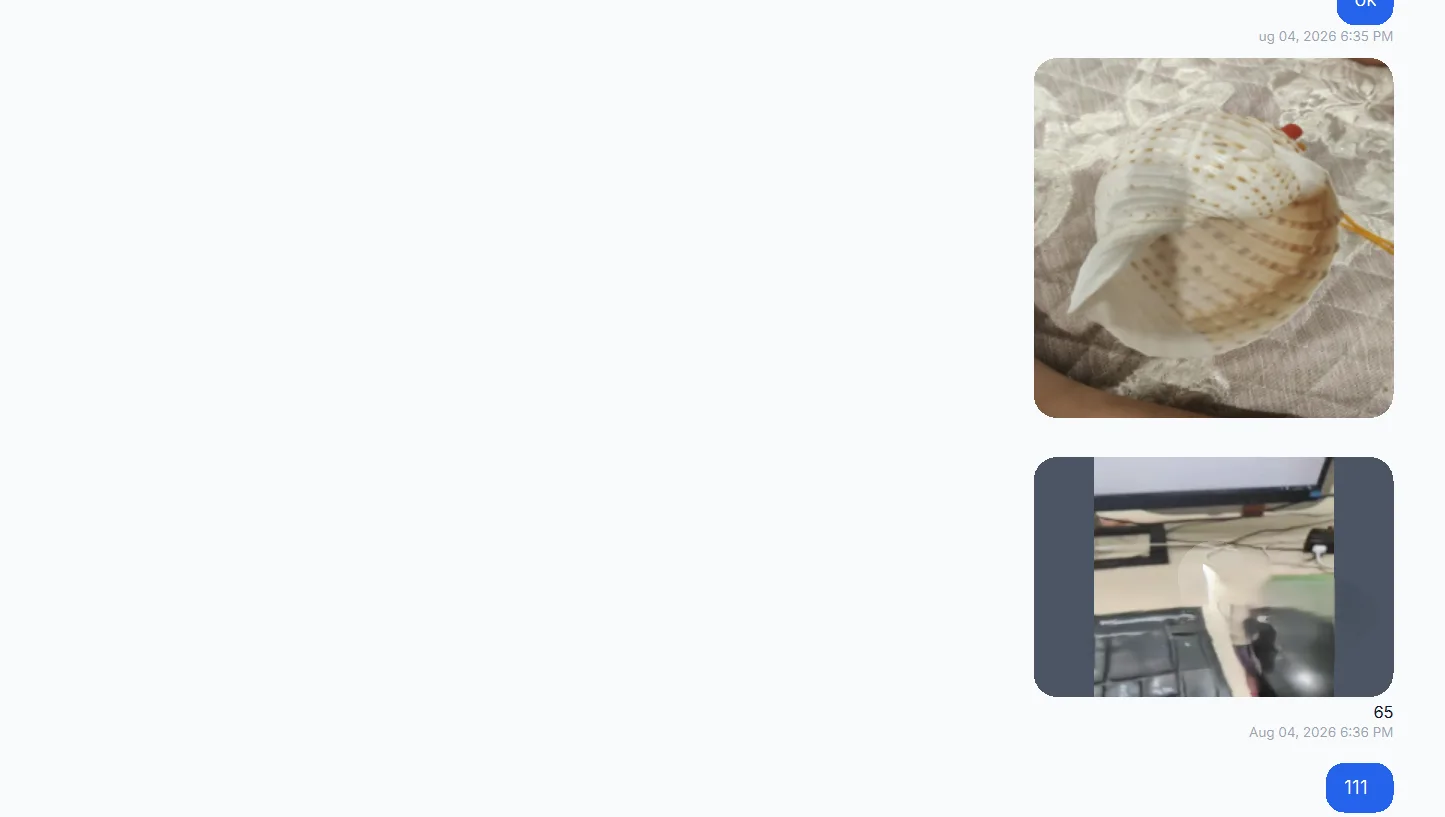
If it will not open, inspect the source and backup or import warnings. A missing file, failed copy and unreadable format are different possibilities.
Export the conversation
Clear selected messages to use the chat export dialog. Click Export, select the chat and date range, then choose HTML + Media or PDF.
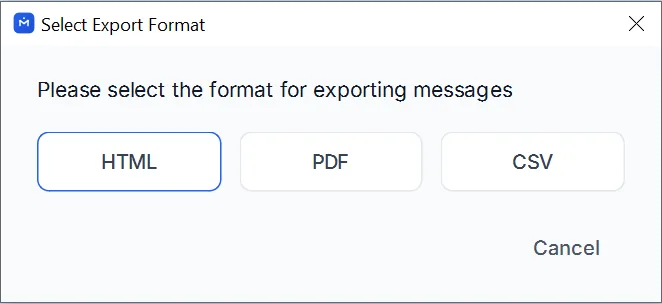
HTML + Media produces a ZIP with a page and media folder. PDF with available media also produces a ZIP, containing the PDF and separate files. Extract the package before opening it.
Check captions and surrounding messages
Compare a few photos with the archive. Check the sender, timestamp, caption and messages before and after each image. Keep the HTML and media folder in their exported arrangement.
A misplaced folder can break image links, but it does not normally explain a caption attached to the wrong message. If that happens, compare the source and export and record the specific example.
Open the separate files
Find each important image in the media folder and open it in a photo viewer. Check its orientation and whether the full image is usable.
“Original media” means the files available in the archive. WhatsApp may already have resized or compressed them, and some HTML exports convert image formats. Do not assume the media folder contains untouched camera originals.
For source-file preservation, see keeping media alongside PDF exports. For missing or unreadable images, use the export checks.
- photos
- export
- captions