How to Organize Multiple WhatsApp Accounts in One Archive
Organize personal, Business and old-number WhatsApp accounts in one local archive. Learn how to browse, search and decide whether to merge them.
4 min read
On this page
Your computer may hold several WhatsApp accounts: personal, Business, an old number or family members’ backups. Keeping them organized makes it easier to find the right conversation without mixing accounts.
Memora Keep gives each account its own entry in one local archive. Here’s how to browse them and decide whether to keep them separate or merge them.
What you need
-
Memora Keep on a Windows or macOS computer. It is free.
-
The chats in your local archive, or an Android phone or local iPhone backup containing them. The steps below explain how to add the source.
-
Enough free disk space for the imported data and any files you export.
How accounts appear in the archive
Back up each phone over USB, or import existing backups. Each saved WhatsApp account appears separately in Archives → WhatsApp.
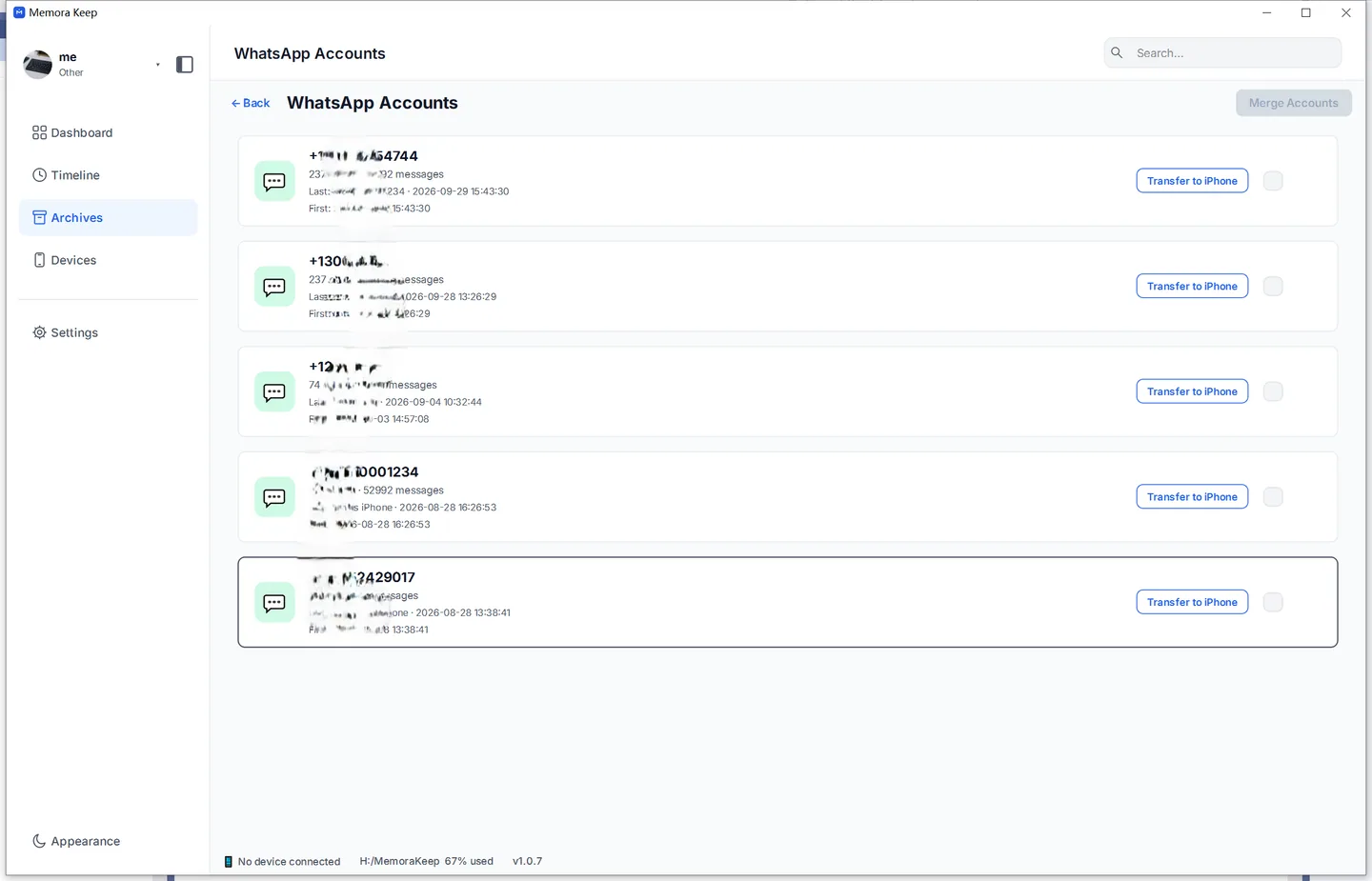
Here’s what you can do:
- Keep accounts separate. Chats, contacts and media stay with their account. Opening the Business account shows only its chats.
- Switch accounts with a click. Check another account from the same screen without picking up a different phone.
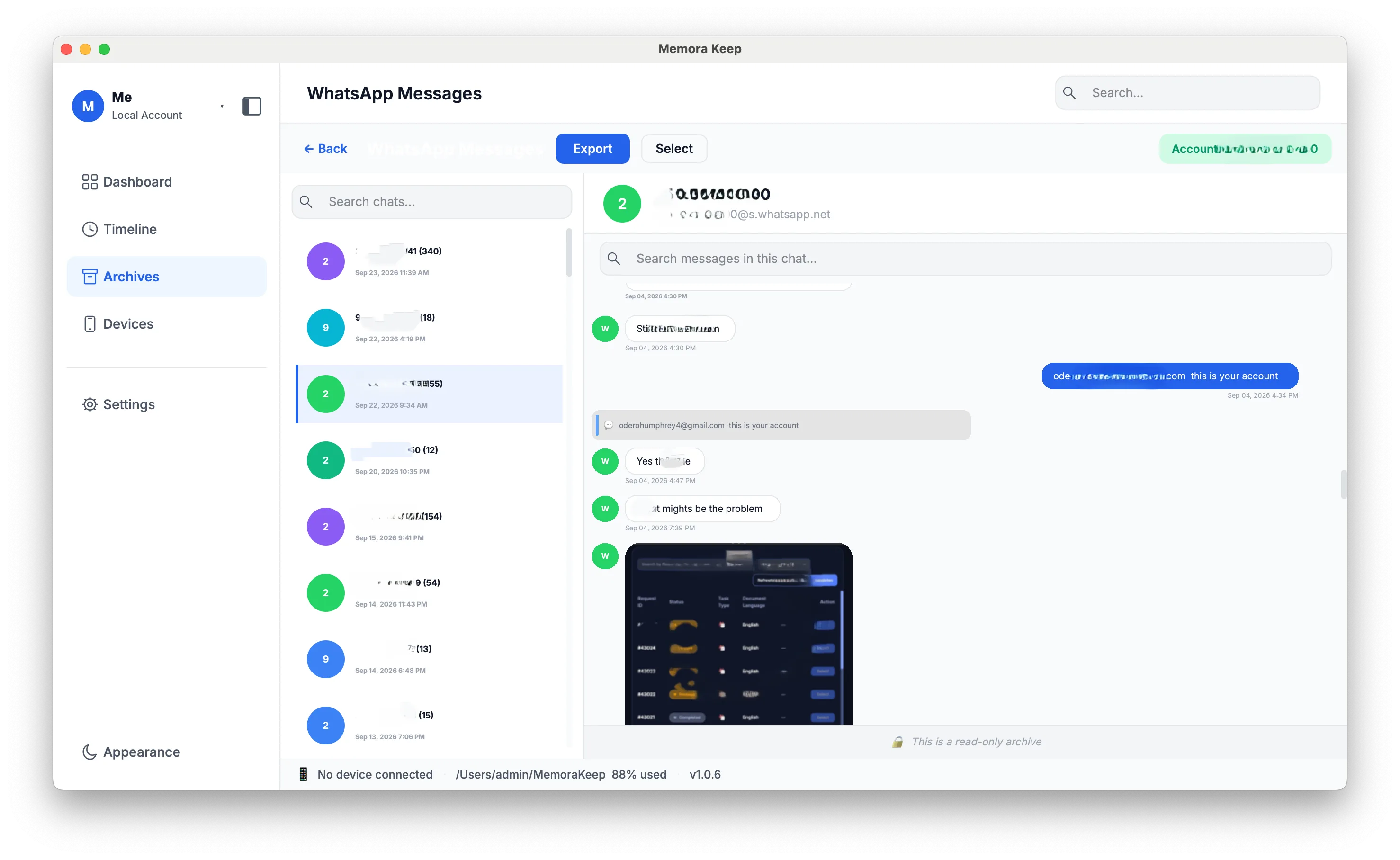
- Read, search and export each account. Browse messages, search or export to PDF, HTML or CSV from the account you have open.
- Keep old-number chats accessible. An account stays in the list while you keep its files, even if its number is canceled. You don’t need the SIM.
Open an account to read its saved conversations:
Should you merge accounts or keep them separate?
If two accounts contain chats with the same people, merging may help. Choose based on how you want to use the archive:
| Your situation | Better move |
|---|---|
| A contact’s history is split across your old and new numbers | Merge — one continuous timeline per contact |
| Personal and Business chats with the same client should read as one thread | Merge |
| Work account must stay legally or privately apart (divorce, HR, disputes) | Keep separate |
| Family members’ accounts share the computer | Keep separate — they’re different people |
| Not sure yet | Keep separate — merging stays possible later |
You can keep accounts separate now and merge them later. When merging, you can also choose to keep the original accounts alongside the result.
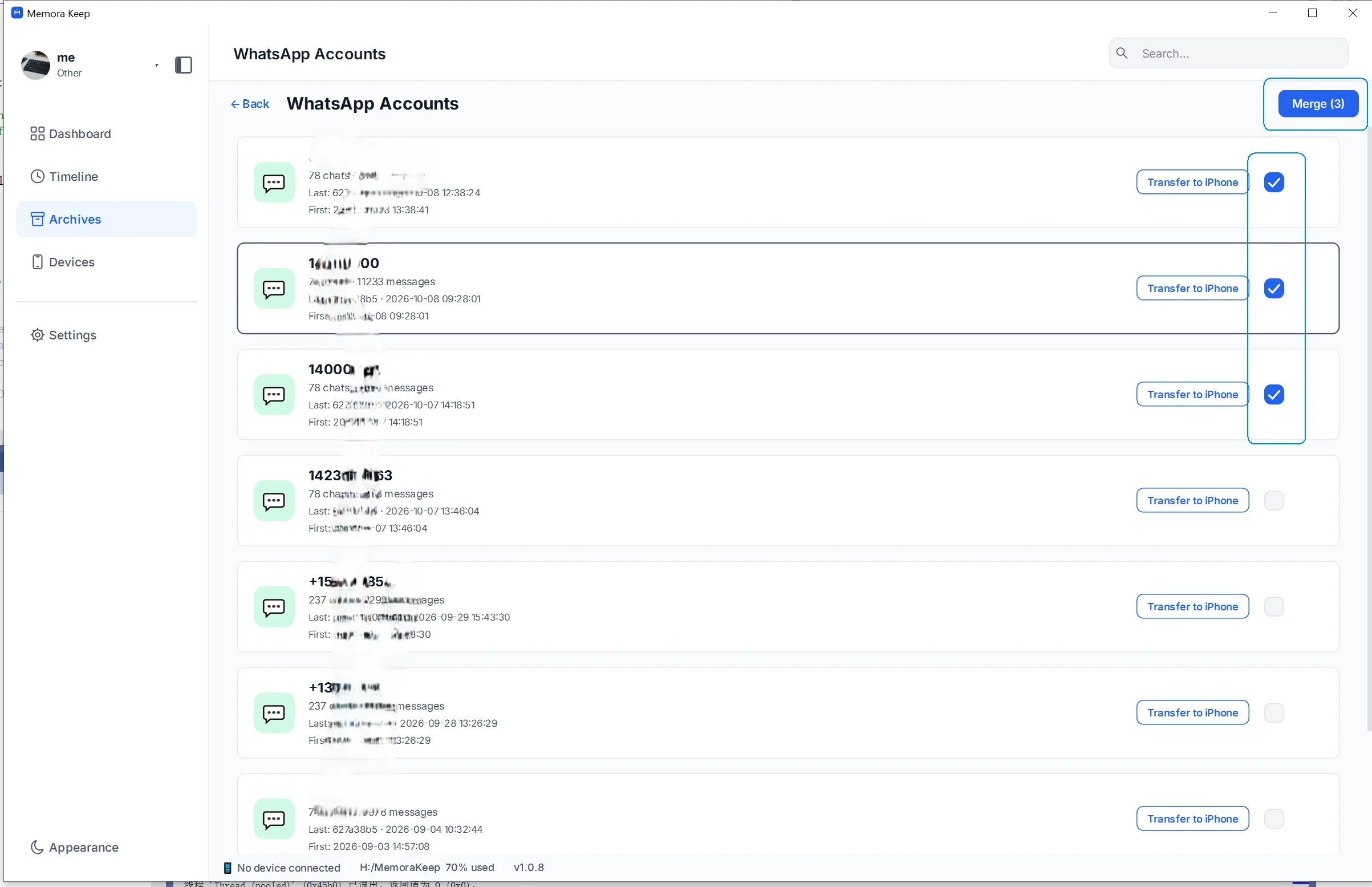
For duplicates, limits and when to keep accounts apart, see can you merge WhatsApp chat histories from multiple accounts?. For the steps, follow the merge guide.
Keeping the archive tidy as it grows
These habits make a growing archive easier to use:
- Name backups when you add them. Add each phone or account as its own backup to keep the list easy to follow.
- Search all accounts when you don’t know where a message is. The top-right search box searches every account and takes you to the matching conversation.
- Export from the relevant account. Save work conversations from Business and family chats from your personal account to keep the files separate too.
- Back up the archive folder. Copy it to another drive for safekeeping, or to a larger drive when you need more space.
Frequently asked questions
How many accounts can one archive hold? There’s no fixed account limit. Each account you back up joins the list; available disk space is the practical limit.
Do the accounts ever sync with each other? No. They stay separate in the same archive unless you choose to merge them.
Can I see all accounts’ chats in one list? You browse one account at a time. Use the top-right search box to search across accounts, or merge accounts if you want a combined history.
My kid’s phone is backed up here too. Is that okay? It appears as a separate account that you can browse and export. Keep it separate; merging is for one person’s split history.
Good to know
- To add another number’s chats, back up its iPhone to your computer or import an existing backup.
- Changed phones and the old chats didn’t follow? Read WhatsApp conversations after changing phones.
- Changed numbers specifically? Keep WhatsApp history from an old phone number.
- Feature page: merge WhatsApp accounts.
- multiple accounts
- archive
- organize