How to Read a WhatsApp Backup on Your Computer
Identify your WhatsApp backup type and choose a supported way to read it on your computer. Check passwords, source coverage and media.
2 min read
On this page
How you read a WhatsApp backup depends on what you have: phone data, an iPhone device backup, a cloud backup or an exported chat. Identify the source first so you do not try to open an encrypted database as a document.
What you need
- Your existing file or backup, or the phone containing the chats.
- For supported backup imports: free Memora Keep on Windows or macOS.
- Any required backup password and space for the local archive.
Identify the type
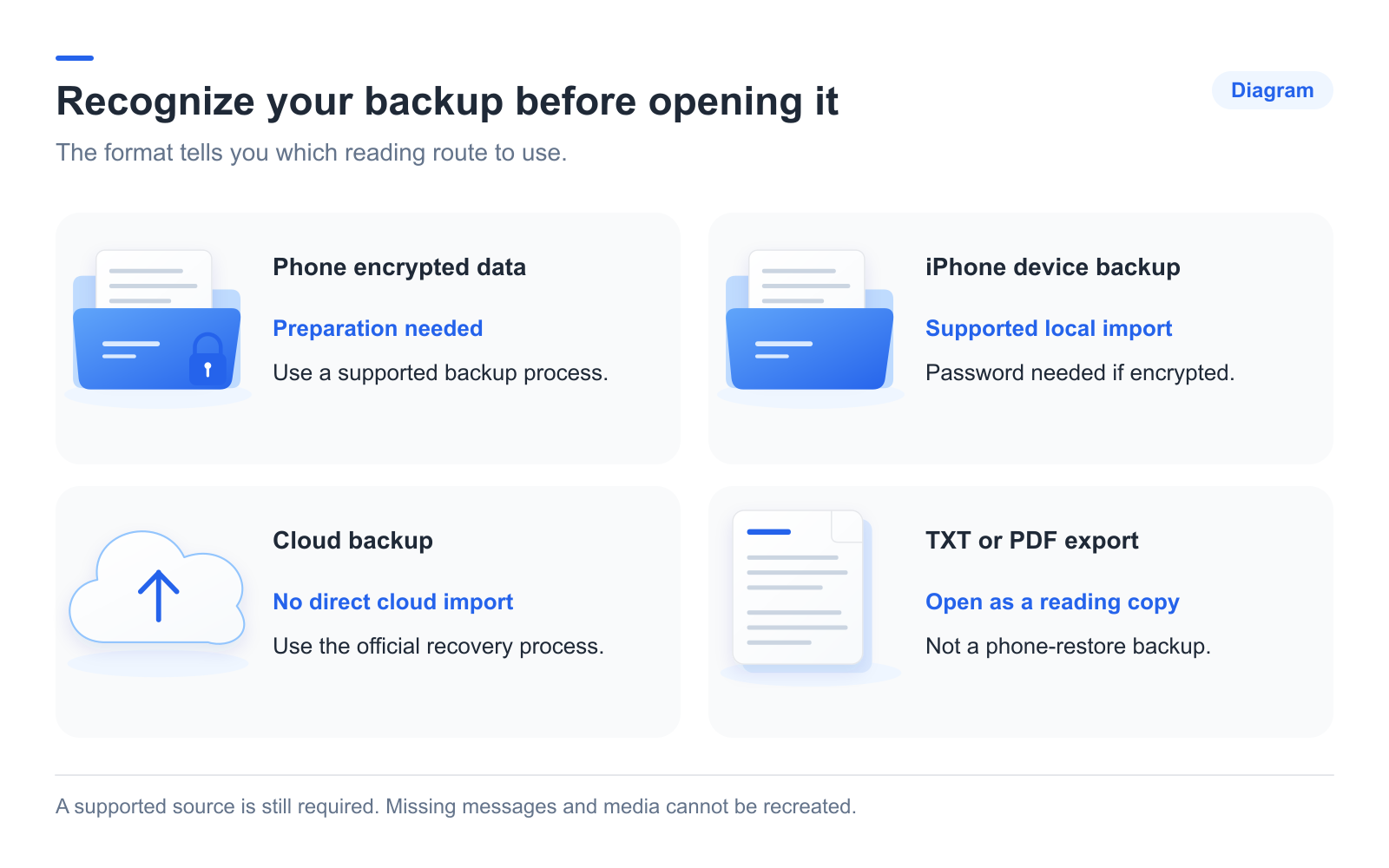
| Source | What to do |
|---|---|
| WhatsApp data on an Android phone | Use Memora Keep’s dedicated WhatsApp backup workflow. |
| A local iPhone device backup | Import the complete folder; encrypted backups need their password. |
| Google Drive or iCloud chat backup | Use its supported recovery route; Memora Keep cannot import it directly. |
| TXT, PDF, HTML or CSV export | Open with the appropriate reader. It is not a phone-restore backup. |
Add a supported source
For Android, connect and unlock the phone, then follow the WhatsApp backup wizard’s preparation and authorization steps.
For iPhone, choose Import iPhone Backup, select the folder and check the device and date. Enter the backup password if requested. See the import guide for help locating the folder.
A source that imports successfully may still lack particular messages or media. Read any warnings.
Open and check the account
Go to Archives → WhatsApp and choose the account. Find a conversation and a date you remember, then try opening an attachment.
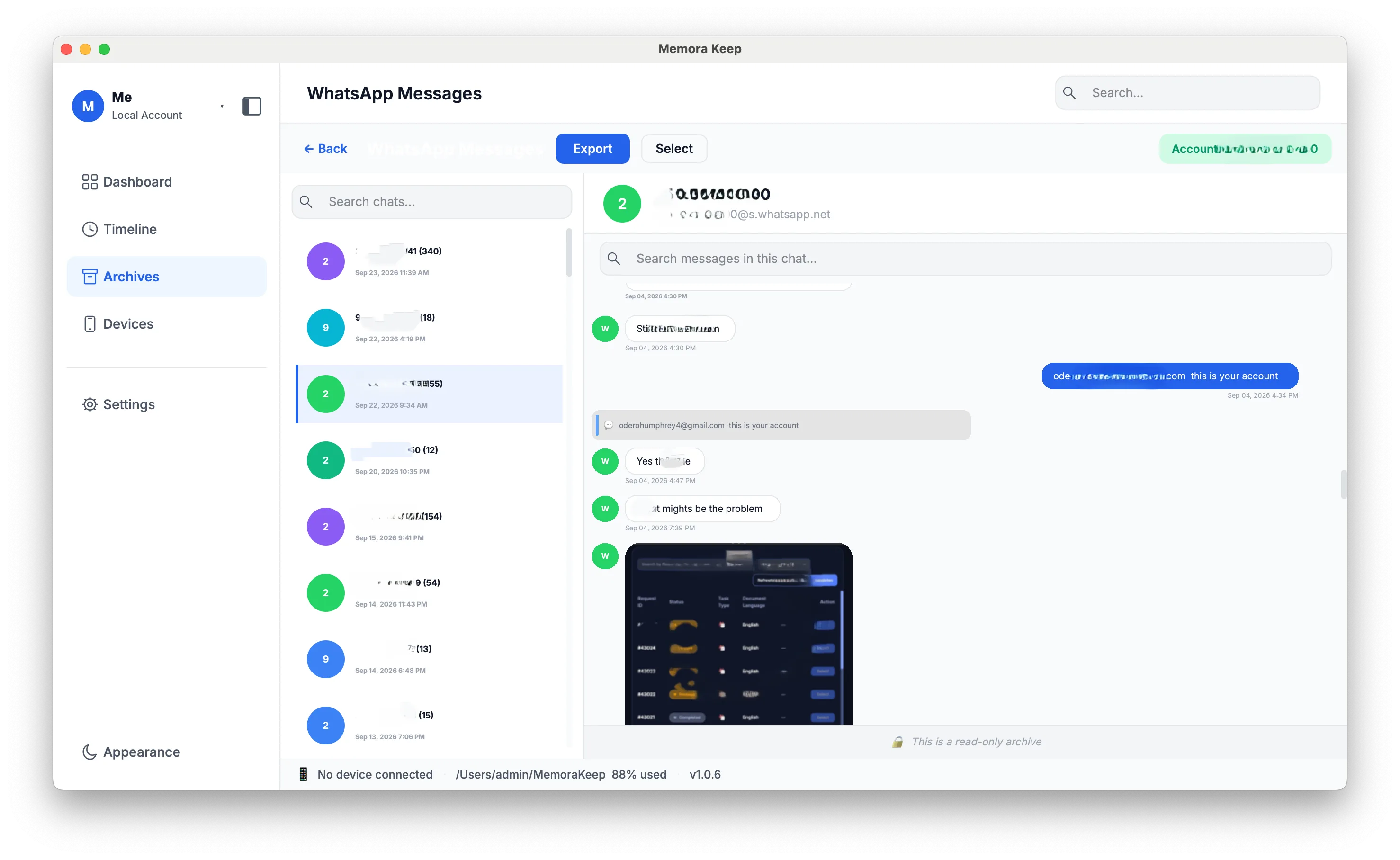
Check whether the records match your expected source. A completed import and complete historical coverage are different things.
Investigate gaps separately
If the whole backup will not open, check its type, completeness and password. If individual messages are absent, check the account, source date, filters and import warnings.
For missing media, compare the saved file with the source and test it in a suitable reader. Do not assume cloud retention removed specific messages. Use the file-opening guide or media checklist for the relevant problem.
Frequently asked questions
Can I read messages I deleted on the phone? If they were on the phone when the backup was made, they are still in that backup. Deleting a message in WhatsApp does not remove it from an existing backup.
Can any of these sources restore chats to a phone? Only WhatsApp’s own restore process uses its official backup sources. The computer archive and exported files are for reading, not restoring.
- read backup
- computer
- sources