How to Save WhatsApp Business Chat History
Save WhatsApp Business history as a phone backup, a text export or a readable computer archive. Check the messages and files you need to keep.
2 min read
On this page
Choose how to save your WhatsApp Business history based on how you will use it later. A backup for restoring WhatsApp, a text export and a readable computer archive serve different needs.
What you need for a computer archive
- Memora Keep on Windows or macOS. It’s free.
- An existing readable Business archive, or an Android phone for the Business backup workflow.
- Enough space for the saved chats and media.
Choose the kind of copy you need
| Your goal | A useful option |
|---|---|
| Restore conversations in WhatsApp | WhatsApp’s backup or transfer workflow for your phones. |
| Save one conversation as text | The Business app’s built-in Export Chat, with optional media. |
| Browse saved chats on a computer | A readable local archive in Memora Keep. |
| Keep a document or spreadsheet | PDF, HTML + Media or CSV exported from the archive. |
No method should be assumed to contain every message from the account’s lifetime. Check the dates and conversations in the actual copy.
Save while the conversations are available
If you need a new archive, follow the Android Business backup guide. When both WhatsApp apps are installed, the current workflow selects regular WhatsApp and offers no Business selector. Use the Business app’s per-chat export for important threads if that prevents collection; do not remove an app to force detection.
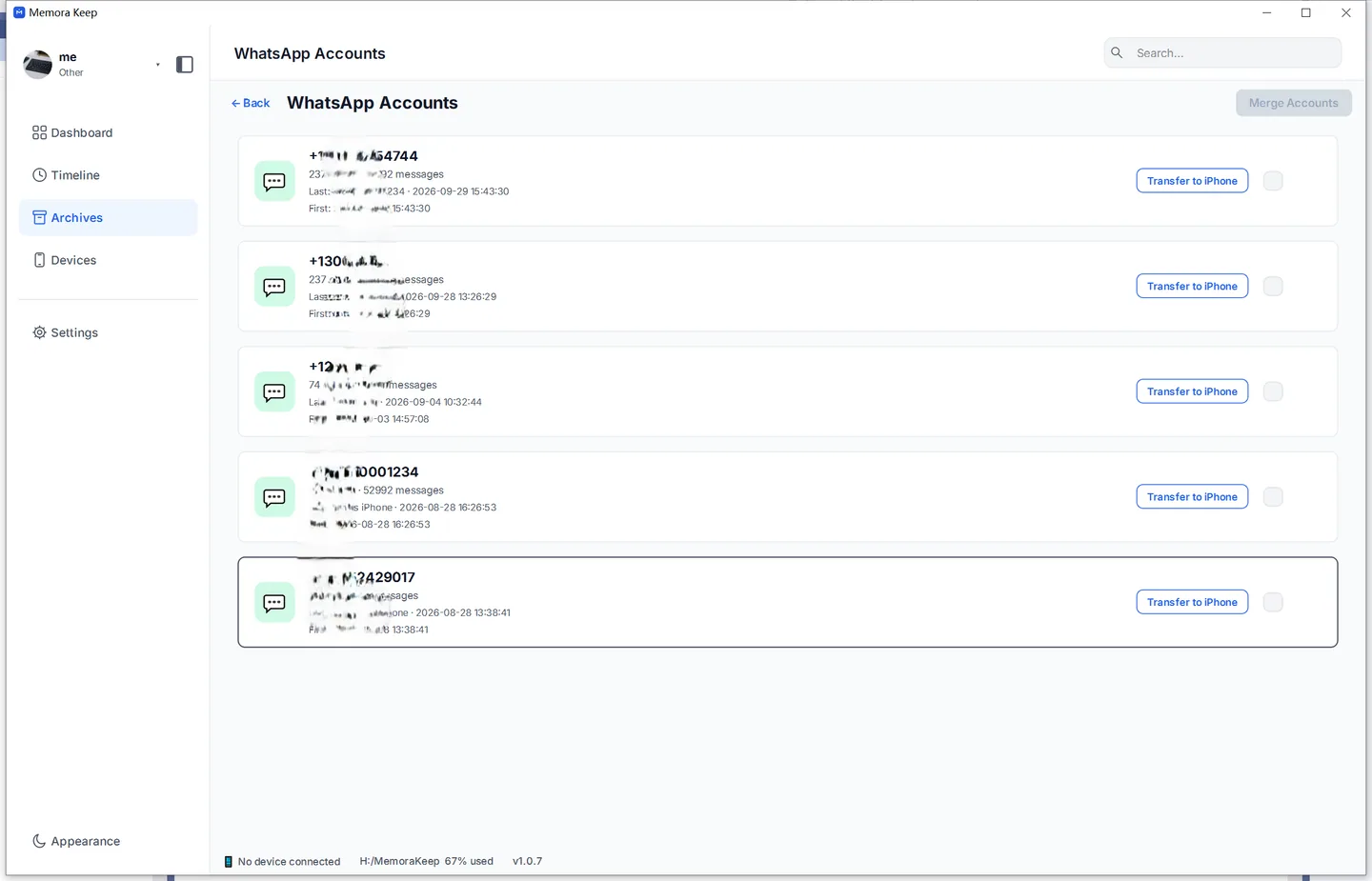
For an existing archive, open Archives → WhatsApp and choose the business number.
Keep messages and attachments together
Export important customer chats as PDF or HTML + Media. CSV is useful for rows of messages, but does not package the attachments.

Extract the package and open the saved conversation. Check its earliest and latest required dates, then open a photo, voice message or document from the export folder.
Keep the copy current
Record the backup and export dates. Repeat the process when you need newer messages, and check the new copy before replacing the old one.
For a filing system that stays manageable, see organizing customer conversations.
- whatsapp business
- chat history
- save
- archive