How to Save WhatsApp Messages to Your Computer
Save WhatsApp messages to your computer as a text export or a readable local archive. Choose a copy and check its messages and media.
2 min read
On this page
For a quick copy of one WhatsApp conversation, use Export Chat on your phone and save the files to your computer. For browsing saved chats and exporting them in different formats, create a local archive in Memora Keep.
What you need
- A phone or supported local backup containing the conversations.
- For the archive method: free Memora Keep on Windows or macOS.
- Space for the backup, archive and exported files.
Decide which copy you need
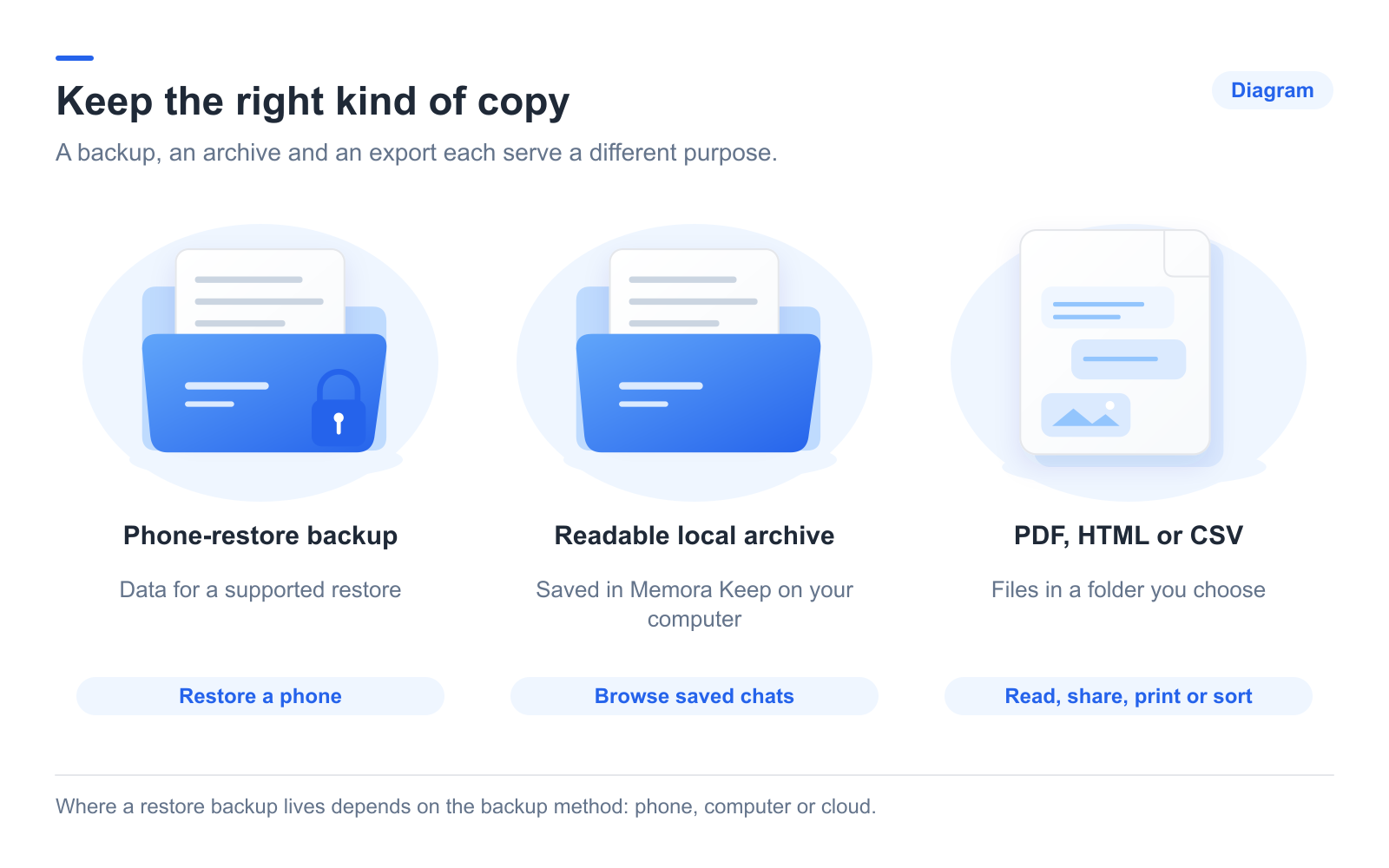
A restore backup is for a supported phone recovery process. A local archive lets you browse saved content in Memora Keep. An export gives you files to open in another app.
These copies serve different purposes. A readable export cannot be re-imported through WhatsApp’s official restore process, and it does not update automatically.
Save a conversation from the phone
Open the chat and use WhatsApp’s Export Chat feature. Choose whether to include media, then use an available sharing or file-saving option to move the result to your computer.
Keep the text and attachments together. Check the oldest messages and important files rather than assuming the export contains all history.
For the phone menus, follow the Android steps or iPhone steps.
Create a local archive
For Android, run Memora Keep’s dedicated WhatsApp backup workflow. For iPhone, import the complete local device backup, supplying its password if encrypted.
When the task finishes, open Archives → WhatsApp. Choose the account, open a conversation and check an older message and an attachment. Google Drive and iCloud backups cannot be imported directly into Memora Keep.
Save files you can read outside the app
Click Export, choose the chats and date range, then select PDF, HTML + Media or CSV. Read the completion message and open the output folder.
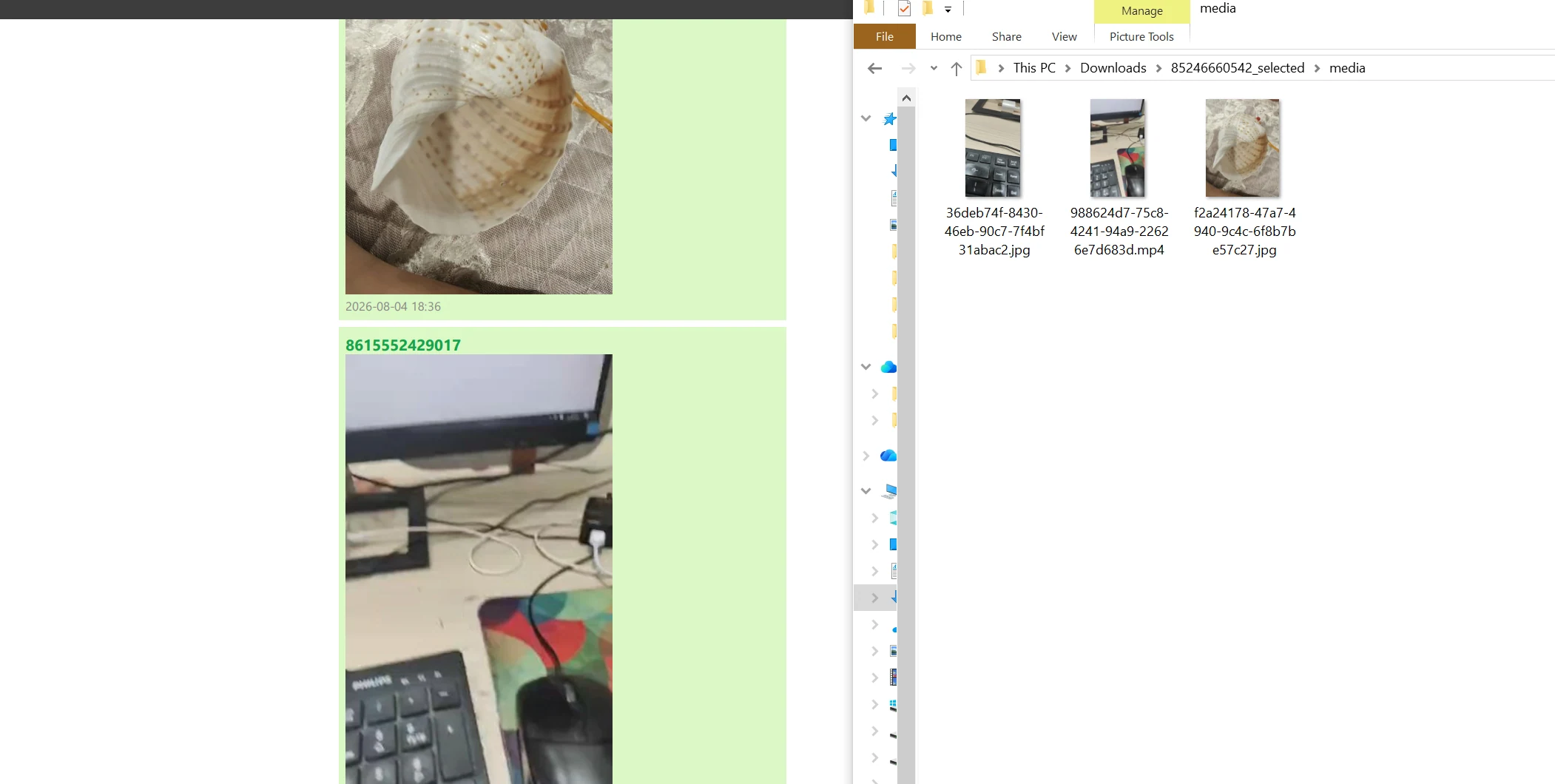
Extract ZIP packages and keep their contents together. Save a second copy elsewhere if needed, and repeat the backup or export when you want newer messages. Neither copy is a live sync.
- save
- computer
- archive