How to View WhatsApp Backups on Windows
View saved WhatsApp chats on Windows using a supported local backup. Import the source, check the account and browse messages and media.
2 min read
On this page
Memora Keep lets you read saved WhatsApp conversations on Windows without restoring a backup to your phone. You need a supported source containing the chats, not just a phone number or a cloud account.
What you need
- Free Memora Keep on Windows.
- An Android phone for the WhatsApp backup workflow, or a complete local iPhone backup.
- The iPhone backup password if encrypted, and space for the archive.
Identify the source
An iPhone backup made with Apple Devices, iTunes or Finder can be selected as a local source. Keep the entire backup folder when copying it between computers.
Android phones use Memora Keep’s dedicated WhatsApp backup workflow. A lone encrypted database file is not a supported substitute for that workflow.
Google Drive and iCloud chat backups cannot be imported directly into Memora Keep. TXT, PDF and HTML exports can be read in other apps, but they are not imported as WhatsApp accounts.
Import the backup
Choose Import iPhone Backup, select the folder and check the device name and backup date.
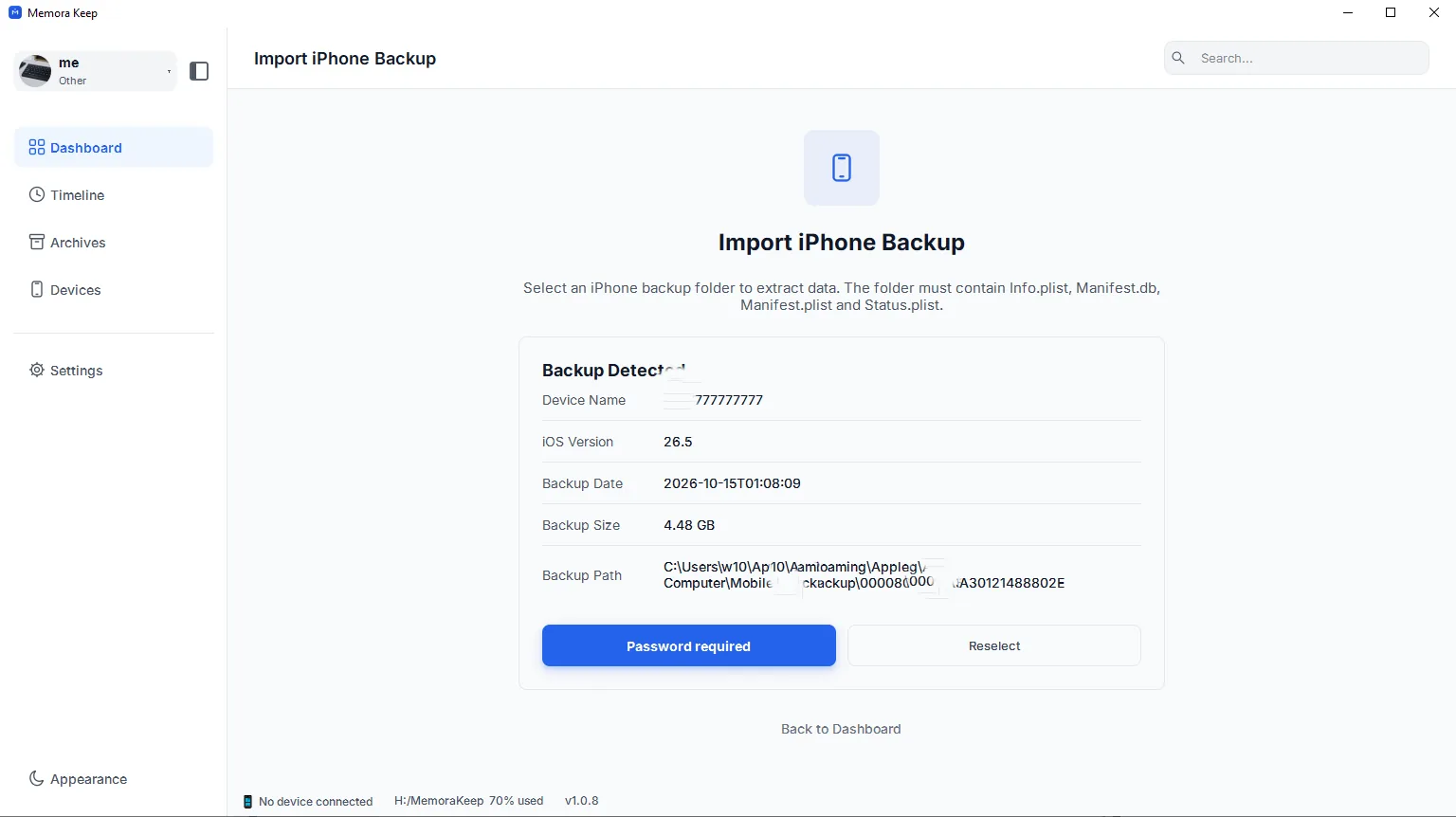
If the app asks for a password, enter the backup password and choose Unlock and Import. An incorrect password does not by itself prove the backup is damaged. Memora Keep does not bypass encryption.
For Android, connect and unlock the phone, then complete the dedicated WhatsApp backup prompts.
Read the saved conversations
When the task finishes, open Archives → WhatsApp. Choose the account and a contact or group. Search within the conversation, load older messages and open available media.
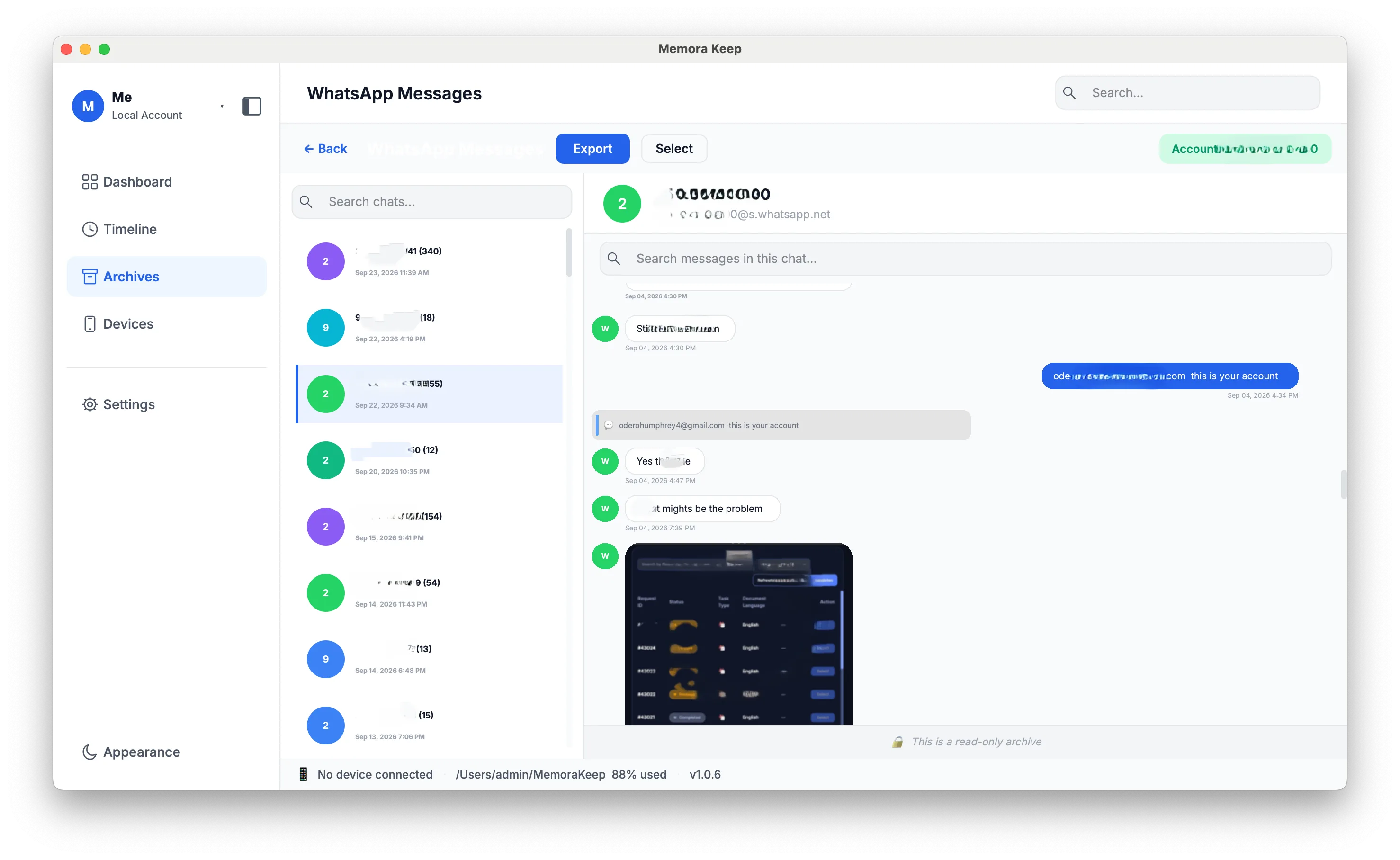
Verify an older exchange you remember. If it is missing, check the source date, account, filters and import result before deciding whether the backup lacks it.
Save a reading copy
Click Export to save PDF, HTML + Media or CSV. Keep any media package together and test the exported files.
WhatsApp Desktop serves a different purpose: linked-device messaging. For file-opening problems rather than browsing instructions, follow how to open a WhatsApp backup on a PC.
Frequently asked questions
Does importing a backup restore anything to my phone or change the backup? No. The import reads a copy on your computer. The phone is not involved, and the original backup folder stays unchanged.
I forgot the encrypted backup password. The password is the one set when the backup was created in Apple Devices, iTunes or Finder. There is no recovery or bypass inside Memora Keep; without it the encrypted backup cannot be read.
- backup viewer
- windows
- read backup