How to View WhatsApp Business Backups on a Computer
Open saved WhatsApp Business conversations on a computer, find customer messages and check attachments in your local archive.
2 min read
On this page
A readable WhatsApp Business archive lets you look up customer messages on your computer without reconnecting the phone. Open the saved account in Memora Keep, choose a conversation and search within it.
What you need
- Memora Keep on Windows or macOS. It’s free.
- An existing readable Business archive, or an Android phone to create one using the Business backup guide.
A Google Drive backup listing or an encrypted database file by itself is not the same as a readable archive.
1. Open the saved Business account
Go to Archives → WhatsApp and choose the account matching your business number.
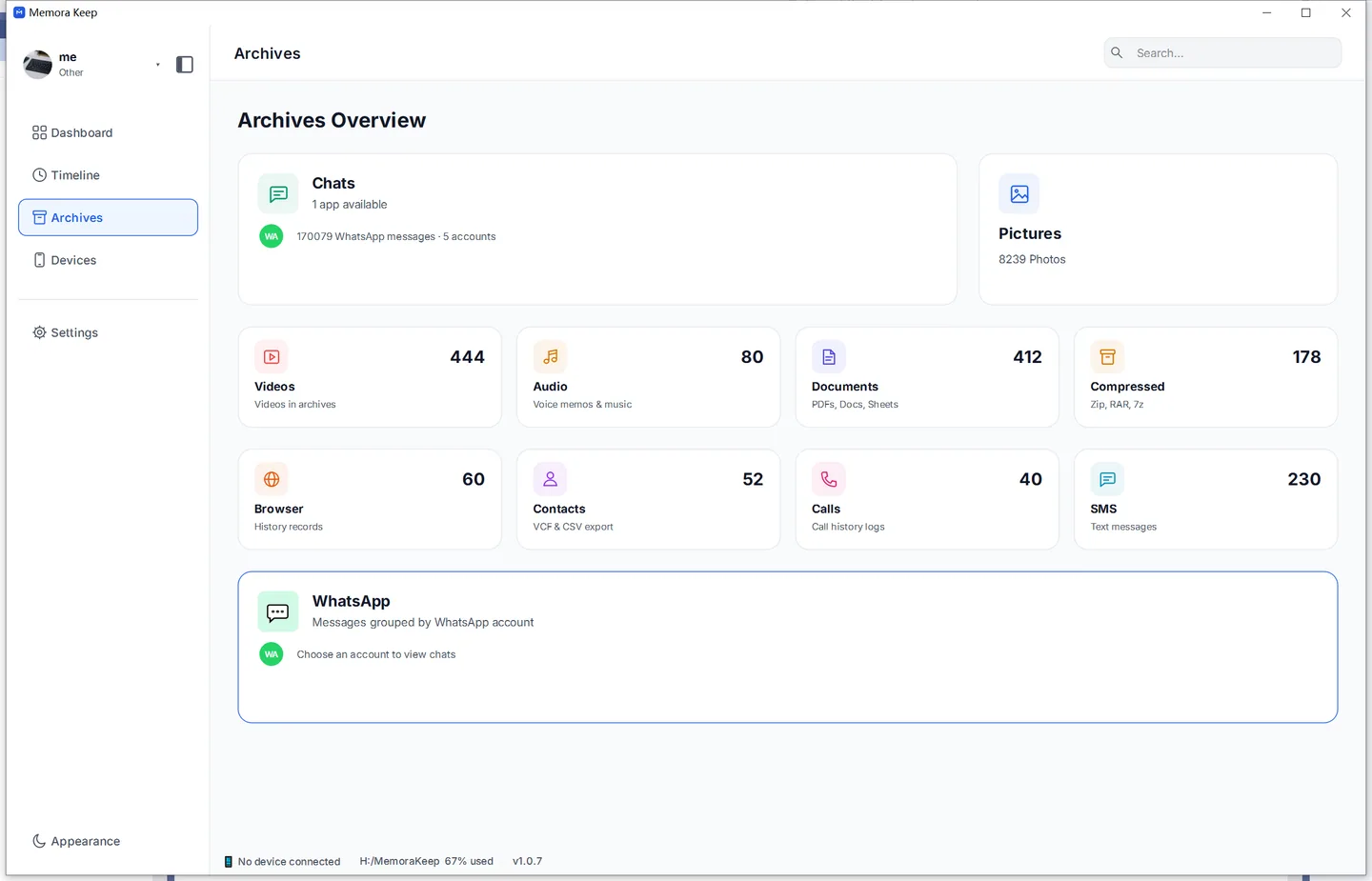
If you already have the Business archive, the apps currently installed on your phone do not prevent you from reading that saved copy.
If you need to create a new archive, check the backup guide first. The current Android workflow selects regular WhatsApp when both apps are installed and has no Business selector.
2. Find a customer or group
Select the conversation and search inside it for an order number, name or phrase. Read the messages around a result to understand the exchange.
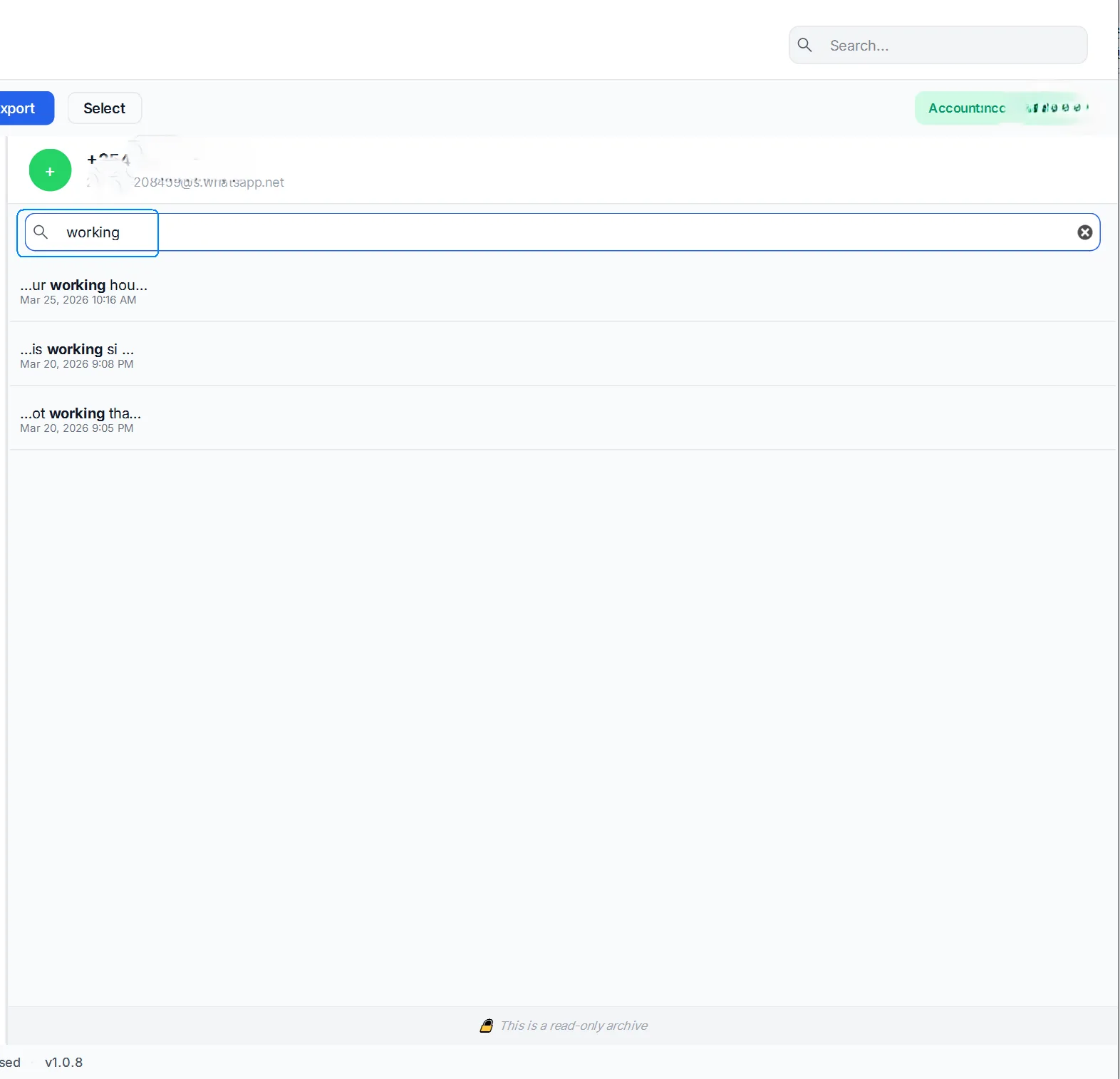
Check both older and recent messages if you are relying on the archive for a particular period. Messages sent after the backup was made will require a newer source.
If an expected conversation is missing, check the saved account and backup or import warnings. An absent result does not by itself prove that the original message was deleted.
3. Open the attachments
Try the photo, document or voice message relevant to your work.
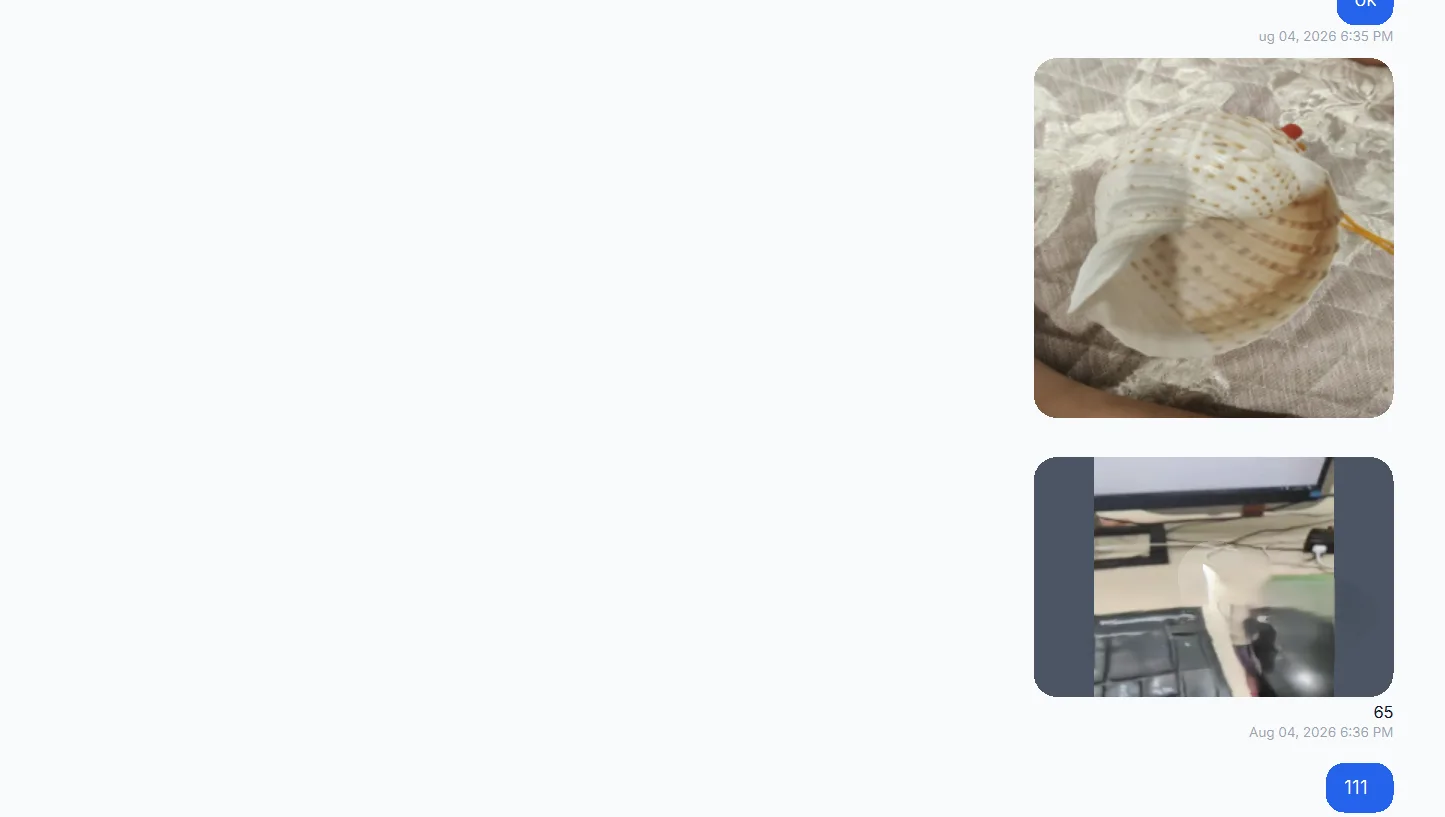
If an attachment does not open, compare it with the source and follow the missing-media checks. Missing files and playback problems may require different fixes.
4. Save a copy for later
Export a PDF for reading or a CSV for spreadsheet review. Choose HTML + Media when you want browser reading with attachments.
Check the exported files separately before sharing or storing them. Successful playback in the archive does not guarantee that every file was copied into the export.
- whatsapp business
- view backup
- computer
- read chats