How to Keep Original Media Alongside WhatsApp PDF Exports
Keep a WhatsApp PDF with its available photos, videos and audio. Check the exported ZIP, media files and conversation context.
3 min read
On this page
A WhatsApp PDF is useful for reading or printing a conversation. To keep its videos and voice messages useful too, save the media files alongside it.
In the current Memora Keep exporter, a PDF export with available media produces a ZIP containing the PDF and a media folder. If no media is available to bundle, the output is a standalone PDF.
What you need
-
Memora Keep on a Windows or macOS computer. It is free.
-
The chats in your local archive, or an Android phone or local iPhone backup containing them. The steps below explain how to add the source.
-
Enough free disk space for the imported data and any files you export.
Know what original media means
Here, original media means the files available in your local WhatsApp archive. A photo received through WhatsApp may already differ from the camera file that existed before it was sent.
The PDF is a reading copy. Images rendered on its pages do not replace the separate files, and audio or video does not play inside the PDF.
For the files available in the archive, the PDF package keeps separate media files without the image conversion used by some HTML exports.
Check the media before exporting
Open the relevant account under Archives → WhatsApp, then open the conversation. View an important photo or play a clip to check that the file is available.
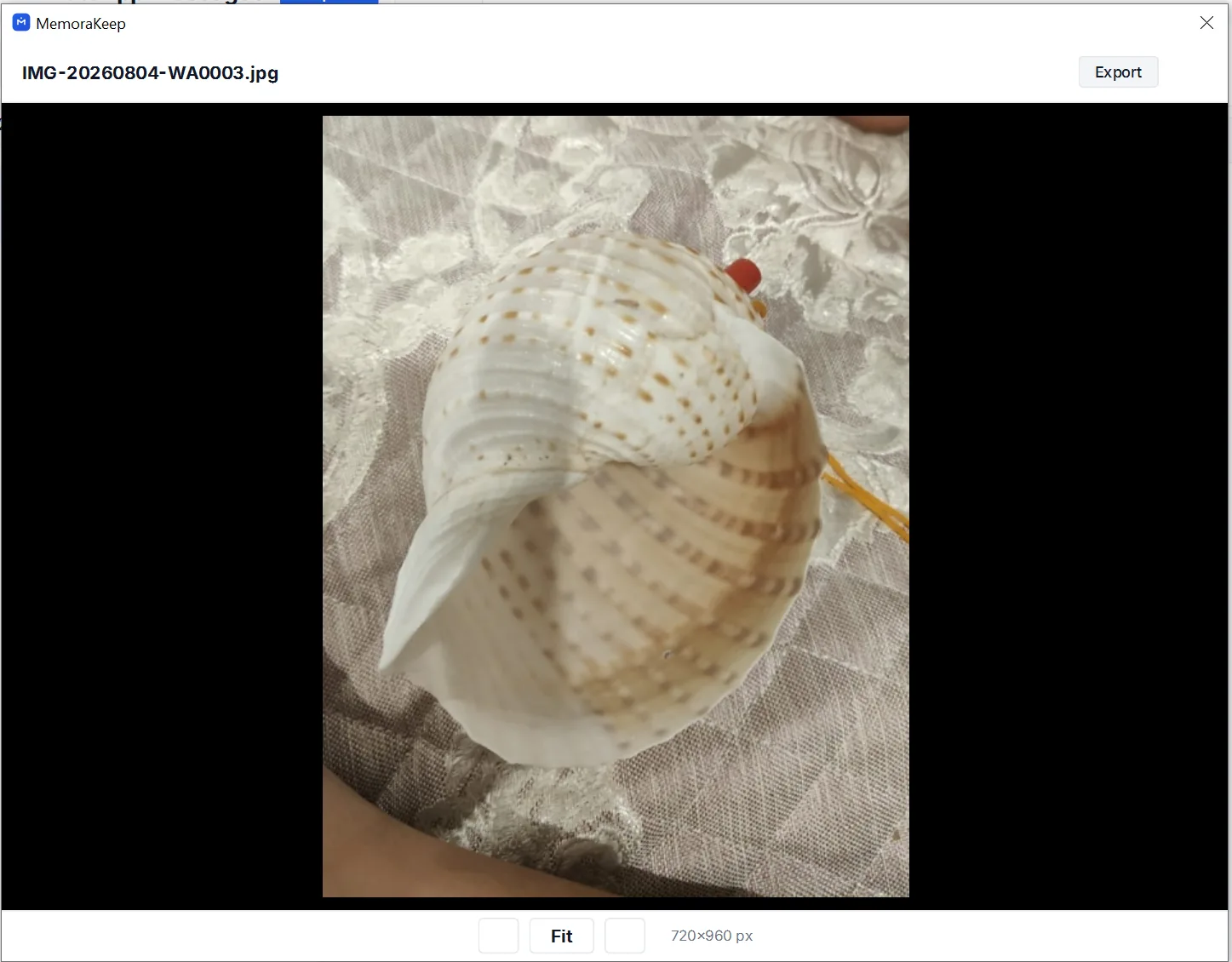
You can also use the viewer’s Export button to save an individual photo or video separately. This is useful when you only need one attachment.
A visible thumbnail alone is not enough to confirm that a full video or image is available.
Export the conversation as PDF
Choose the conversation or messages you want, click Export and select PDF. Follow the PDF export guide for the selection steps.
After export, check the actual output filename. When media is bundled, it ends in .zip even though you selected PDF.
Read any warning about files that could not be bundled. A completed PDF does not guarantee that every attachment from the original conversation was available.
Extract and keep the whole folder
Extract the ZIP into a folder you can identify later. Keep the PDF and its media folder together.
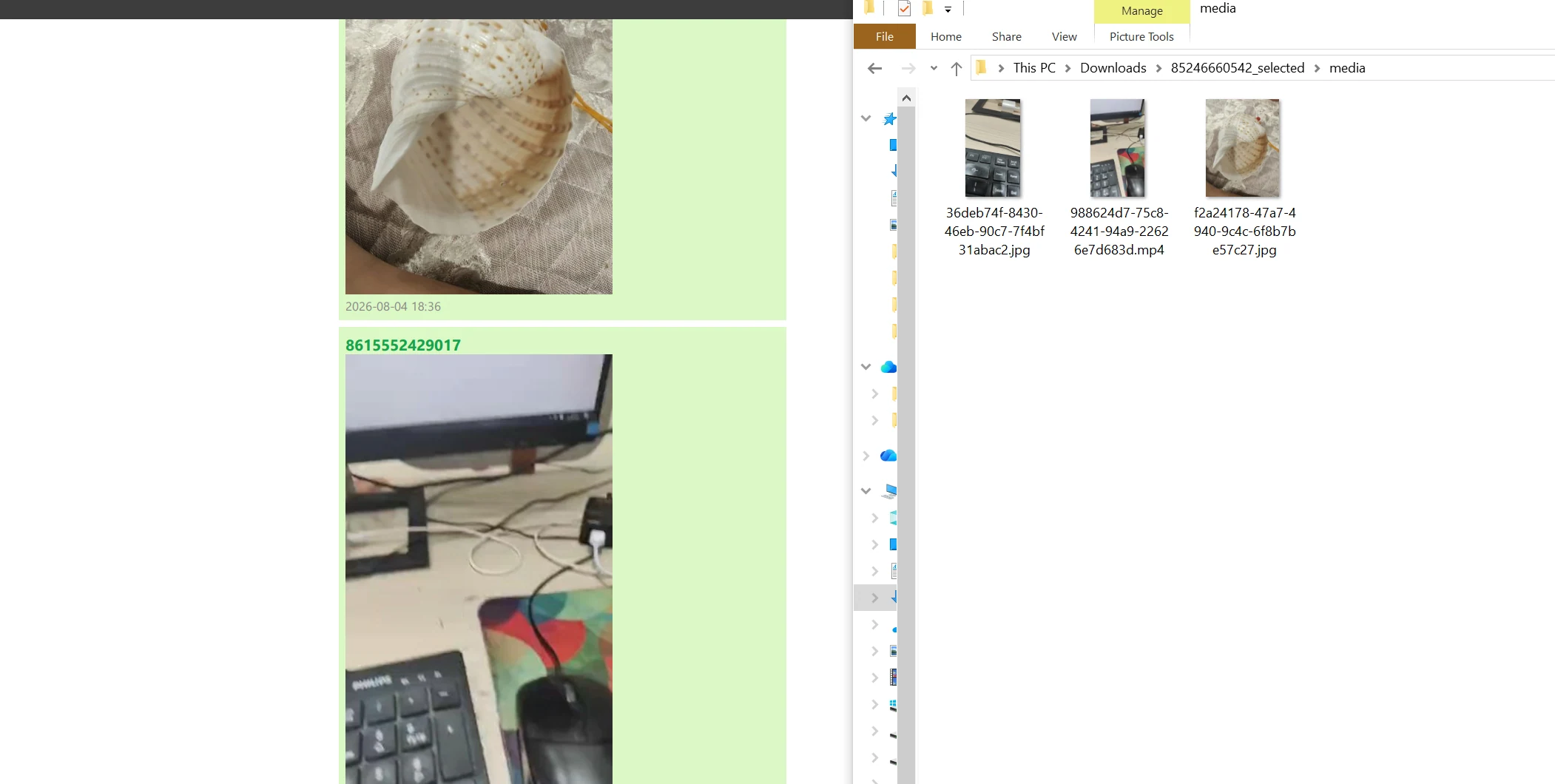
The example shows the reading copy beside the separate media files. Open those files directly to check the pictures and play the video.
You can add a simple note to make long filenames easier to follow. The table below is a manual example, not an automatically generated index.
| Message or moment | Saved file | Check |
|---|---|---|
| Photo shared during the trip | Filename from the media folder | Opened at full size |
| Short family video | Filename from the media folder | Picture and sound checked |
| Voice message | Filename from the media folder | Played successfully |
Verify the set before storing or sharing it
Compare the PDF with the conversation for names, dates and the selected range. Test important media files independently, including the middle and end of videos.
The same media file may be used by more than one message, so attachment references and saved file counts do not always match one for one.
Keep the original backup too when preserving the source matters. An HTML reading package can convert some HEIC or HEIF images to JPEG, so check the actual format before treating different exports as interchangeable.
For missing attachments, see checking missing media in WhatsApp exports.
- media