Backup Guides
Phone Backup vs Readable Archive - What Each One Is For
Understand the difference between a phone backup, a readable archive and exported files, and decide which copies to keep.
3 min read
On this page
A phone backup helps you preserve data for a supported restore process. A readable archive helps you look through saved content on your computer. An export gives you selected content to open in another app.
You may need all three. The right choice depends on whether you want to restore a phone, revisit old records or share a few items.
What a phone backup is for
A backup stores the data covered by its backup method. It may be useful when replacing a device or restoring saved state, but its internal files are not always convenient to browse.
A local iPhone backup, for example, can be selected as a source for import.
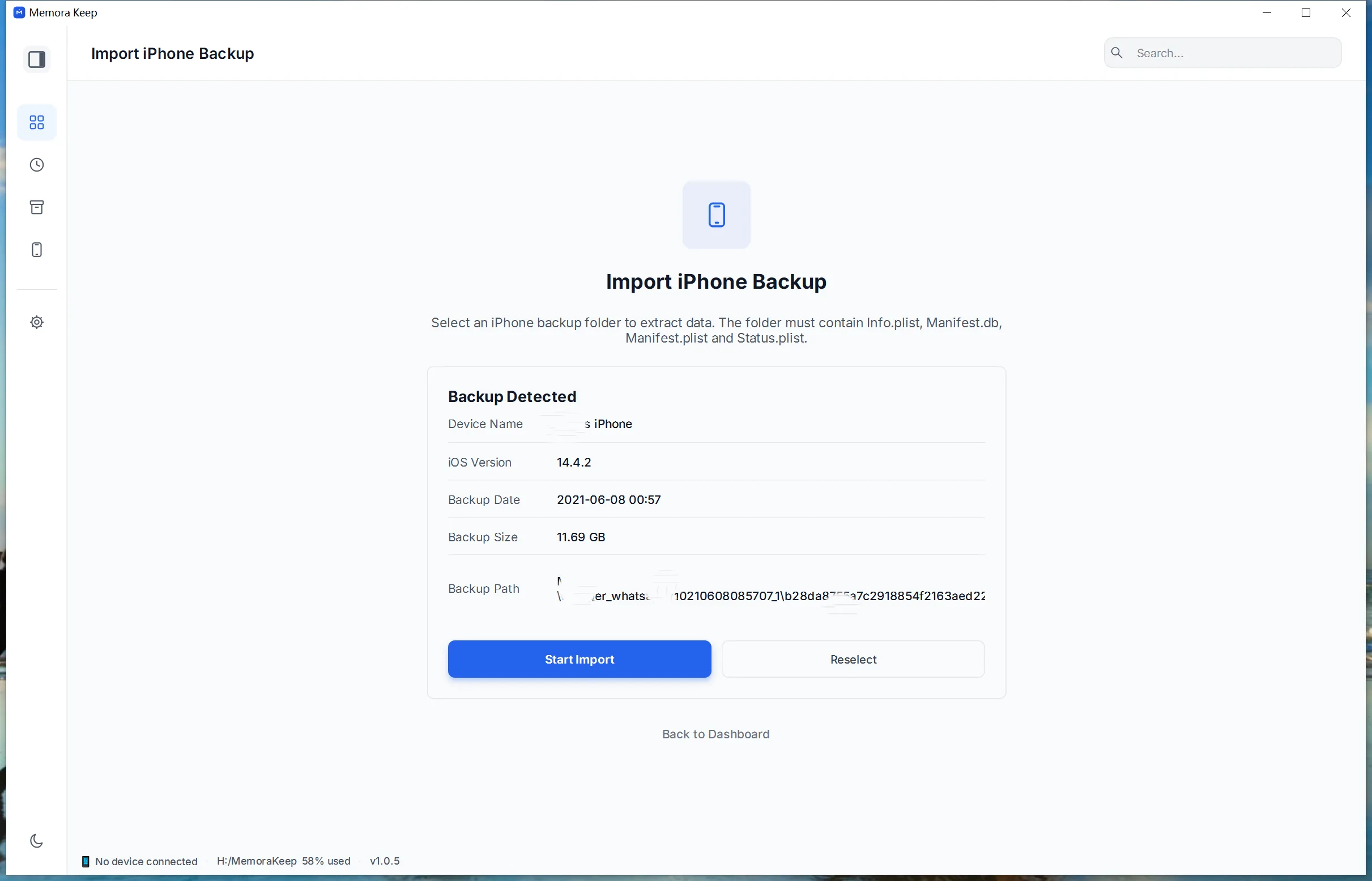
Coverage varies. Apple excludes some data already synced and stored in iCloud from computer backups; see Apple’s backup methods. A large backup folder is not proof that every photo, message or app is included.
What a readable archive is for
Memora Keep reads supported data from a backup or supported device workflow and presents it as browsable content.
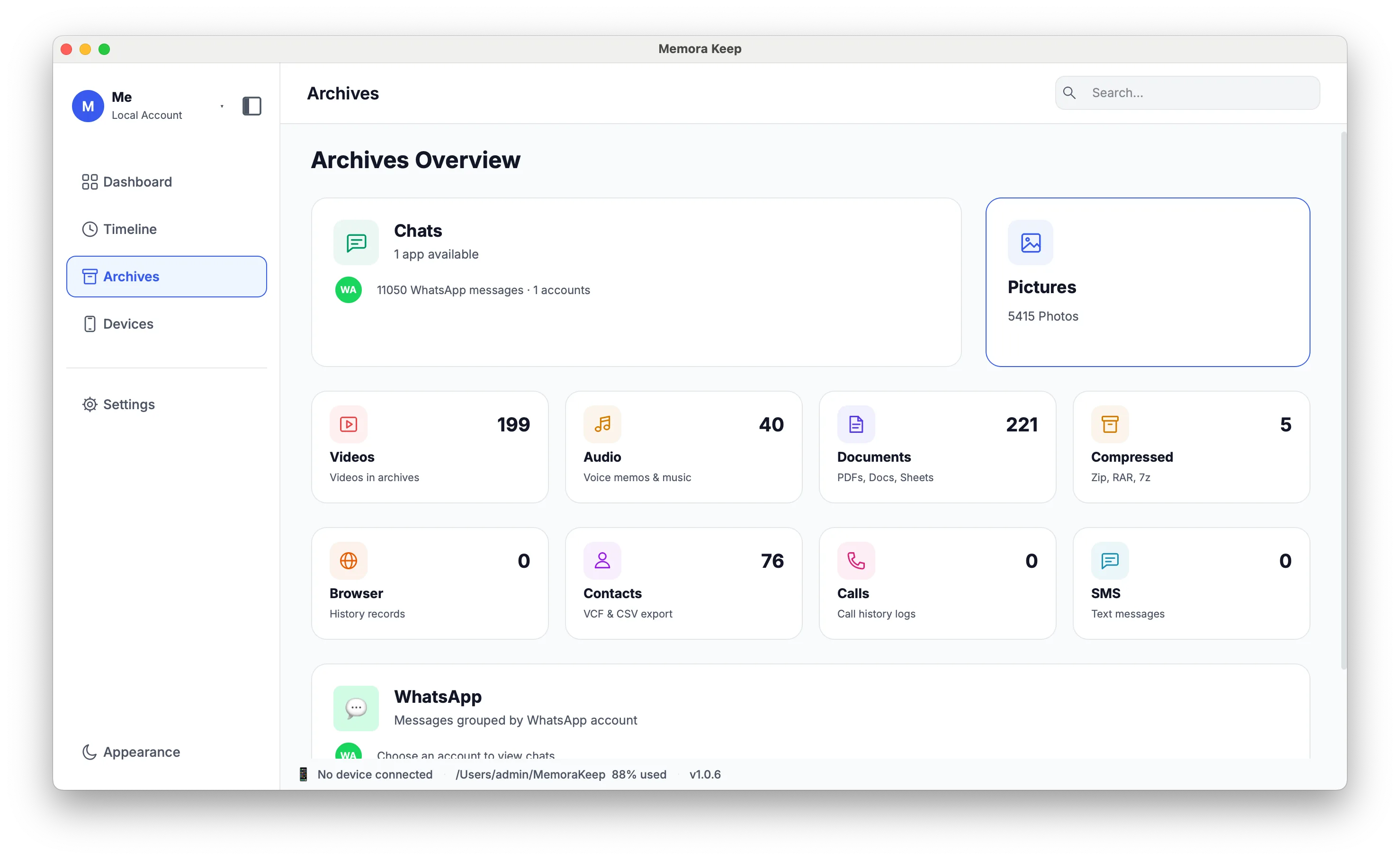
You can open a conversation, view a photo or look up a contact without restoring the whole phone. The archive depends on what the source contains and what the app can read.
It is a separate result from the original backup folder. Keep track of where both are stored.
Where exported files fit
An export takes a selection out of the archive for another purpose. Examples include a WhatsApp PDF for printing, an SMS CSV for a spreadsheet, or a VCF for a contacts app.
| Copy | Main purpose | How you use it | Main limit |
|---|---|---|---|
| Source backup | Preserve data for compatible restore or import workflows | Use a supporting backup or import tool | Coverage depends on the backup method |
| Readable archive | Browse supported saved content | Open it in Memora Keep | Depends on imported sources and supported data |
| Exported files | Read, share or work with a selection elsewhere | Use a PDF reader, browser, spreadsheet or contacts app | Includes only the exported content and fields |
A CSV or PDF is not a substitute for a restorable phone backup. Some exports also depend on accompanying media files, so keep the whole package.
When keeping both backup and archive helps
If you want to revisit years of messages, keep the source backup and a checked readable archive. The source gives you another opportunity to read the data later; the archive makes everyday browsing easier now.
If you only need to send someone a few photos or a conversation, create a separate export. You do not need to give them your entire archive.
Build a set you can check
Keep the source intact, import it, and open several items you recognize. Export important selections and test those files outside the app.
Record the device, backup date and storage locations. New data on the phone does not appear in an old archive or export until you run another supported backup, import or export.
For a simple maintenance plan, see keeping a personal archive of old phone data.
- phone backup
- local archive
- exports