How to Preserve Your Family WhatsApp Group History
Save a family WhatsApp group with its conversation context, photos and voice messages. Check the archive and prepare a copy your family can open.
3 min read
On this page
A family group often holds more than big announcements. A birthday voice message, a recipe or a few everyday replies can be what you want to hear or read again years later.
Save the group’s conversation and available media together, then check the moments that matter before relying on the copy.
What you need
-
Memora Keep on a Windows or macOS computer. It is free.
-
The chats in your local archive, or an Android phone or local iPhone backup containing them. The steps below explain how to add the source.
-
Enough free disk space for the imported data and any files you export.
Choose the group and period
Write down the group name and the dates you want to keep. If your family has several similarly named groups, note a few participants or a familiar message to identify the right one.
Work from a chat you can access. The history saved by your account may not include the group’s entire life, especially messages from before you joined or data no longer present in your source.
Bring the source into the archive
Use Memora Keep’s Android WhatsApp backup workflow, or import a local iPhone backup containing the chat. For an encrypted iPhone backup, have its password ready.
Open Archives → WhatsApp and choose the correct account.
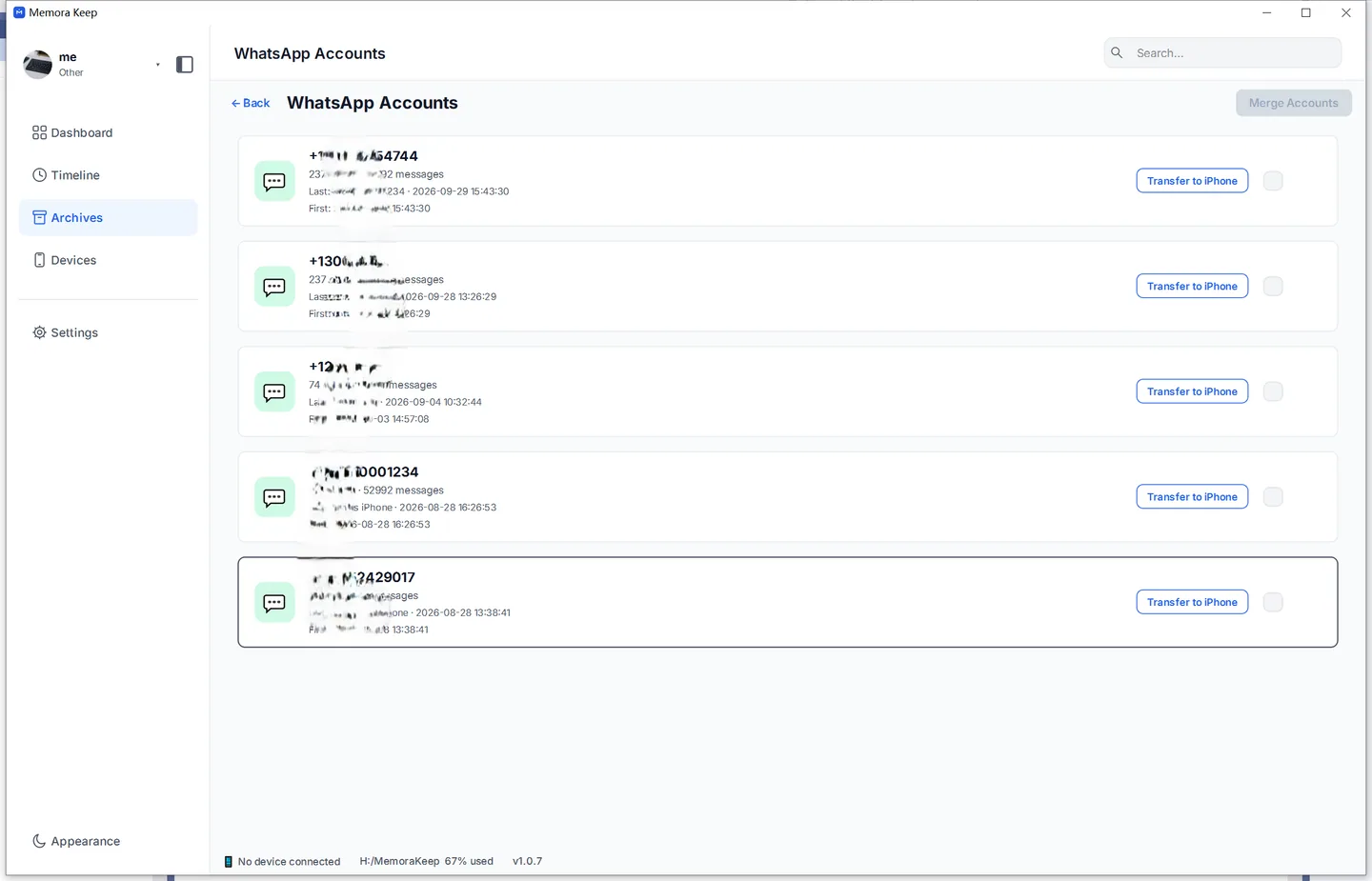
Find the group in the chat list and open it. Check the group name and familiar participants before exporting.
Choose a useful reading format
HTML works well for browsing a conversation with its available media. PDF works well for reading or printing selected messages.
For HTML, follow saving a group chat as HTML and keep the reading file with its media folder. Open the extracted result in a browser and test the media you need.
The current PDF export bundles available media in a ZIP alongside the PDF. Keep those separate files: a printed page cannot play a voice message or video.
Check a few meaningful moments
Look at the earliest and latest messages you wanted, then check a birthday, trip or other familiar exchange.
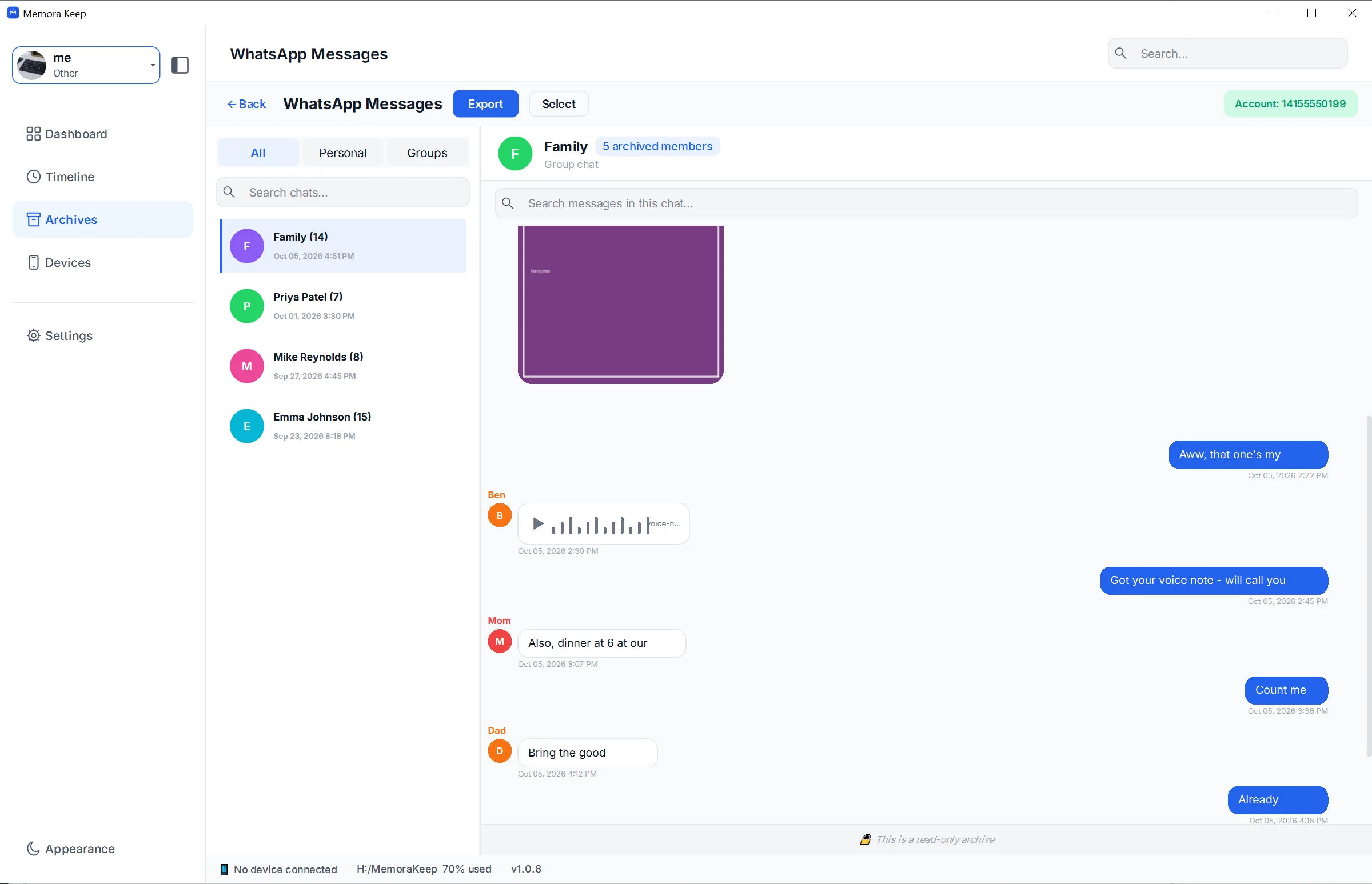
Compare sender labels and dates. Open pictures at full size, listen to important voice messages and play videos beyond their first frame.
A screenshot showing a voice-message player is only a reminder to test the audio; it does not establish that every recording in your group is available.
Names and nicknames may be unclear to someone reading later. Add a separate note explaining who people are, and distinguish your note from the original messages.
Keep a private copy and a sharing copy
Keep the source backup and checked export for yourself. For relatives, prepare a selection that contains the memories you want to share and leaves out unrelated personal conversations.
Ask a family member to open the sharing copy using the intended reader or browser. Make sure they have the media files as well as the text.
Record the export date. New group messages do not appear in an old export automatically, so save another period when you want to extend the collection.
For notes that help future readers understand the files, see saving family conversations for the future.
- family
- group chats