WhatsApp Archive Chat vs Export Chat - What's the Difference
Learn what WhatsApp Archive Chat and Export Chat do, how they differ from a local archive, and which option fits your goal.
3 min read
On this page
WhatsApp’s Archive Chat helps organize your chat list. Export Chat saves a separate reading copy. A local archive in Memora Keep is another option: it lets you browse data brought in through a supported backup or import.
The similar names can be confusing. Start with the result you want.
Archive Chat organizes the WhatsApp list
Archive Chat moves a conversation into WhatsApp’s archived area. It does not create a file on your computer.
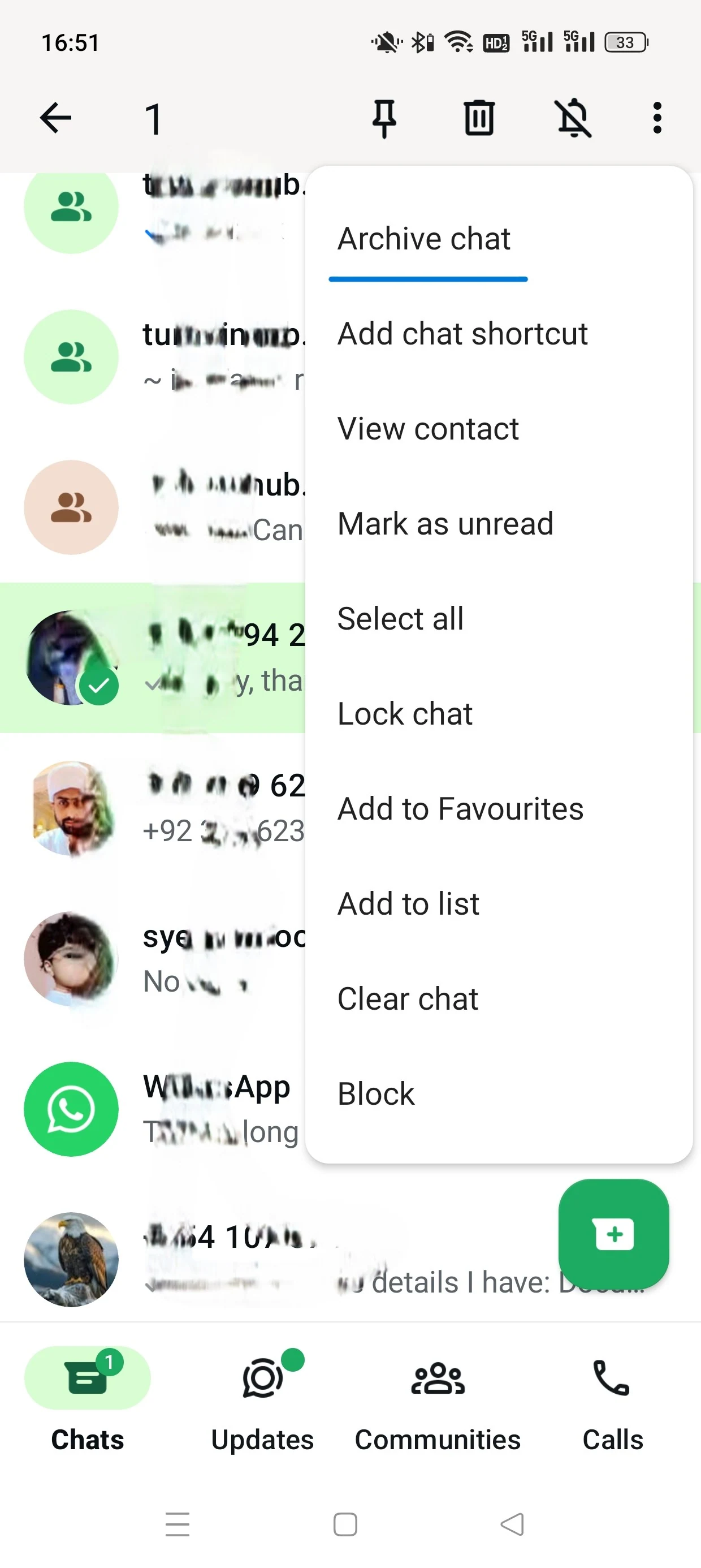
This Android example shows the archive action. The exact menu can vary by platform and app version.
WhatsApp states that archiving does not delete the chat. It is useful when you want a quieter main list while keeping the conversation inside WhatsApp.
Do not treat an Archived label as confirmation that an independent backup or export exists.
Export Chat creates a separate copy
Export Chat prepares a conversation for saving or sharing outside WhatsApp. It produces a text-based chat copy, with media options depending on the export.
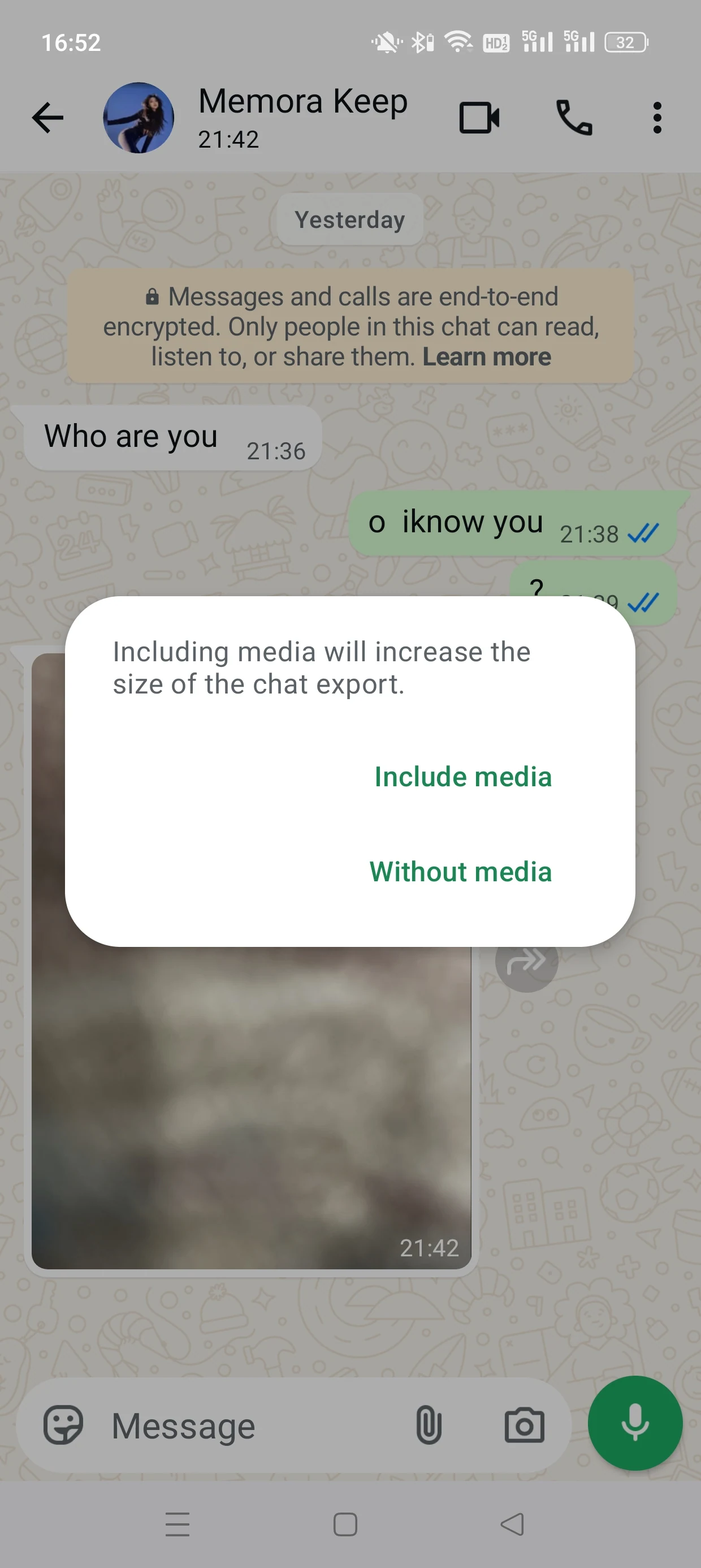
The screenshot shows the Include media and Without media choices. Including media makes the output larger, so check what the resulting files actually contain.
Open the saved result and check the conversation, date range and attachments. WhatsApp explains that exported chat text cannot be re-imported as a backup.
An export is a snapshot. Later messages do not automatically appear in the file you already saved.
A local readable archive has a different role
Memora Keep reads supported WhatsApp data from its backup and import workflows. You then open the account and conversations from Archives.
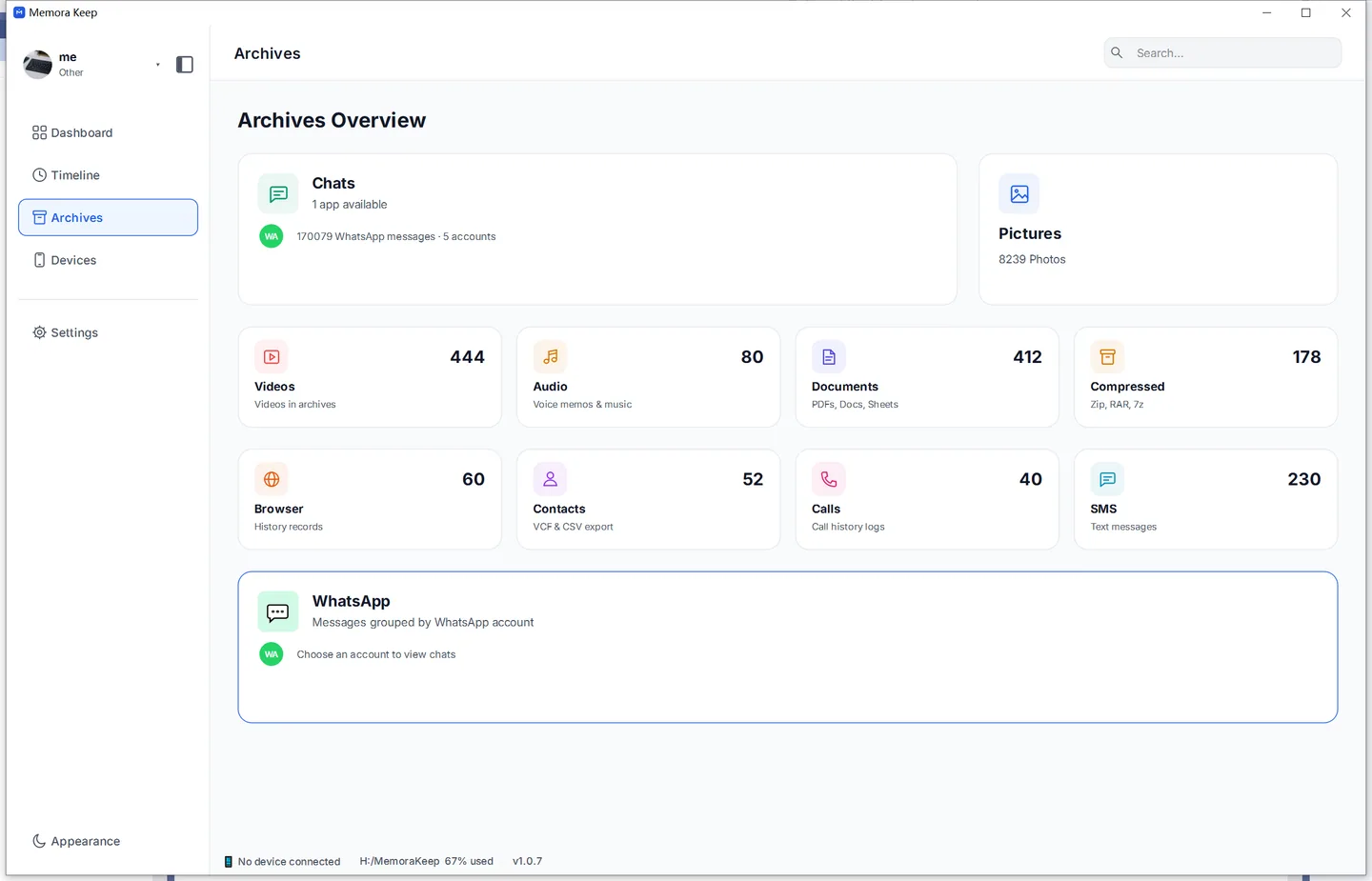
This is different from pressing Archive Chat on the phone. It requires an available supported source; moving a conversation into WhatsApp’s archived list does not create that source on your computer.
Compare the three options
| Option | Where you read it | What you get | Later messages |
|---|---|---|---|
| WhatsApp Archive Chat | Inside WhatsApp | A conversation moved out of the main list | Remain part of the live chat |
| WhatsApp Export Chat | In a text reader and media apps | A separate exported copy | Require another export |
| Memora Keep local archive | In the desktop archive viewer | Browsable imported account data | Require another supported backup or import |
From the local archive, you can make further PDF, HTML or CSV exports. Keep their media files when supplied, and test them before sharing.
Choose by your immediate goal
To tidy the phone’s chat list, use Archive Chat. To save a particular conversation for reading outside WhatsApp, export it and check the result.
To browse supported histories from several saved sources on your computer, use a local readable archive.
If you also need a phone restore option, keep an appropriate backup. The backup and archive comparison explains why a readable export serves a different purpose.
- archive chat
- export chat