WhatsApp CSV vs TXT Export: What's the Difference?
Compare WhatsApp CSV and TXT exports for reading, sorting, date filters and media. Learn when to use a spreadsheet or a plain text file.
2 min read
On this page
WhatsApp’s built-in export creates a .txt file. Memora Keep can export the same chat as .csv, with the message details in separate columns.
Use TXT for a quick read or CSV for sorting, filtering and counting messages in a spreadsheet.
CSV vs TXT at a glance
| CSV (Memora Keep) | TXT (WhatsApp app) | |
|---|---|---|
| Structure | Header row; one row per message | Plain lines of text |
| Sender | Separate column | Before the message text |
| Date & time | Separate column for sorting | Part of each line |
| Open in Excel | Columns ready to filter, sort and summarize | Text in a single column |
| Media | File name and local path per row | " |
| Date filter | Set a range before exporting | Whole chat only |
| Multiple chats | Export several at once | One chat at a time |
| Good for | Analysis, records and spreadsheets | Quickly reading the chat |
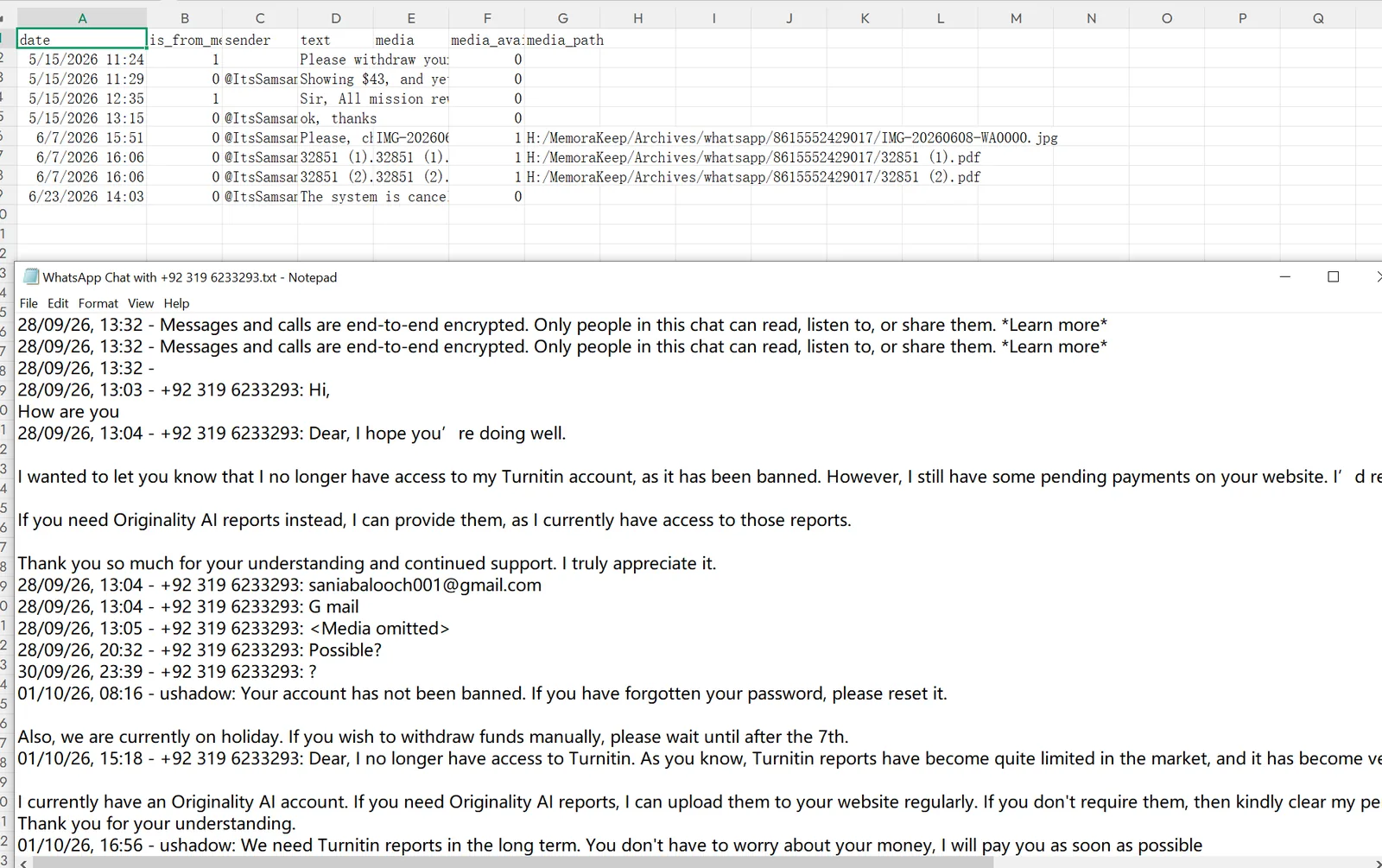
What a WhatsApp TXT export looks like
Export from the app (open a chat → top-right menu → More → Export chat) and you get lines like:
28/09/26, 13:04 - +92 319 6233293: Hi, how are you
28/09/26, 13:05 - +92 319 6233293: <Media omitted>
This works for a quick read. Questions such as “how many messages did each person send in May?” are harder to answer because dates and senders are part of the text, rather than separate fields. Media may appear as a placeholder.
What a WhatsApp CSV export includes
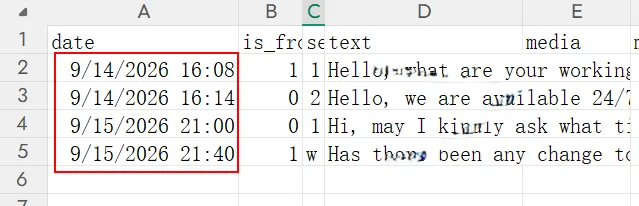
Memora Keep’s CSV puts each message on its own row, with these columns:
- date — the message timestamp
- is_from_me — 1 if you sent the message, 0 if someone else did
- sender — who sent the message
- text — the message text
- media — the file name, if the message had one
- media_available — whether the file was downloaded
- media_path — the file’s location on your computer
You can sort by date, filter to one sender or count messages per month using spreadsheet tools.
Can you convert a TXT to CSV yourself?
Yes. Split each line at the date and colon, manually, with a script or using an AI tool. Check the result carefully: messages may span several lines, dates can use different formats, and group names may contain colons.
If the chat is already in Memora Keep, you can export it directly to CSV. See the CSV export guide.
Good to know
- If Excel shows your CSV in one column, import it using Data → From Text/CSV and set the encoding to UTF-8.
- For a chat layout suited to reading or printing, compare PDF vs HTML.
- Both exports create copies and leave your chat and phone unchanged.
- csv
- txt
- export