WhatsApp Local Backup vs Google Drive Backup
Compare Android local backups, Google account backups and readable computer archives. Understand their locations, restore uses and media limits.
2 min read
On this page
An Android local backup and a Google account backup can serve WhatsApp’s supported restore processes. A readable archive in Memora Keep serves a different purpose: browsing saved messages on your computer.
The word “local” alone does not tell you whether a copy is readable or usable for a particular restore.
Identify the three copies
- Local encrypted backup: WhatsApp database files on the phone, such as files named with a crypt extension.
- Google account backup: WhatsApp’s cloud backup associated with the account.
- Readable archive: supported data imported into Memora Keep on your computer.
An encrypted database is not a text document. A readable archive is not automatically an input to WhatsApp’s official restore process.
Compare their uses
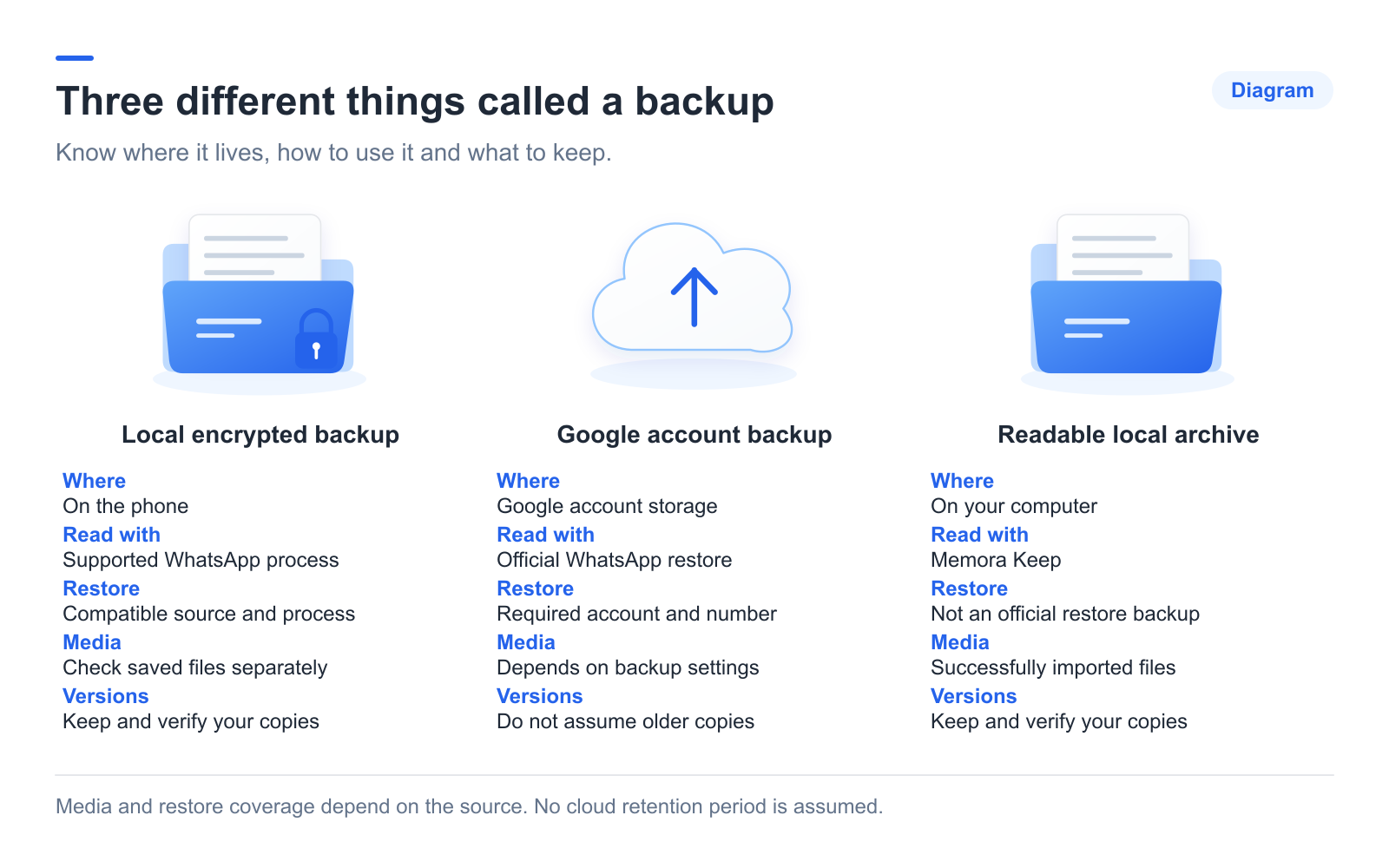
| Question | Local encrypted backup | Google account backup | Readable archive |
|---|---|---|---|
| Where is it? | Phone storage | Google account storage | Your computer |
| How is it read? | A supported backup or restore process | WhatsApp’s supported restore process | Memora Keep; exports open in other readers |
| What affects restoration? | Compatible files and the applicable restore requirements | The required account, number and restore conditions | Not an official WhatsApp restore source |
| What about media? | Check the media files separately | Depends on saved content and backup settings | Only successfully imported, available media |
| Are old versions guaranteed? | No; preserve needed sources | Do not assume older versions are available | Keep dated sources and exports yourself |
Consult WhatsApp’s Google account backup guidance for current recovery requirements.
Choose for your goal
For a phone replacement, check the supported restore or transfer route for that device pair. For reading old messages on a computer, create a readable archive and verify the conversations you need.
To use Memora Keep, prepare the app on Windows or macOS, a supported source and enough disk space. The app is free.
Download Memora KeepFollow the local PC backup steps when you are ready.
Check the copies you keep
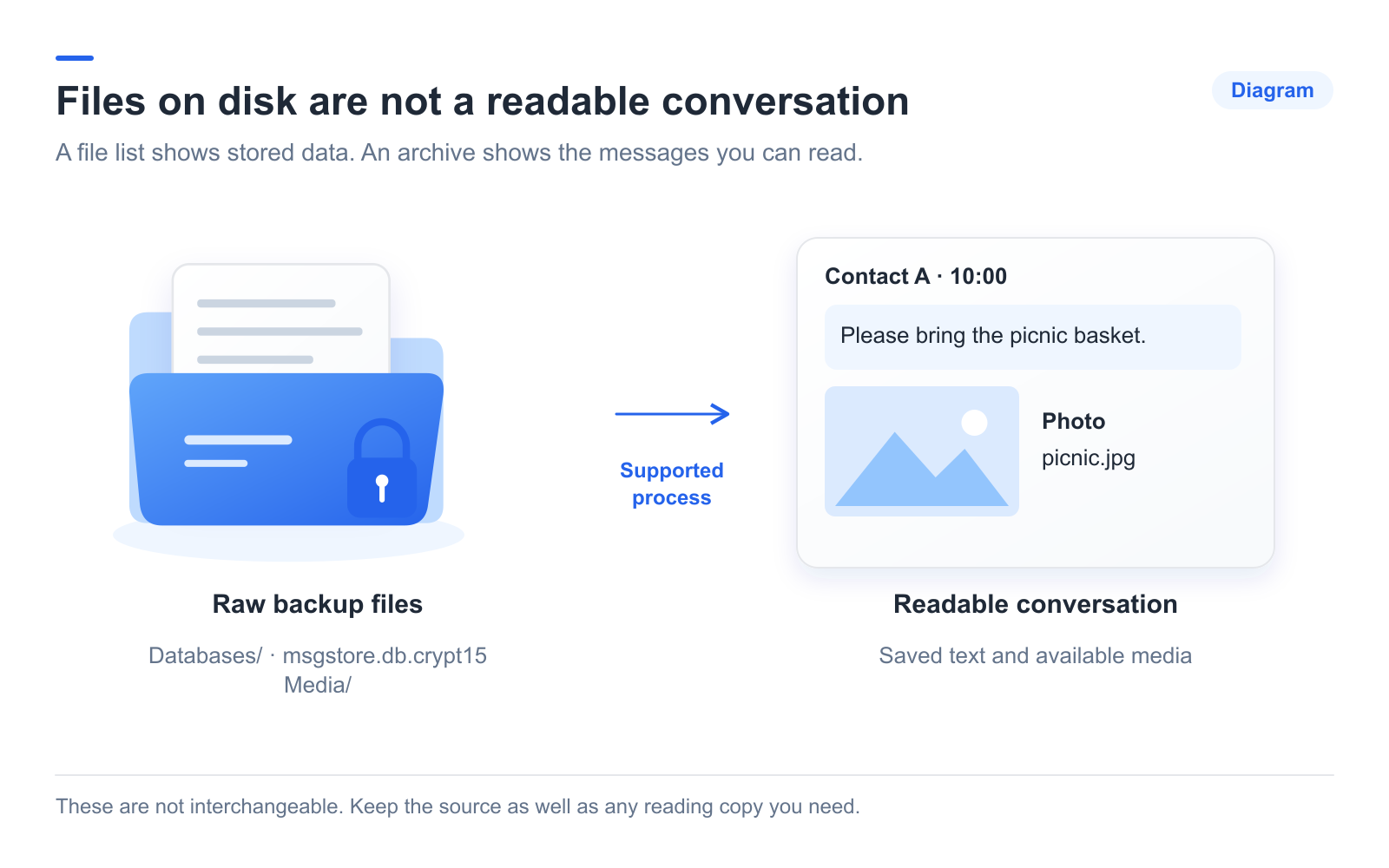
Record the account, backup date and location. Open a known old exchange and important media. Folder size alone does not establish completeness.
Keep a separate copy of important sources and exports. Repeat the backup when needed, and check old files periodically instead of assuming that any storage location will retain them indefinitely.
- local backup
- google drive
- comparison