Local personal data archive
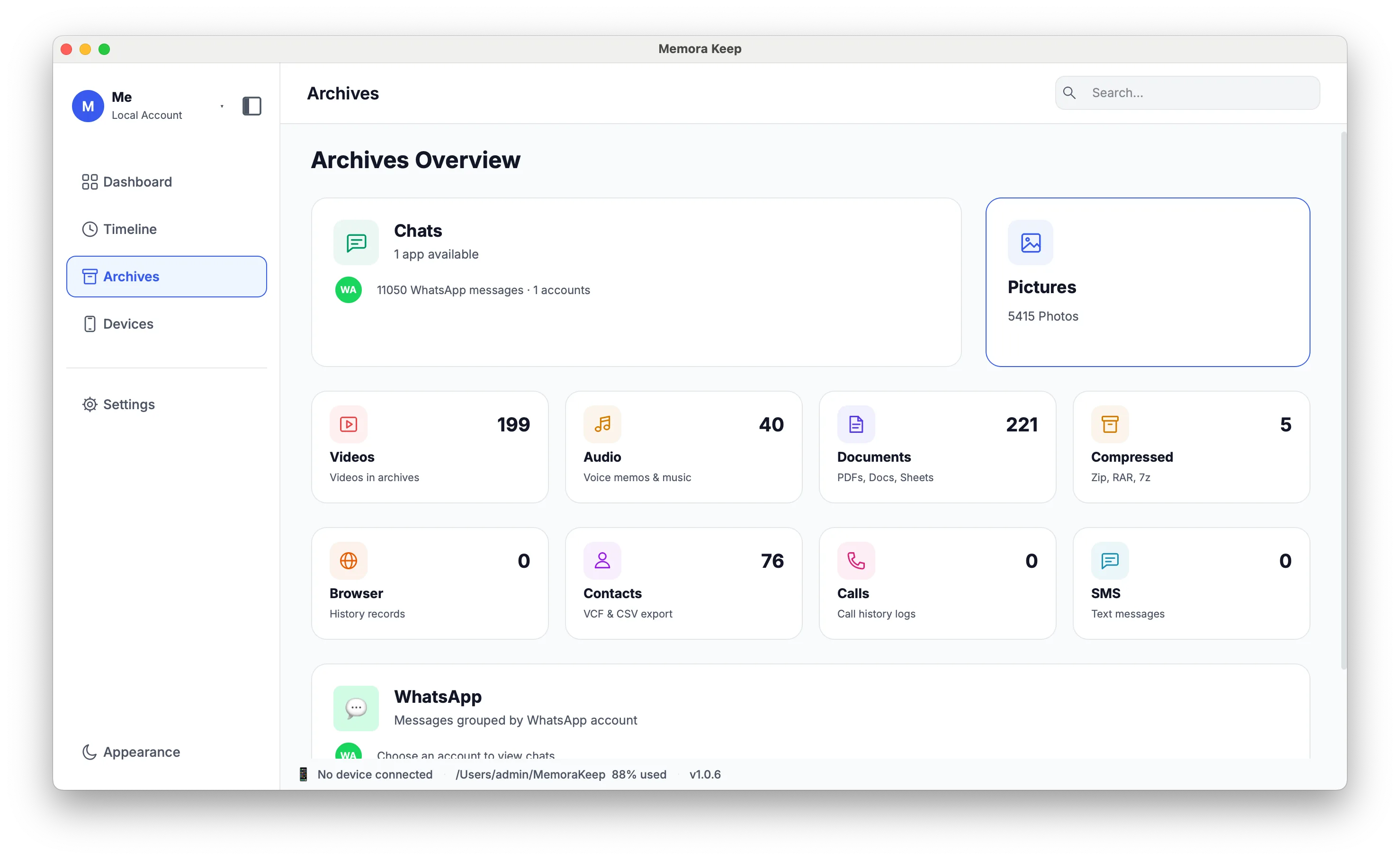
A single archive on your own disk, with the original backups and the parsed data kept side by side.
Windows & macOS · Free · No account required
Why it matters
The problems this solves
How this feature helps you keep and use your phone data.
-
Data spread across folders with no index
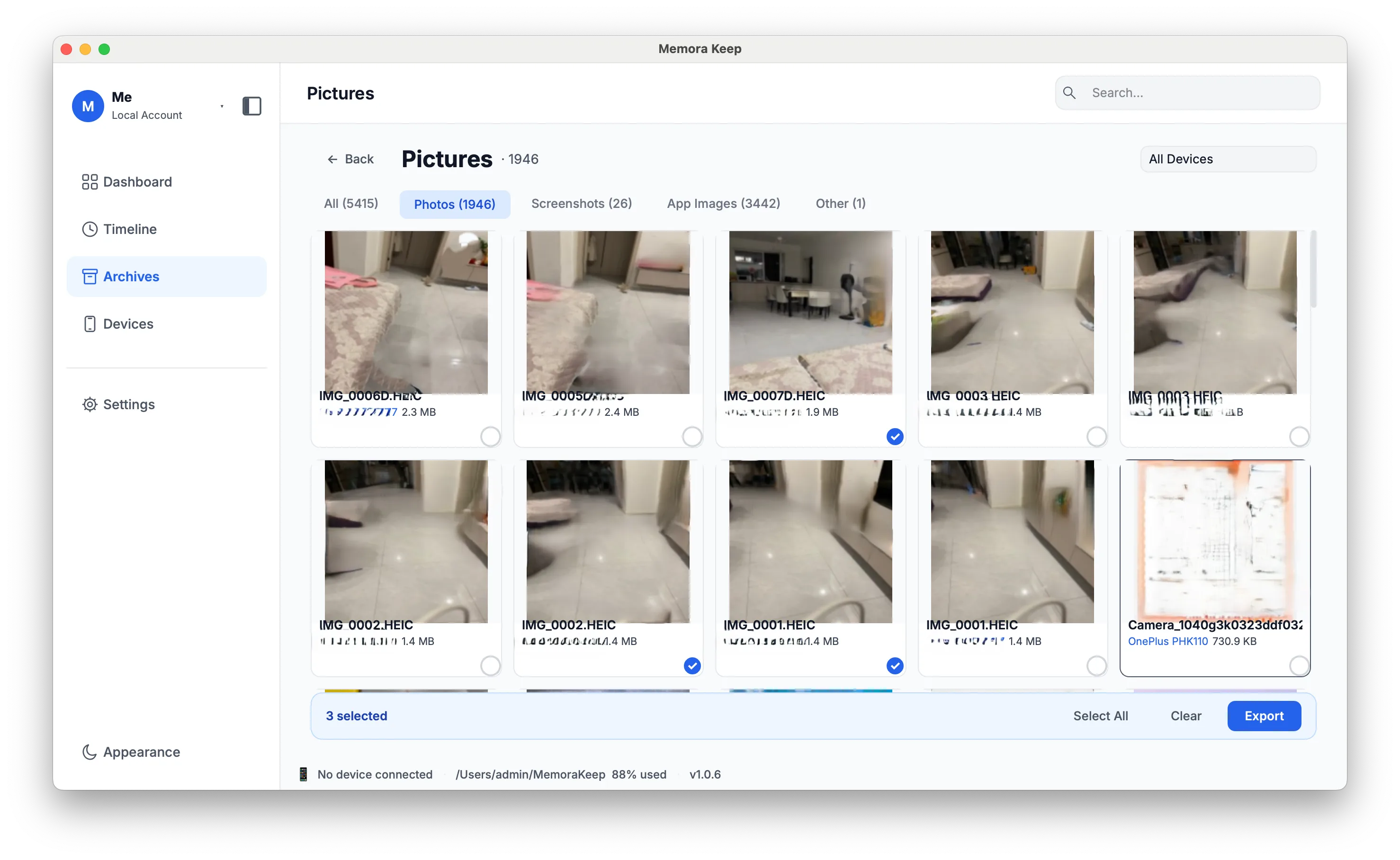
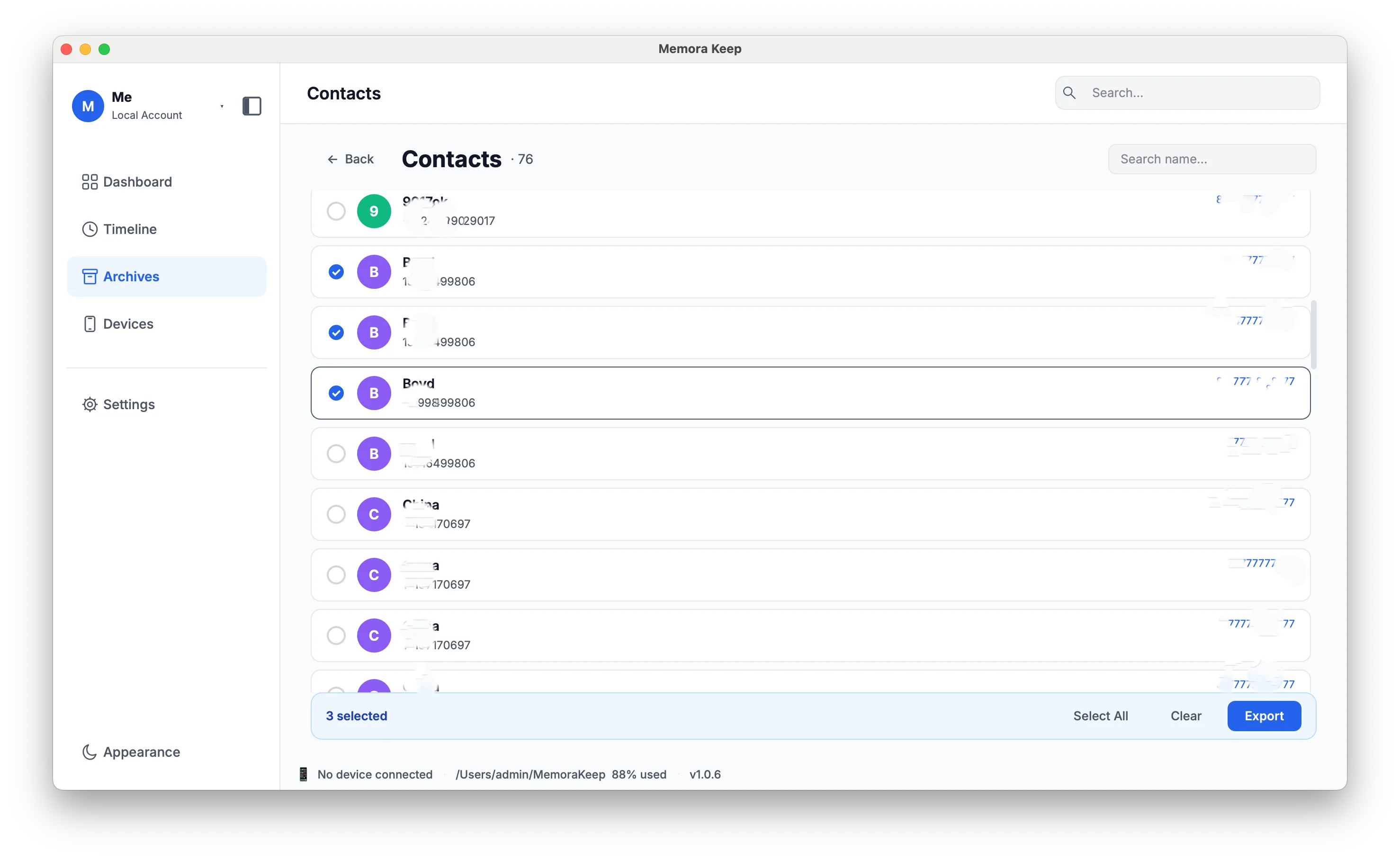
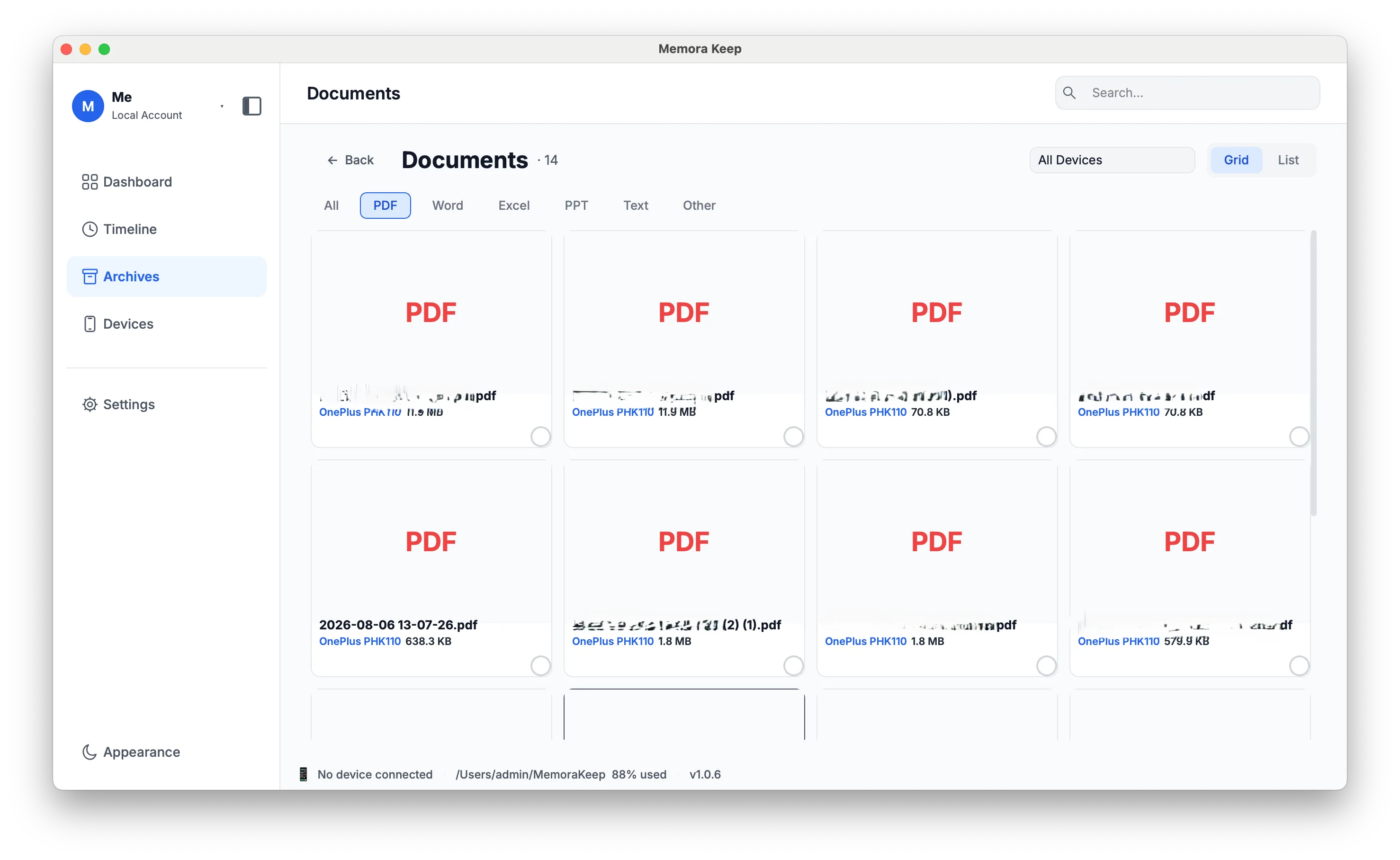
The archive organizes supported backup contents so you can browse chats, media and other records in one place.
-
A folder that could be anything
Without an index, a directory of files gives no clue what it holds or where it came from. Storage by type and by device keeps that meaning visible.
-
Dependence on a service staying alive
Data held by a third party depends on that party continuing to exist. A local archive works from disk without an account or a subscription.
How it works
How to use it
- 1
Write the raw backup
The original backup is kept intact on disk under a directory for the device it came from.
- 2
Parse into the archive
Imported records are stored in a local database, with media organized into folders by type.
- 3
Keep it consistent
Each import records its results. Repeated WhatsApp messages are checked for duplicates as they are added to the archive.
Capabilities
What you can do with it
In the app
Screenshots
Your archive stays on your computer
Save backups, chats and media in a folder you choose. Memora Keep does not upload your archive, and you can browse and export it offline without an account.
- No account and no sign-in required
- Backups, chats and media are never uploaded
- Diagnostics stay local unless you choose to send them
- Backups and the archive stay readable offline
FAQ
Local personal data archive questions
Where is the archive stored?
On your own disk. Parsed data is in a local SQLite database named memorakeep_archive.db, with backups and media in directories by type and by device.
Does the archive need an internet connection?
No. It is a local archive on disk and does not depend on a service staying reachable.
Is the archive encrypted?
No. Archive encryption is planned but is not available yet.
Can several people share one archive?
No. The current app supports one archive owner, with no shared accounts or access permissions.
Related
Keep reading
- Feature iPhone backup Back up your iPhone locally and browse supported messages, WhatsApp chats, contacts, photos and videos. Read
- Feature Devices Manage your backed-up phones: connected devices, last backup time and size, and the backup history. Read
- Feature Timeline Browse imported chats, photos, videos, documents and calls in one timeline, grouped by year, month and day. Read
Start your own local archive
Free, with no account or subscription. Your archive stays on your computer.
Windows & macOS · Free