The Memora Keep app, end to end
One desktop application for Windows and macOS. It backs up a phone to your own disk, parses that backup into a local archive, and lets you browse supported data, search within WhatsApp chats and export the items you need.
Windows & macOS · Free · No account required
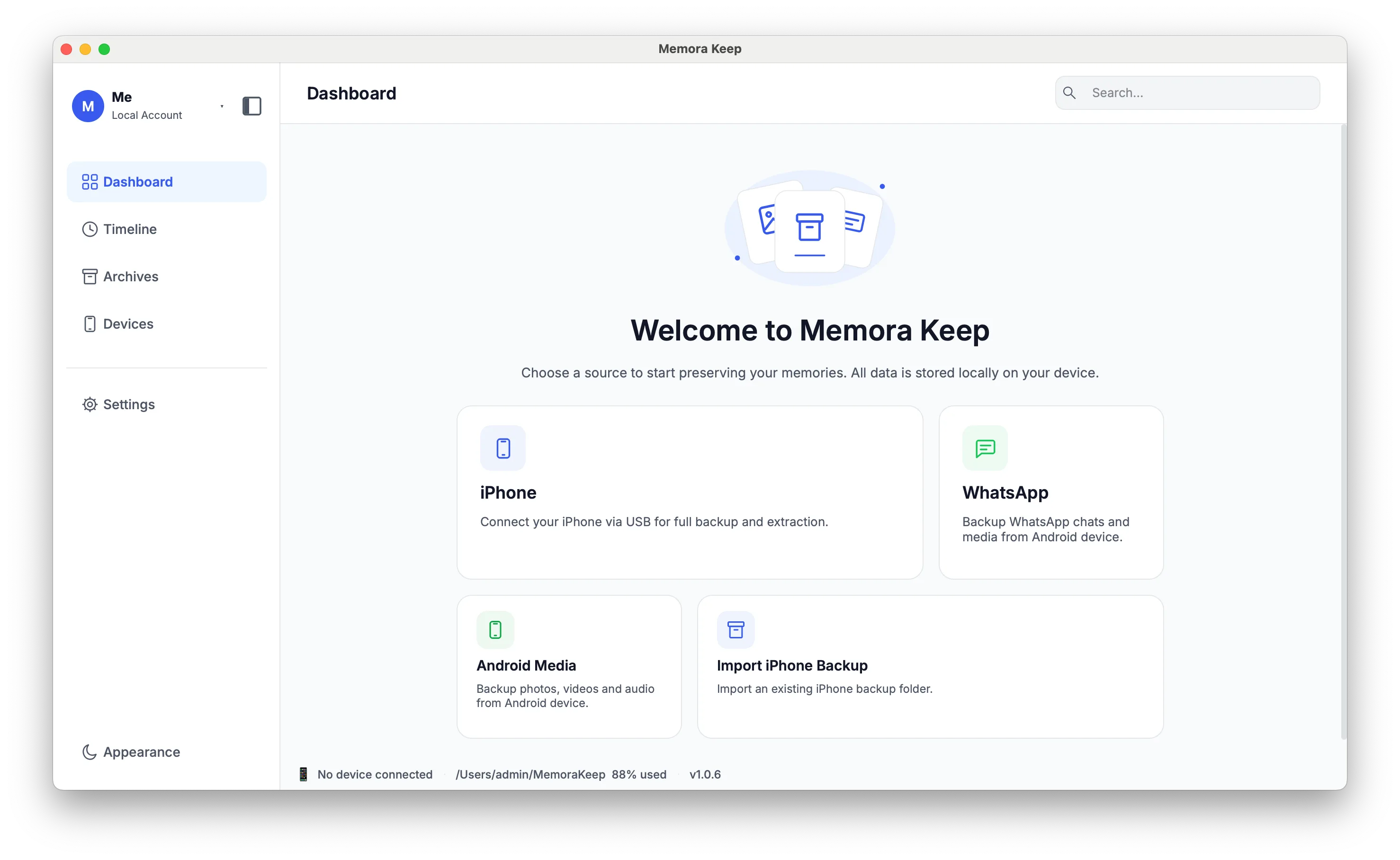
Guided tour
The four places you will spend your time
Every screen works against the same local archive, so moving between them never triggers a sync or an upload.
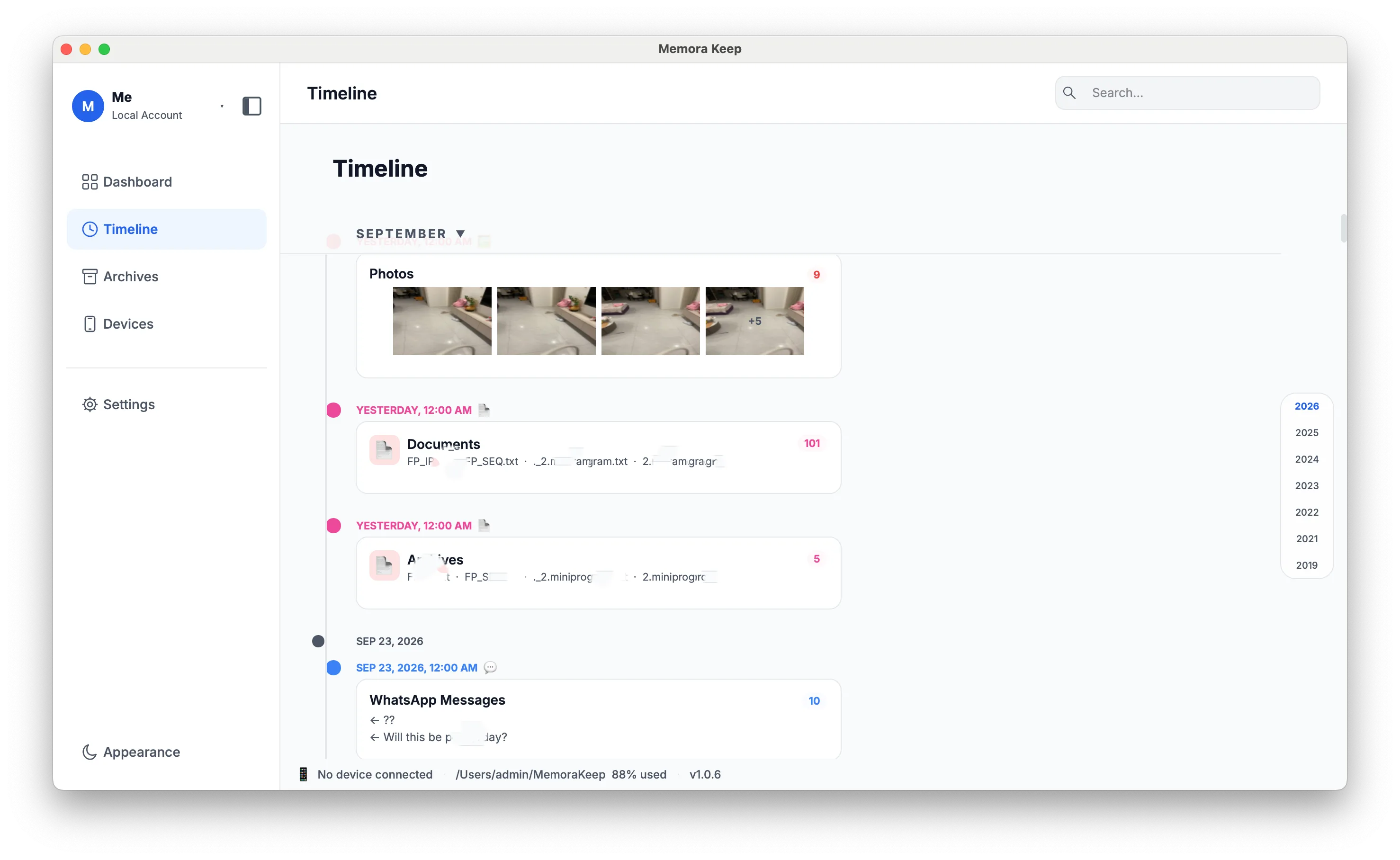
Timeline
Everything in one timeline
Chats, photos, video, audio, documents, calls, SMS, contacts and browsing history are mixed into a single view, grouped by year, month and day.
- Filter by data type without losing your place
- Open an item to view its details, export it or delete it
- Browse by year, month or day
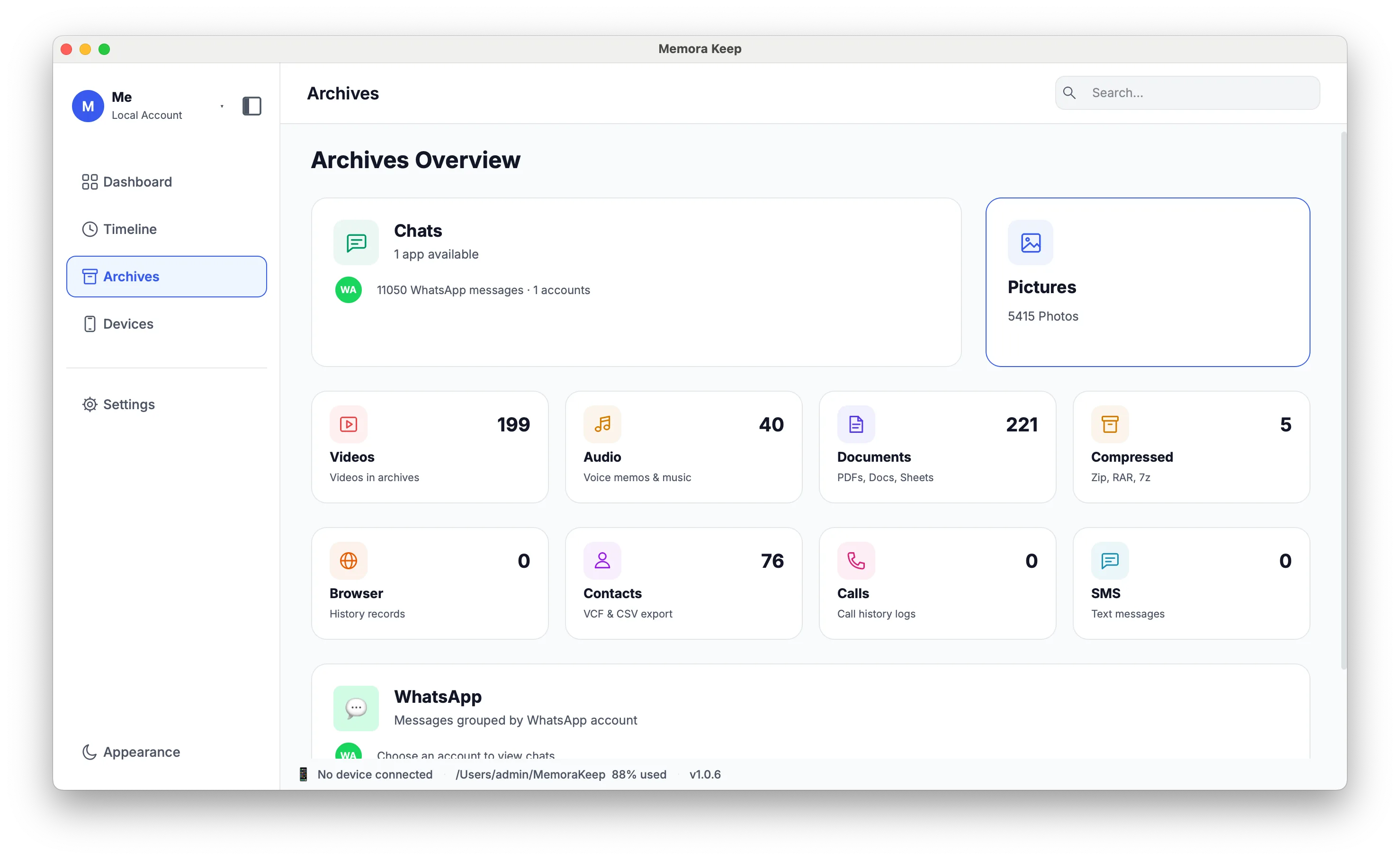
Archives
A category for every kind of data
Each data type gets its own list, so you can go straight to what you are looking for instead of scanning the timeline.
- WhatsApp, SMS, Photos, Videos, Audio, Documents, Compressed, Contacts, Call History, Browser History
- WhatsApp accounts can be listed, viewed separately, merged with deduplication, or deleted
- Photos and video use a cached thumbnail grid so large libraries stay responsive
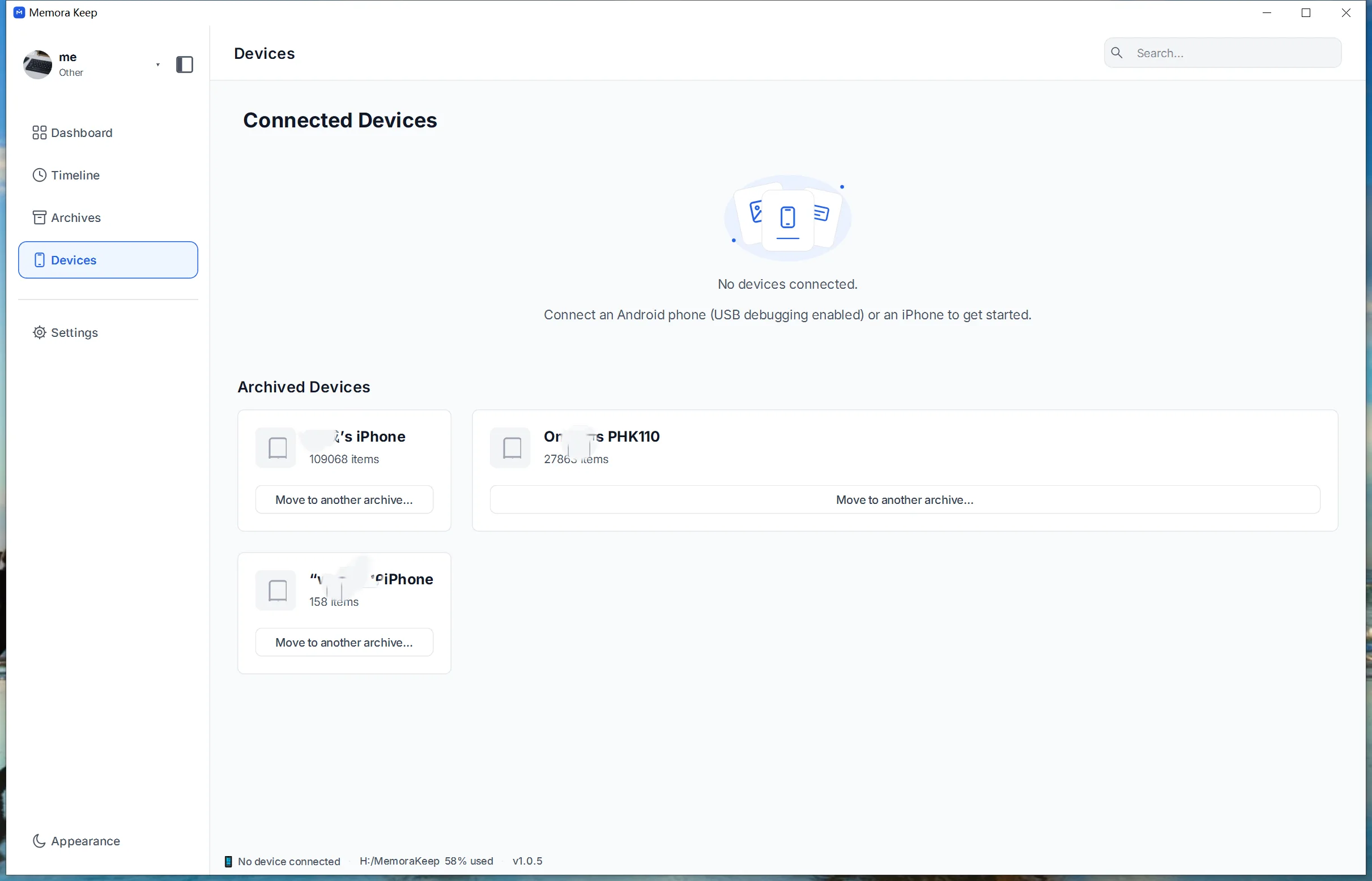
Devices
Know what came from where
Every device you have backed up, when it was last backed up and how much space it took — plus a running record of past backups.
- Connected devices and their last backup time and size
- Backup history per device
- A status bar showing device connection state and storage usage
Settings
Choose the settings that suit you
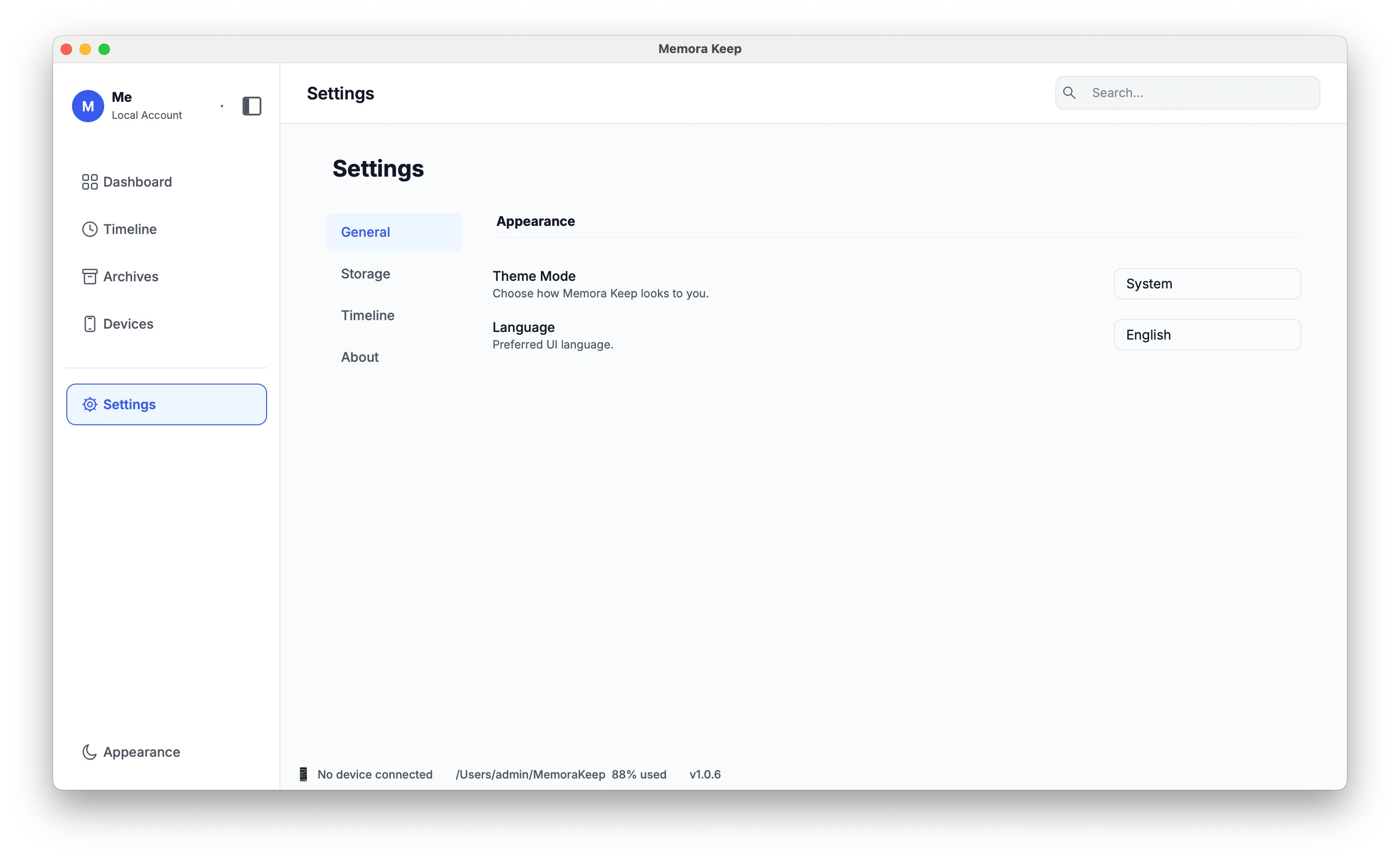
Choose your storage folder and language during setup. You can also adjust the theme and timeline colors.
- First-run configuration wizard and storage directory
- Interface language
- Light and dark themes, plus colors for timeline event types
Capability matrix
Supported data and export formats
The archive is built from a full iPhone backup and from Android media and WhatsApp backups. Only the data types listed here are parsed into it.
| Data | iPhone backup | Android backups | Export |
|---|---|---|---|
| WhatsApp chats & media | Supported | Supported | HTML, CSV, PDF |
| Text messages (SMS) | Supported | Not supported | CSV |
| Call history | Supported | Not supported | CSV |
| Contacts | Supported | Not supported | VCF |
| Notes & calendar | Supported | Not supported | No dedicated export yet |
| Voice memos & voicemail | Supported | Not supported | No dedicated export yet |
| Browser history | Supported | Not supported | CSV |
| Bookmarks | Supported | Not supported | No dedicated export yet |
| Photos & videos | Supported | Supported | Original files |
| Music & audio files | Not supported | Supported | Original files |
| Documents & archives | Not supported | Supported | Original files |
Document and compressed-file browsing currently supports Android media backups. Files included in an iPhone backup remain in the original backup but are not yet browsable in the archive. Media exports can be grouped into folders by device.
Platforms
Windows and macOS
On either platform, your archive stays on your computer. Browsing and exporting do not require a connection to our servers.
- Supported systems Windows 10 or 11 (64-bit) · macOS
- Storage A folder on your own disk for the backup and the archive
- Connection A USB cable that supports data transfer (not charge-only)
- Account None required — no sign-in, no subscription
- Network Internet is needed to download and install. Backup, browsing and export work offline
See the download page for published system requirements and available release details.
Related
Keep reading
- Directory All features The full feature list, grouped into six areas, with what is available now. Read
- Feature iPhone backup What a full-device backup captures, and the checks that run before it starts. Read
- Download Download and requirements Windows and macOS downloads, system requirements and available release details. Read
Start your own local archive
Free, with no account or subscription. Your archive stays on your computer.
Windows & macOS · Free