Personal media timeline
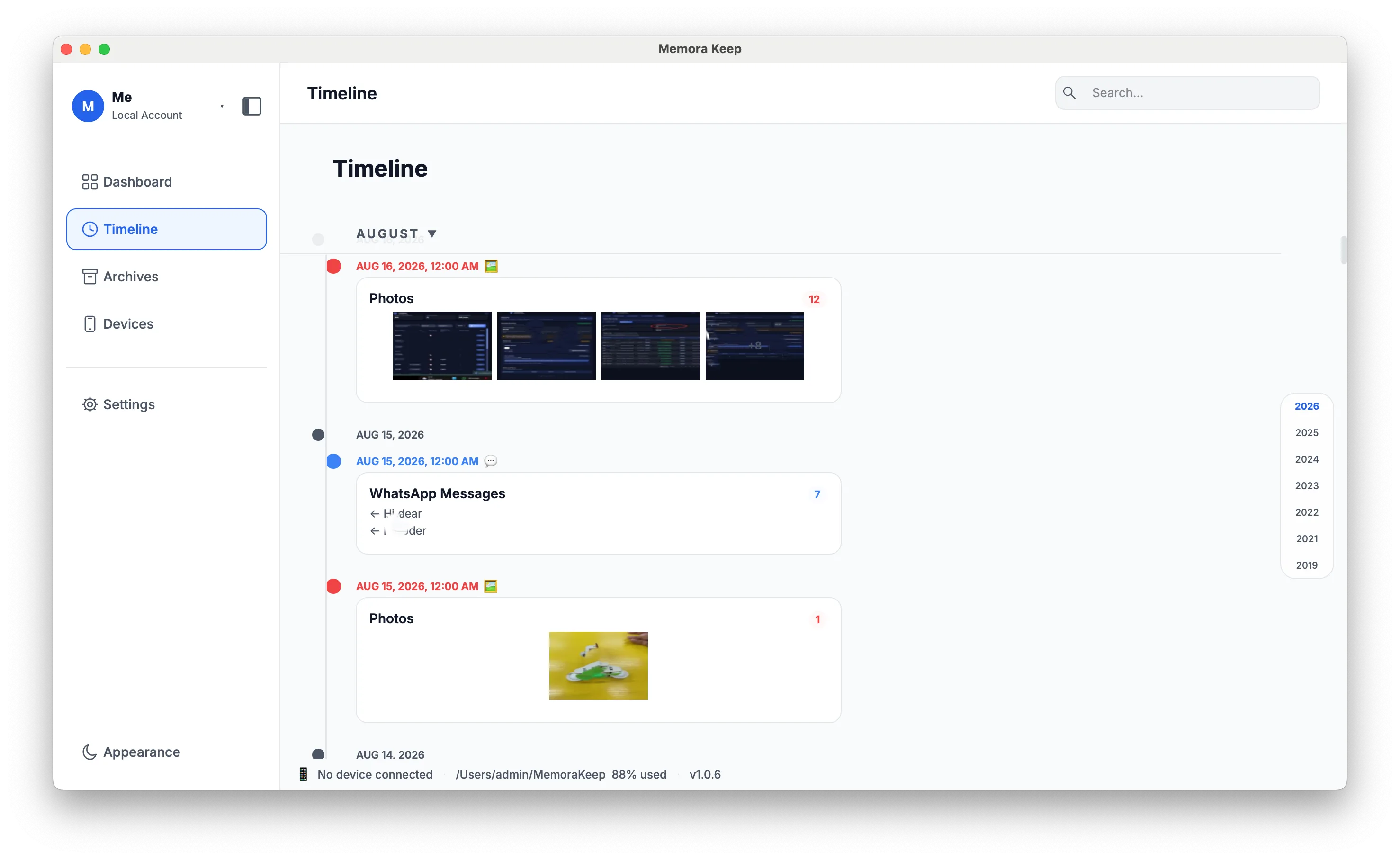
Browse imported chats, photos, videos, audio, documents and calls together by date.
Windows & macOS · Free · No account required
Why it matters
The problems this solves
How this feature helps you keep and use your phone data.
-
One event, scattered across apps
A single day can leave traces in messages, photos, calls and browser history at once. The timeline brings those traces into one stream instead of many.
-
Which app did this come from?
When something is remembered later, its source is often forgotten. Each entry keeps its type, so the origin stays visible.
-
Losing the sense of when things happened
Scattered files carry timestamps but no shared context. A year, month and day view restores the order in which things happened.
How it works
How to use it
- 1
Bring imported data together
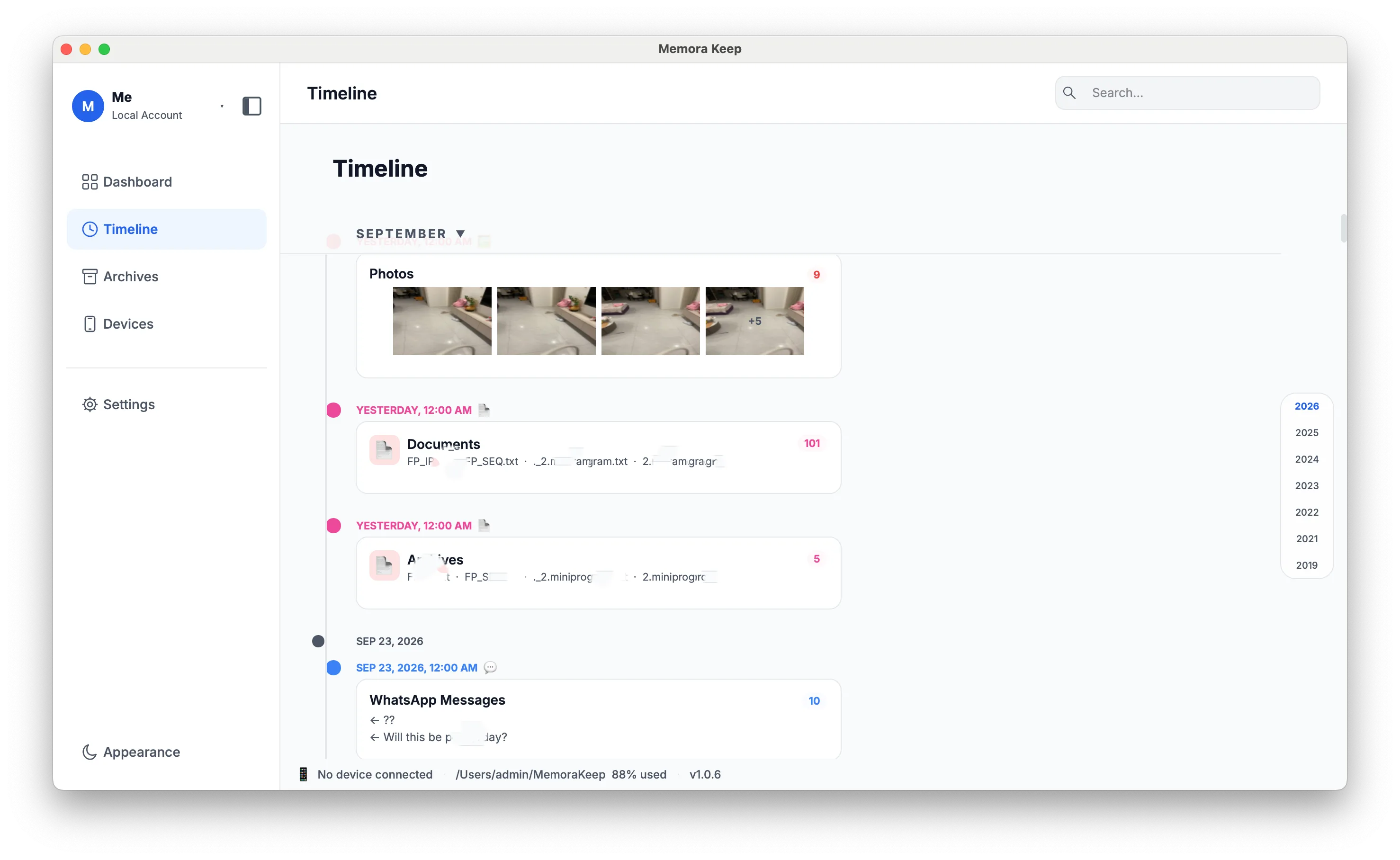
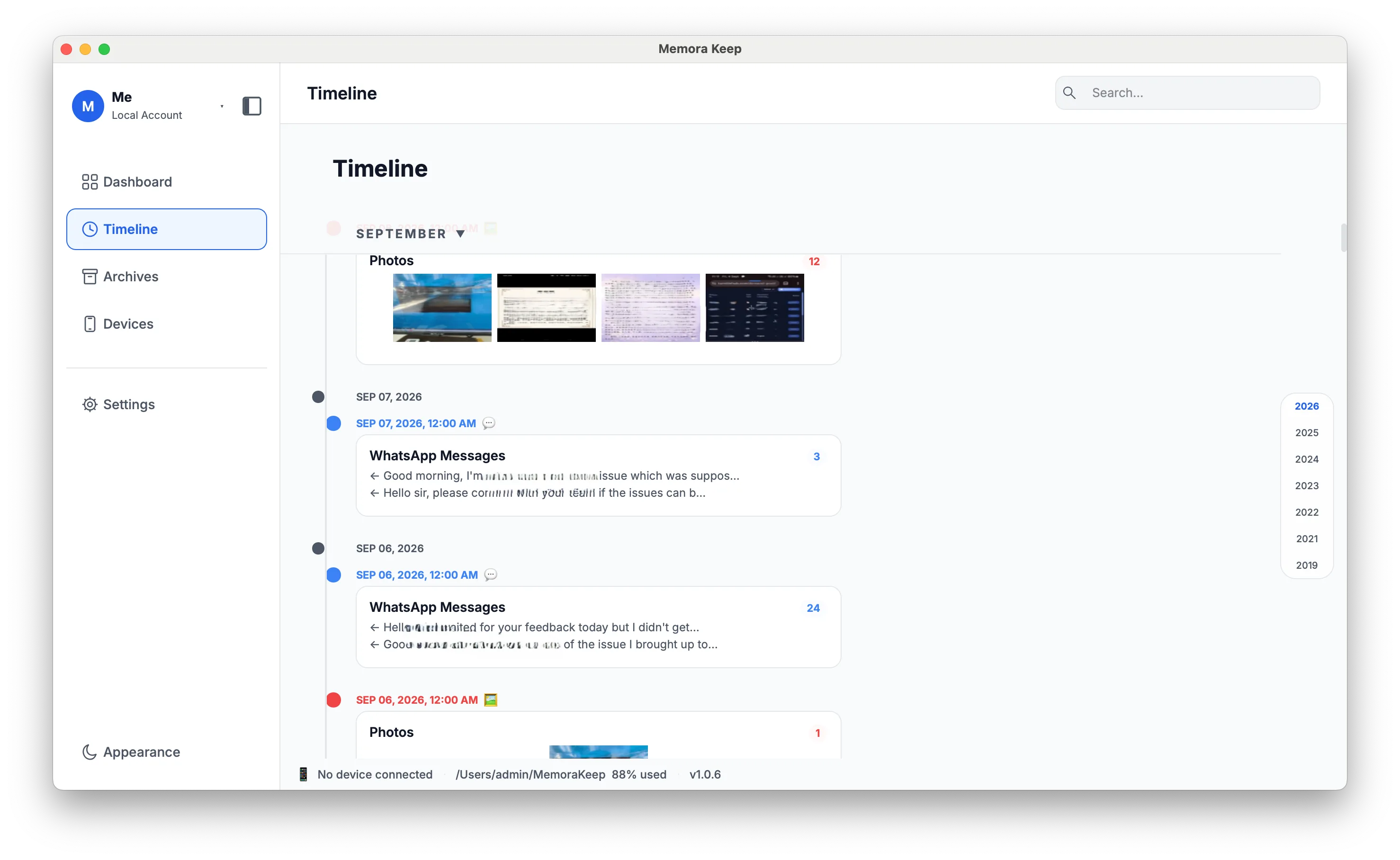
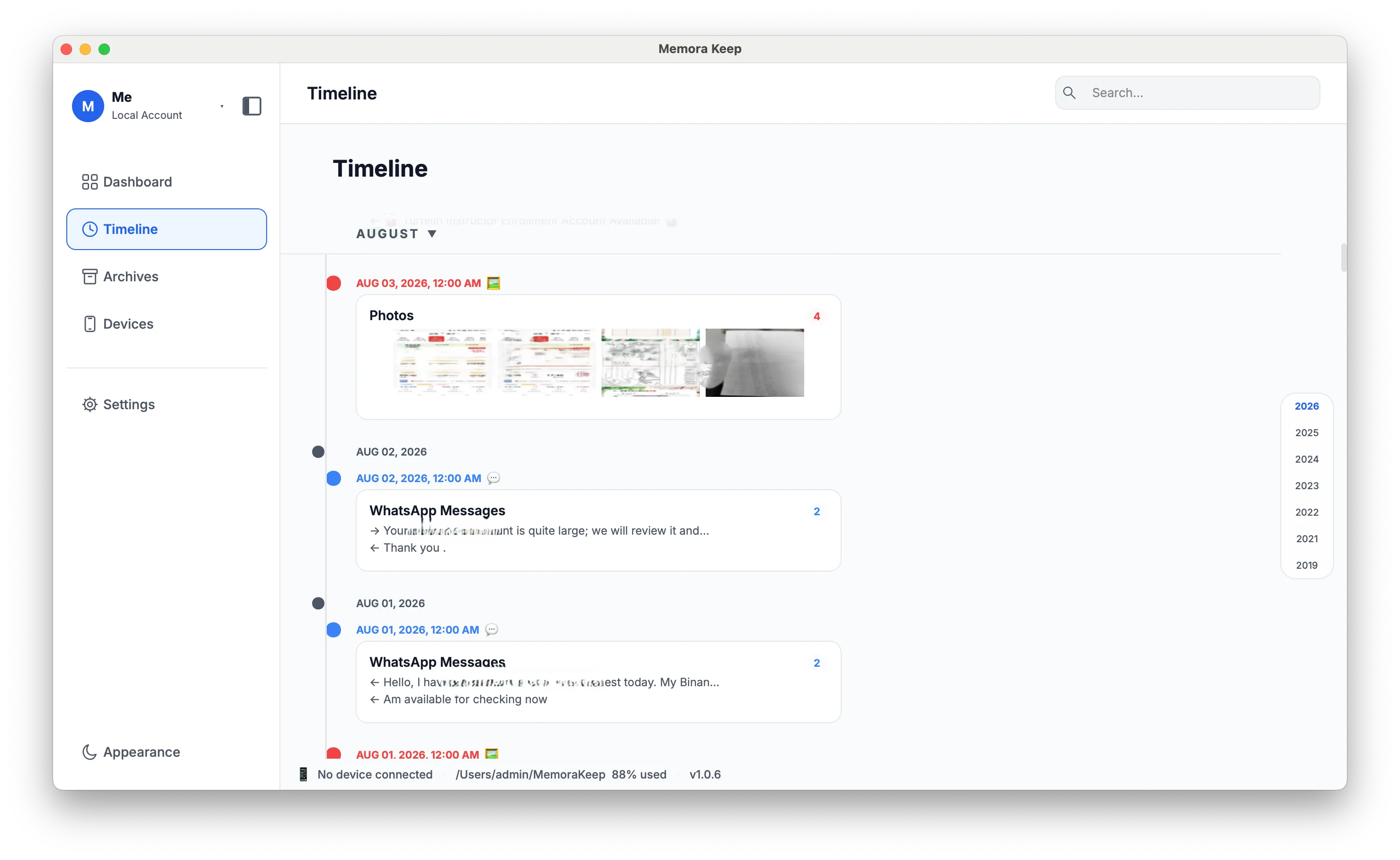
Imported items appear together in the timeline, grouped by year, month and day.
- 2
Filter by type
Type filtering narrows the stream to chats, photos, videos, audio, documents, calls or browser history.
- 3
View details, export or delete
Each item opens a detail popup, and export or delete can be applied from the timeline.
Capabilities
What you can do with it
In the app
Screenshots
Your archive stays on your computer
Save backups, chats and media in a folder you choose. Memora Keep does not upload your archive, and you can browse and export it offline without an account.
- No account and no sign-in required
- Backups, chats and media are never uploaded
- Diagnostics stay local unless you choose to send them
- Backups and the archive stay readable offline
FAQ
Personal media timeline questions
What appears in the timeline?
Chats, photos, videos, audio, documents, calls, SMS, contacts, browser history and other parsed data, mixed in one stream.
Can I hide the types I do not need?
Yes. Type filtering limits the stream to the selected data types.
Can I act on an item from the timeline?
Yes. Detail popups show the item, and export or delete are available from the timeline itself.
Which time grouping is used?
The view is organized by year, then month, then day.
Related
Keep reading
- Feature Photo library Browse backed-up photos by category, view them full screen, check photo details and export selected images. Read
- Feature Video library Find backed-up videos by thumbnail, sort and play them in the app, and export several clips at once. Read
- Feature Messages viewer Read SMS from an iPhone backup on your computer, browse by conversation, and export messages to CSV. Read
Start your own local archive
Free, with no account or subscription. Your archive stays on your computer.
Windows & macOS · Free