Browse backed-up videos on your computer
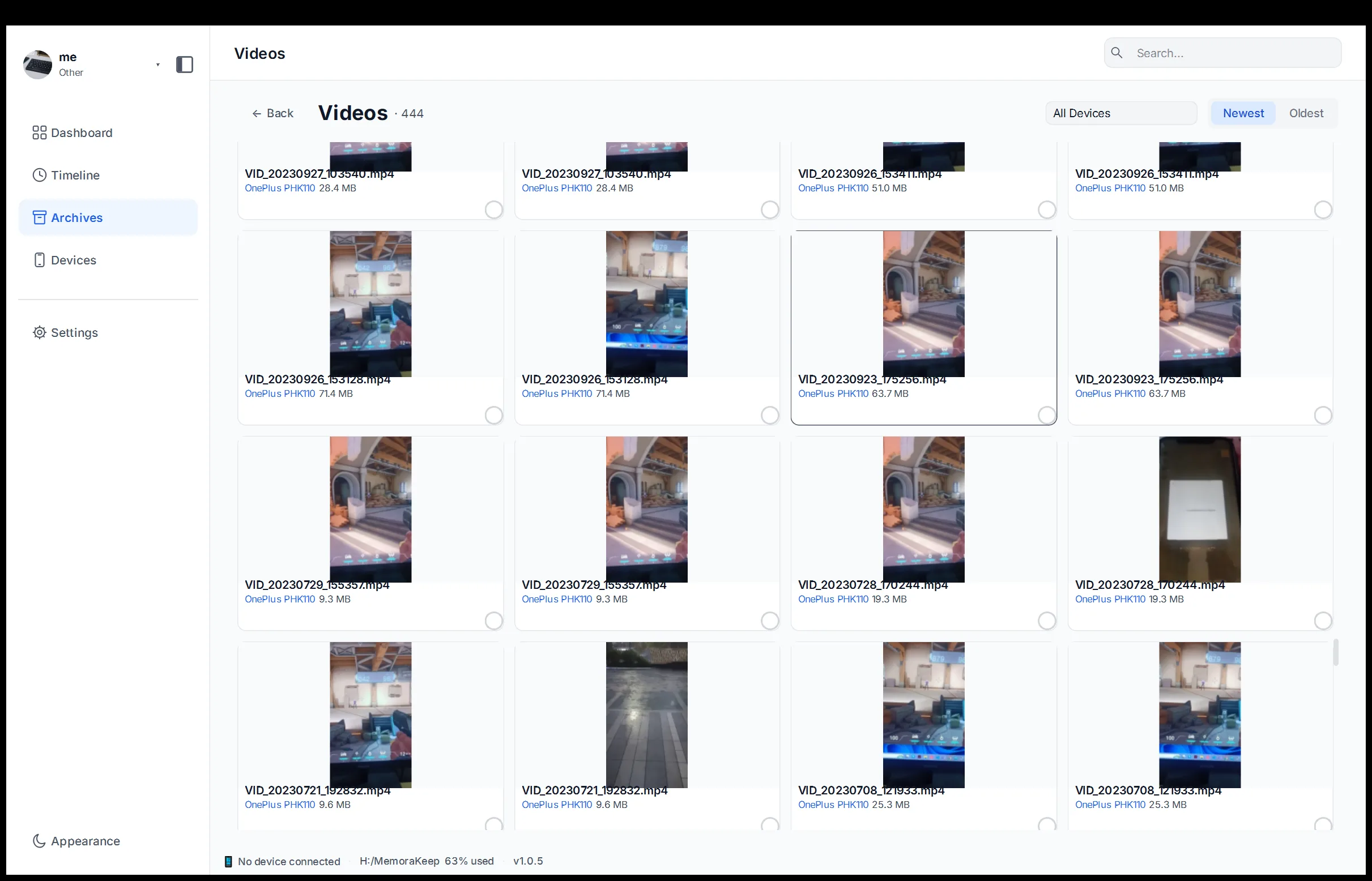
Videos from a phone backup, shown as first-frame thumbnails you can preview and export from your computer.
Windows & macOS · Free · No account required
Why it matters
The problems this solves
How this feature helps you keep and use your phone data.
-
Videos can take up a lot of space
Copy videos to your computer to review them on a larger screen. Backing up does not free phone storage; check your copies before removing anything from the phone.
-
No preview before exporting
Exporting blind means copying files that may not be the ones needed. The library plays a video in the app before anything is exported.
-
Videos get lost among photos
Inside a mixed media folder, video files are easy to overlook. A dedicated library keeps them in their own list with thumbnails.
How it works
How to use it
- 1
Import the media
Videos arrive from a phone backup or an Android media backup and are indexed into the library.
- 2
Sort and scan
Each file is shown with a first-frame thumbnail, and the list can be sorted before anything is opened.
- 3
Play, then export
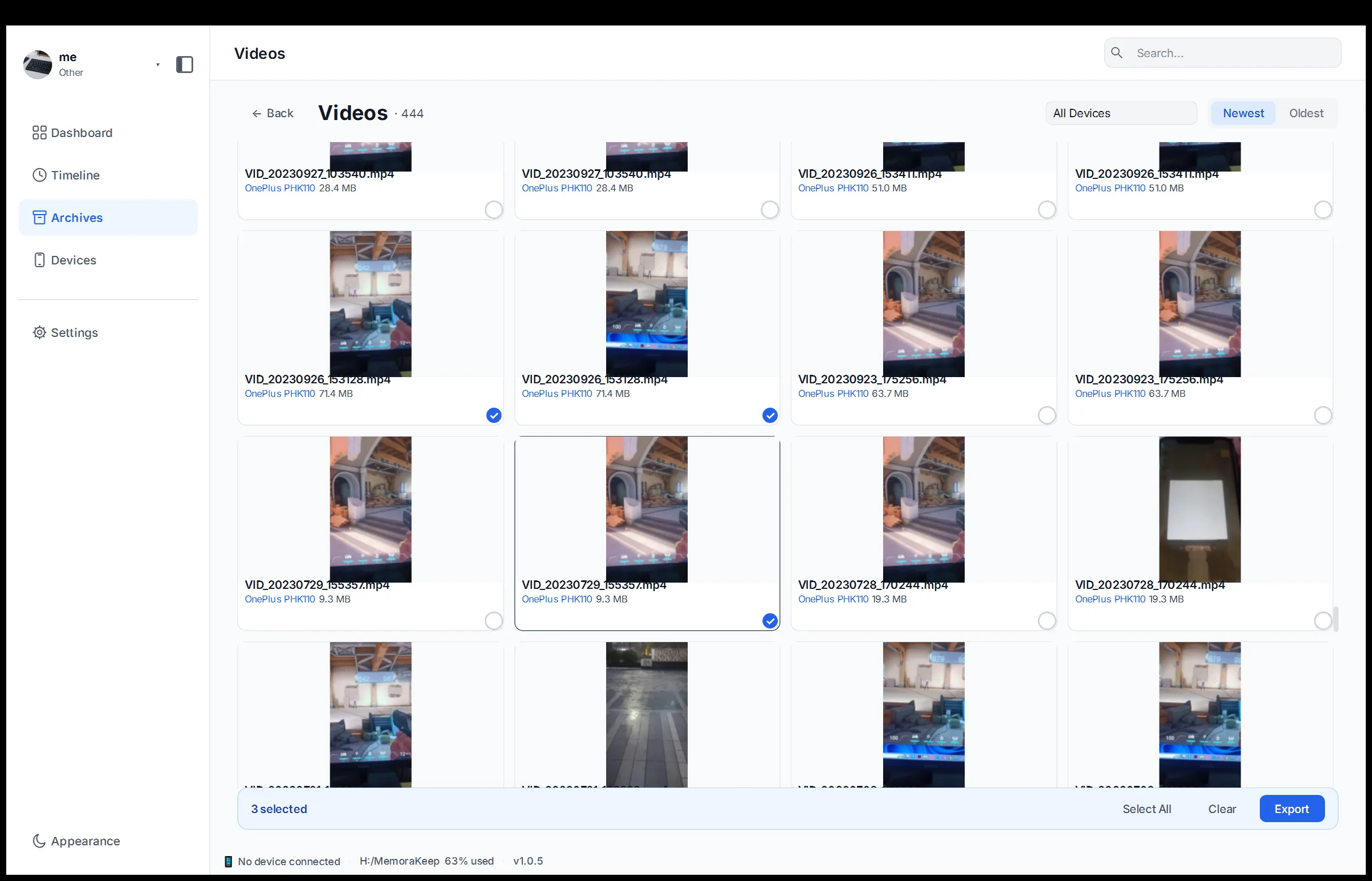
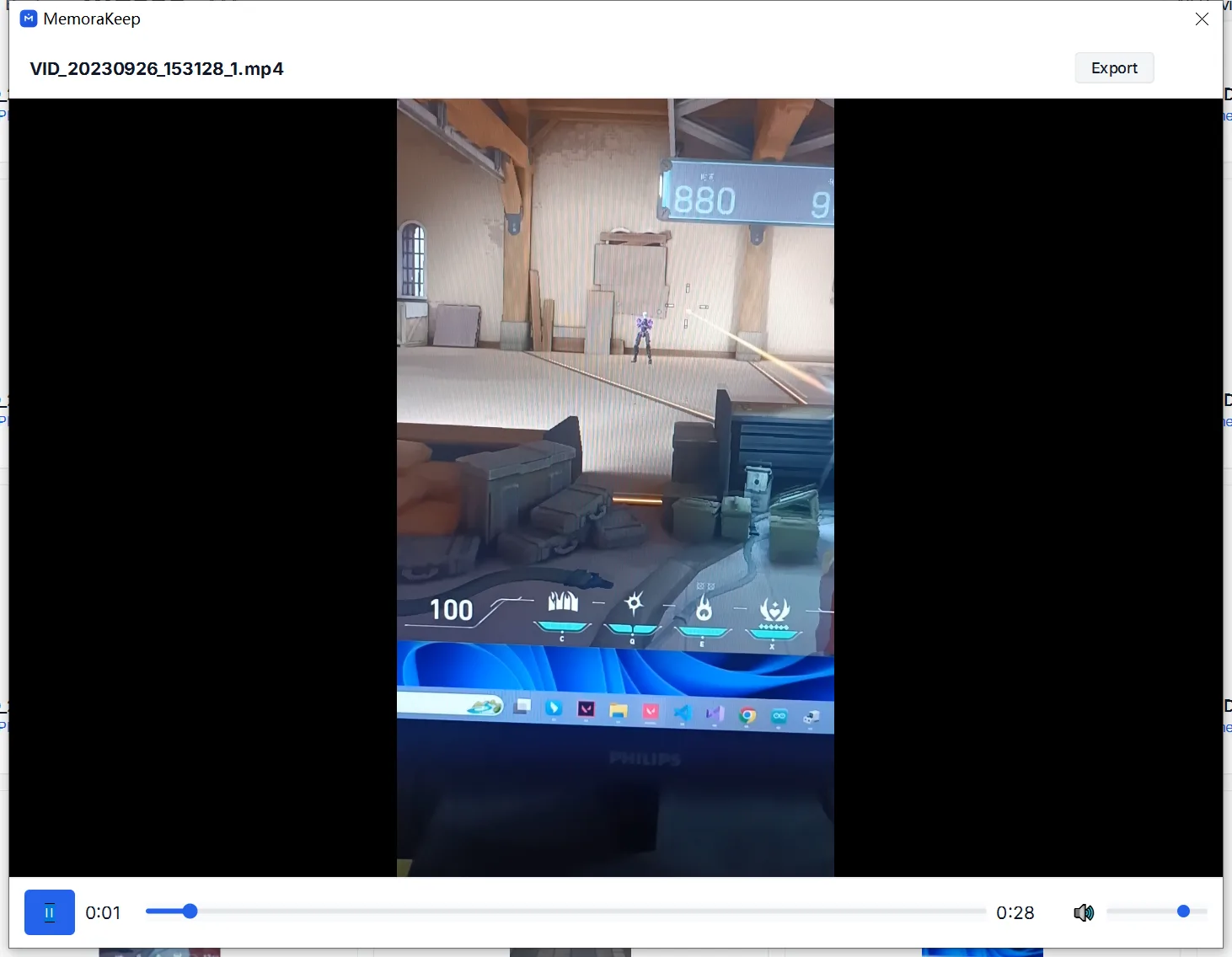
The app plays a video in place, and multi-select export copies the chosen files to a folder.
Capabilities
What you can do with it
In the app
Screenshots
Your archive stays on your computer
Save backups, chats and media in a folder you choose. Memora Keep does not upload your archive, and you can browse and export it offline without an account.
- No account and no sign-in required
- Backups, chats and media are never uploaded
- Diagnostics stay local unless you choose to send them
- Backups and the archive stay readable offline
FAQ
Browse backed-up videos on your computer questions
Can I watch a video before deciding to export it?
Yes. The library plays video in the app, so a clip can be checked before it is copied anywhere.
How are videos identified in the list?
Each entry uses a first-frame thumbnail, so the list reads as images instead of file names.
Where can exported videos go?
Multi-select export copies the chosen files to a folder you specify on your own disk.
Does playback modify the original?
No. Playback reads the stored file, and the copy in the archive is left untouched.
Start your own local archive
Free, with no account or subscription. Your archive stays on your computer.
Windows & macOS · Free