Read WhatsApp messages on your computer
Read backed-up WhatsApp conversations on your computer, search within an open chat, and view its photos and videos.
Windows & macOS · Free · No account required
Why it matters
The problems this solves
How this feature helps you keep and use your phone data.
-
Reading a long thread on a small screen
A conversation that spans years is awkward to scroll through on a phone. On a computer the same thread is easier to read and to move through.
-
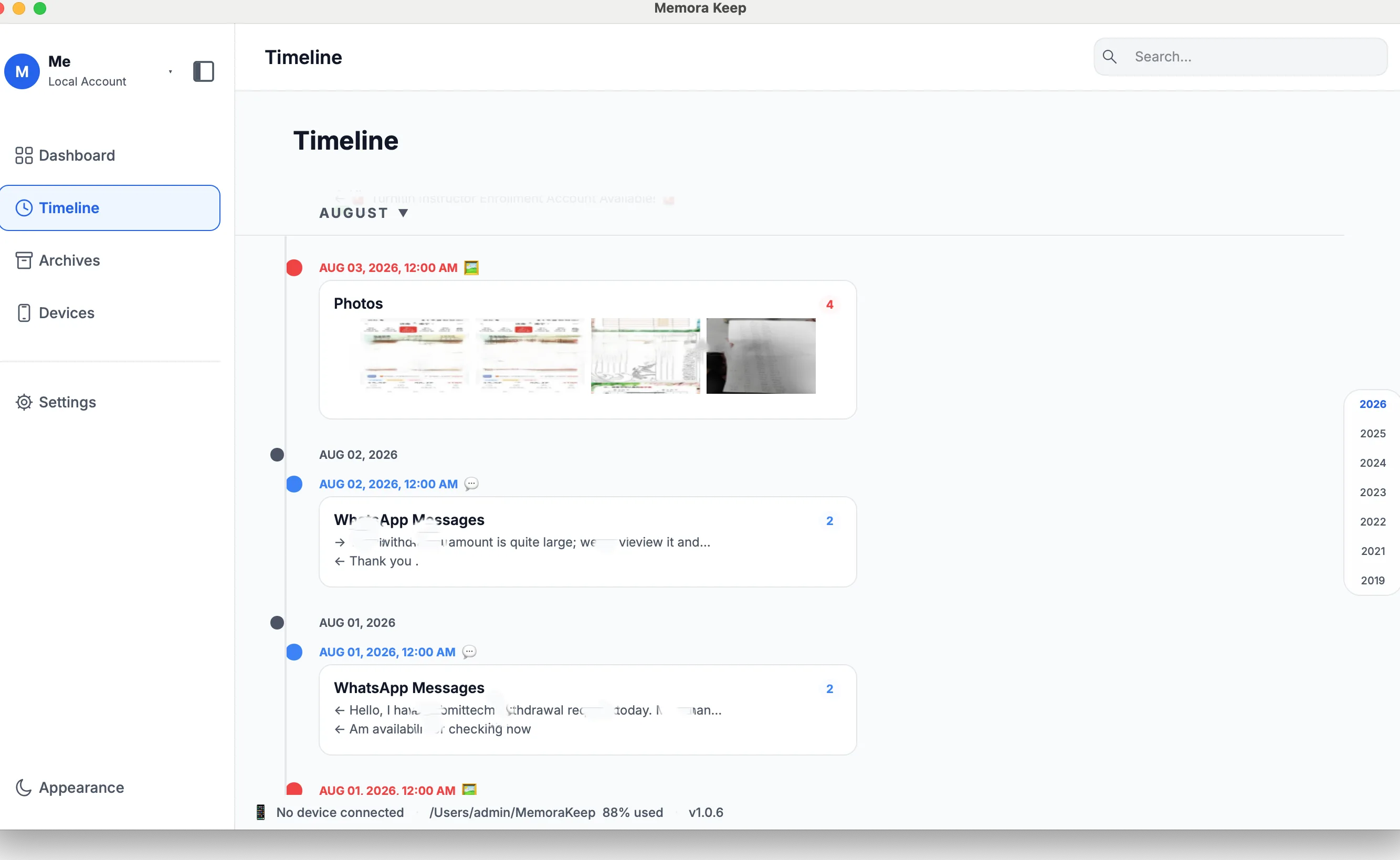
Finding one message in years of history
Search within an open conversation and jump straight to a matching message.
-
Media that is hard to find again
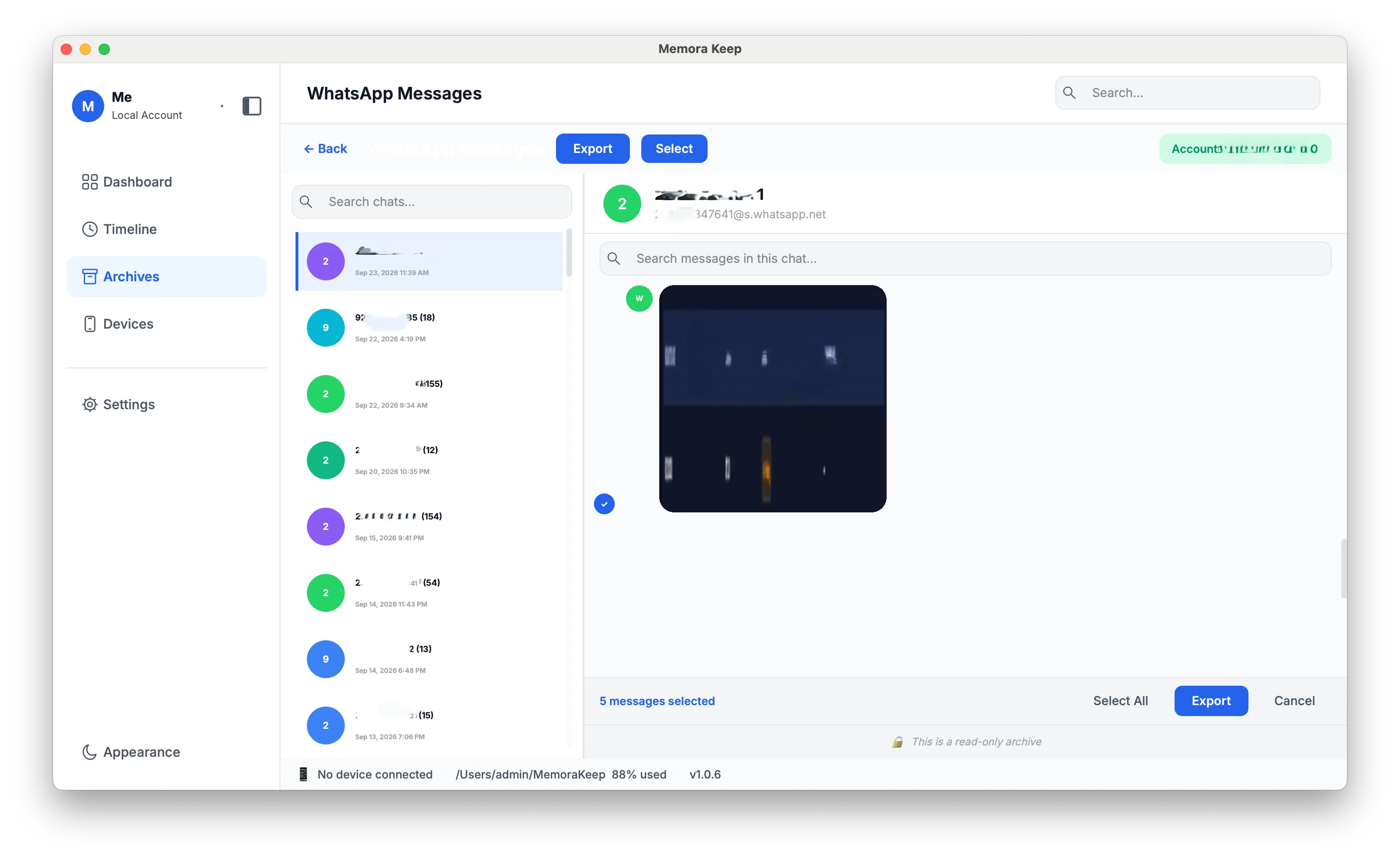
Photos and videos sent in a chat are buried among everything else. In the viewer they preview and play next to the messages they came with.
How it works
How to use it
- 1
Open a conversation
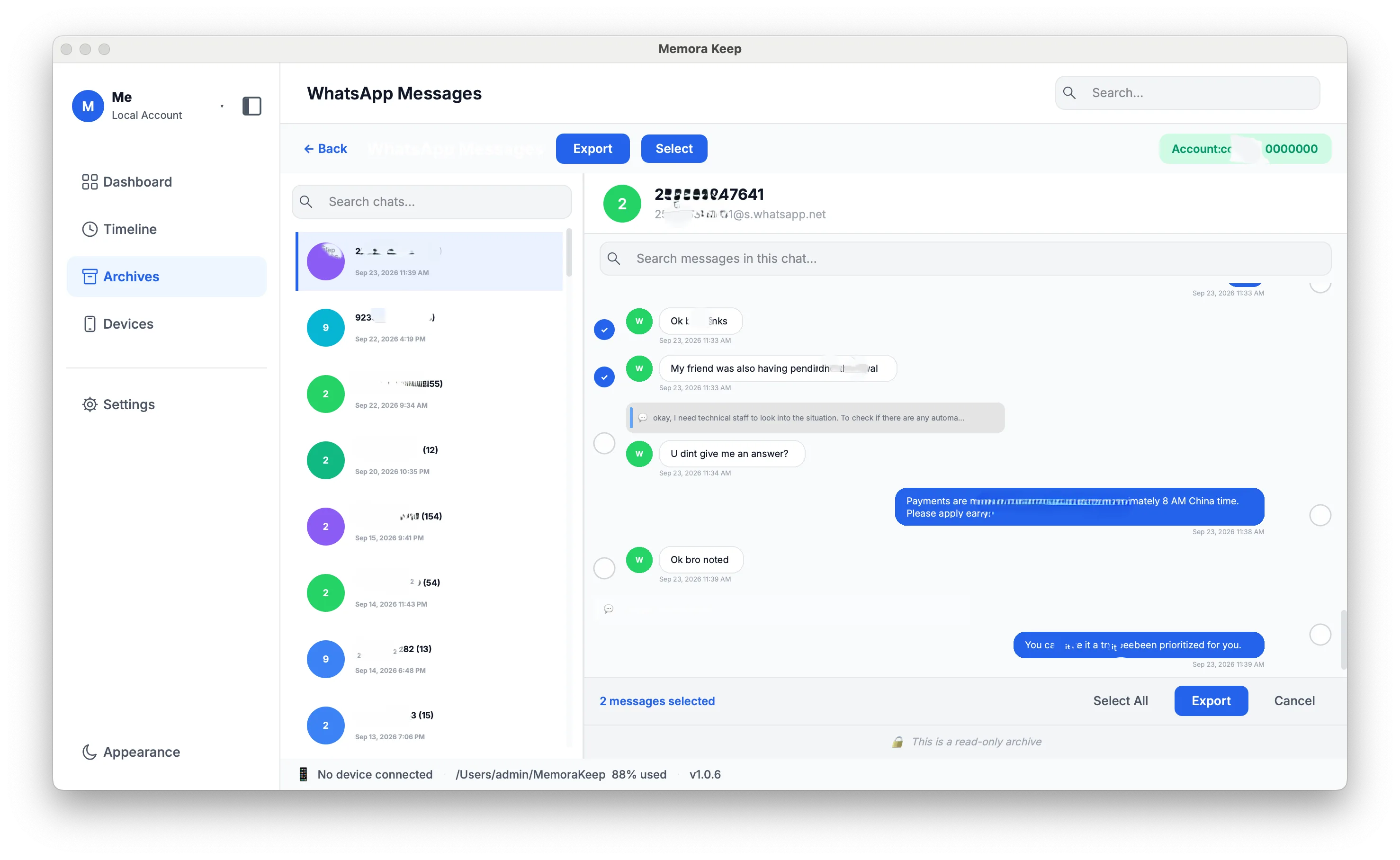
Real data from the archive is rendered as conversation bubbles, under the account it belongs to.
- 2
Move through history
Scroll up to load earlier messages and down to load newer ones.
- 3
Search, preview, select
In-chat full-text search jumps to the matching message, images and videos preview in place, and messages can be multi-selected.
Capabilities
What you can do with it
In the app
Screenshots
Your archive stays on your computer
Save backups, chats and media in a folder you choose. Memora Keep does not upload your archive, and you can browse and export it offline without an account.
- No account and no sign-in required
- Backups, chats and media are never uploaded
- Diagnostics stay local unless you choose to send them
- Backups and the archive stay readable offline
FAQ
Read WhatsApp messages on your computer questions
Can I search all of my WhatsApp history at once?
No. There is no global search yet. Search works only inside the conversation that is open.
How do I find a message in a chat?
Use the search inside an open conversation to find matching text and jump to the message.
Can I manage several WhatsApp accounts?
Yes. There is an account list, you can view by account, merge accounts with deduplication, and delete an account.
Can I select several messages?
Yes. Messages can be multi-selected in the chat view.
Related
Keep reading
- Feature WhatsApp backup Back up WhatsApp and WhatsApp Business chats and media from a phone, and read them in a local archive. Read
- Feature Merge WhatsApp chats Combine chat histories from multiple different WhatsApp accounts into one account in your local archive, and remove duplicate messages. Read
- Feature WhatsApp transfer to iPhone Transfer WhatsApp data from your local archive to an iPhone with Memora Keep for Windows and macOS. Read
Start your own local archive
Free, with no account or subscription. Your archive stays on your computer.
Windows & macOS · Free