Local-first
Own your memories, not a subscription
Memora Keep is built around one idea: the data you care about should live on hardware you control, in formats you can still open years from now. That is a different promise from renting space in someone else's cloud.
Windows & macOS · Free · No account required
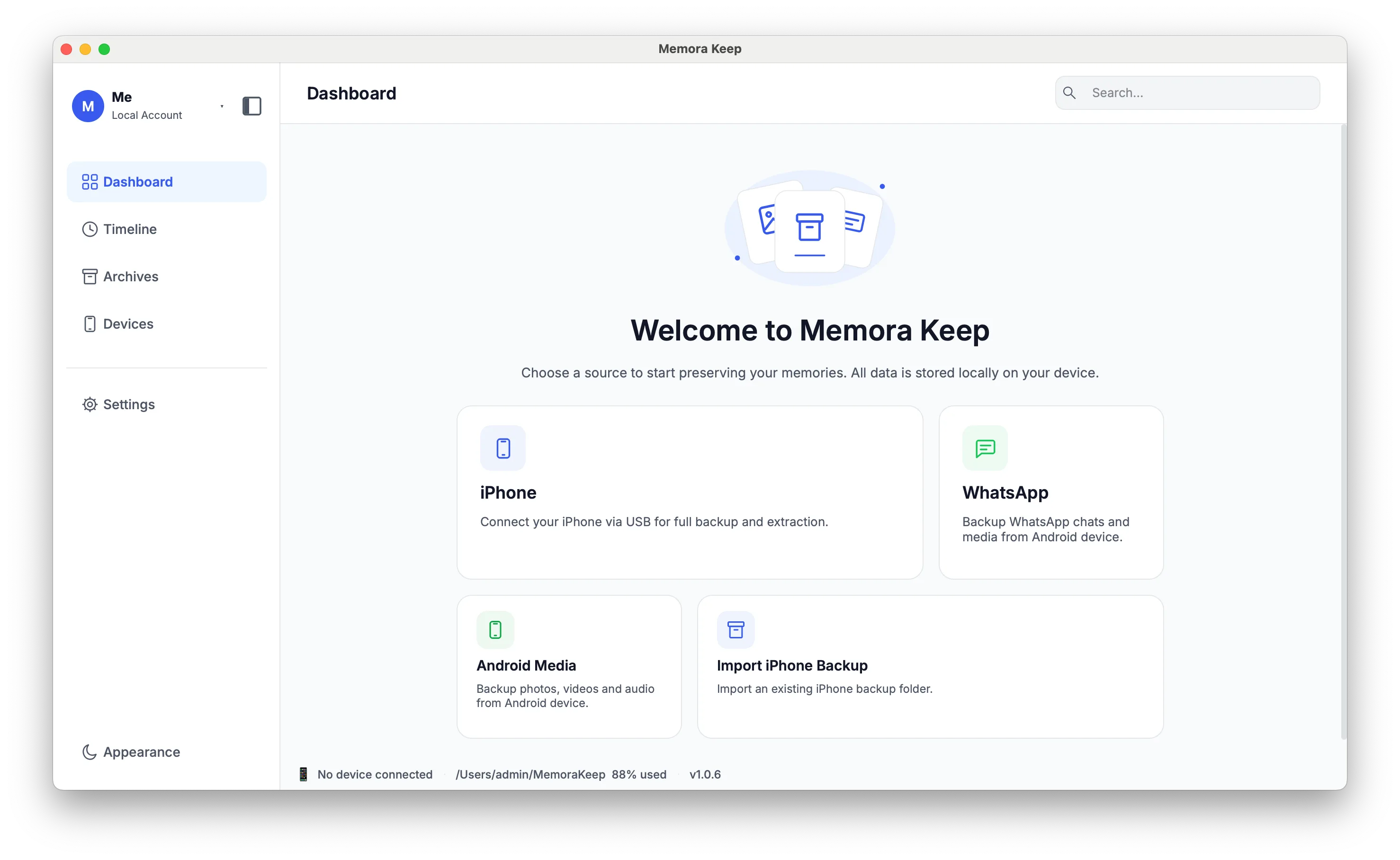
The difference
Local archives and cloud services
Compare where your data is stored, how you access it and how you can share a copy.
A cloud-dependent archive
Memora Keep, local-first
Where your archive lives
On the storage provider’s servers, with access managed through its service.
In a folder you choose on your own disk: a local SQLite archive with your backups and media stored alongside it, by type and by device.
What you need to keep access
An active account, and whatever the provider requires to keep the service running.
Nothing from us. There is no account and no sign-in, so there is no service that can lock you out of your own archive.
Getting your data back out
Whatever export the provider offers, in the formats the provider chooses.
Open formats you can open elsewhere: WhatsApp as HTML, CSV or PDF; texts, calls and browser history as CSV; contacts as VCF; media as the original files.
Reading it years later
Access depends on the provider’s service, account terms and any copies you download.
The archive and its exports are ordinary files in open formats. The app is free, so there is no subscription to lapse before you can open your own data.
Passing it on
Sharing and account handover depend on the provider’s options and policies.
You can share exported files without a Memora Keep account. Automatic archive handover is a future goal and is not available today.
Ads and tracking
Advertising and tracking practices vary by provider; check the service’s privacy policy.
No ads and no third-party tracking. There is no product analytics by default, and the crash reporter and log stay on your computer unless you choose to send them.
The left column describes what depending on a remote service generally means. The right column describes how Memora Keep works today, as documented for version 1.
What it means
The choices that follow from local-first
None of this is a setting you switch on. It is how the app is put together.
- Local-first is how it is built The archive is not a local copy that has to sync back to a server. Backups, media and the parsed database are written to your chosen folder, and the WhatsApp full-text index is built on the same computer.
- Your data leaves in open formats Export supported data: WhatsApp to HTML, CSV or PDF; SMS and call history to CSV; contacts to VCF; and media as original files.
- Built to be readable, not renewed Browse your archive offline without an account or subscription. Keep exports and a separate backup of important files for long-term access.
- Files you can share Share exported chats, photos and contacts in formats other apps can open. Automatic archive handover and tools for choosing who receives data are not available yet.
- Private, and honest about the limits No ads and no third-party tracking. The app does keep a crash reporter and a log, but they are written to local files and are not uploaded unless you decide to send them.
- Encryption is planned, not shipped Encrypting the archive is on a later phase of the roadmap. Until it ships, protect the folder with your operating system’s disk encryption, the same as any other file you care about.
Your archive stays on your computer
Save backups, chats and media in a folder you choose. Memora Keep does not upload your archive, and you can browse and export it offline without an account.
- No account and no sign-in required
- Backups, chats and media are never uploaded
- Diagnostics stay local unless you choose to send them
- Backups and the archive stay readable offline
The full wording, including the crash reporter and the log, is in the Privacy Policy and the security page.
Related
Keep reading
- Feature iPhone backup What a full-device backup captures, and the checks that run before it starts. Read
- Directory All features Every capability, grouped by area, with what is available now and what is planned. Read
- Policy Privacy Policy Exactly what stays on your computer, and the two things that are written locally for diagnostics. Read
Start your own local archive
Free, with no account or subscription. Your archive stays on your computer.
Windows & macOS · Free